
Notch-style live surface
When idle, the macOS overlay matches the notch cutout; on Windows, it appears as a borderless, always-on-top pill centered at the top of the main display.

Notchcode is a desktop monitor for Claude Code and OpenAI Codex that shows active sessions in a MacBook-notch-style overlay on macOS and a top-center pill on Windows. It focuses on local session tracking, terminal jump-back, and on-device monitoring.
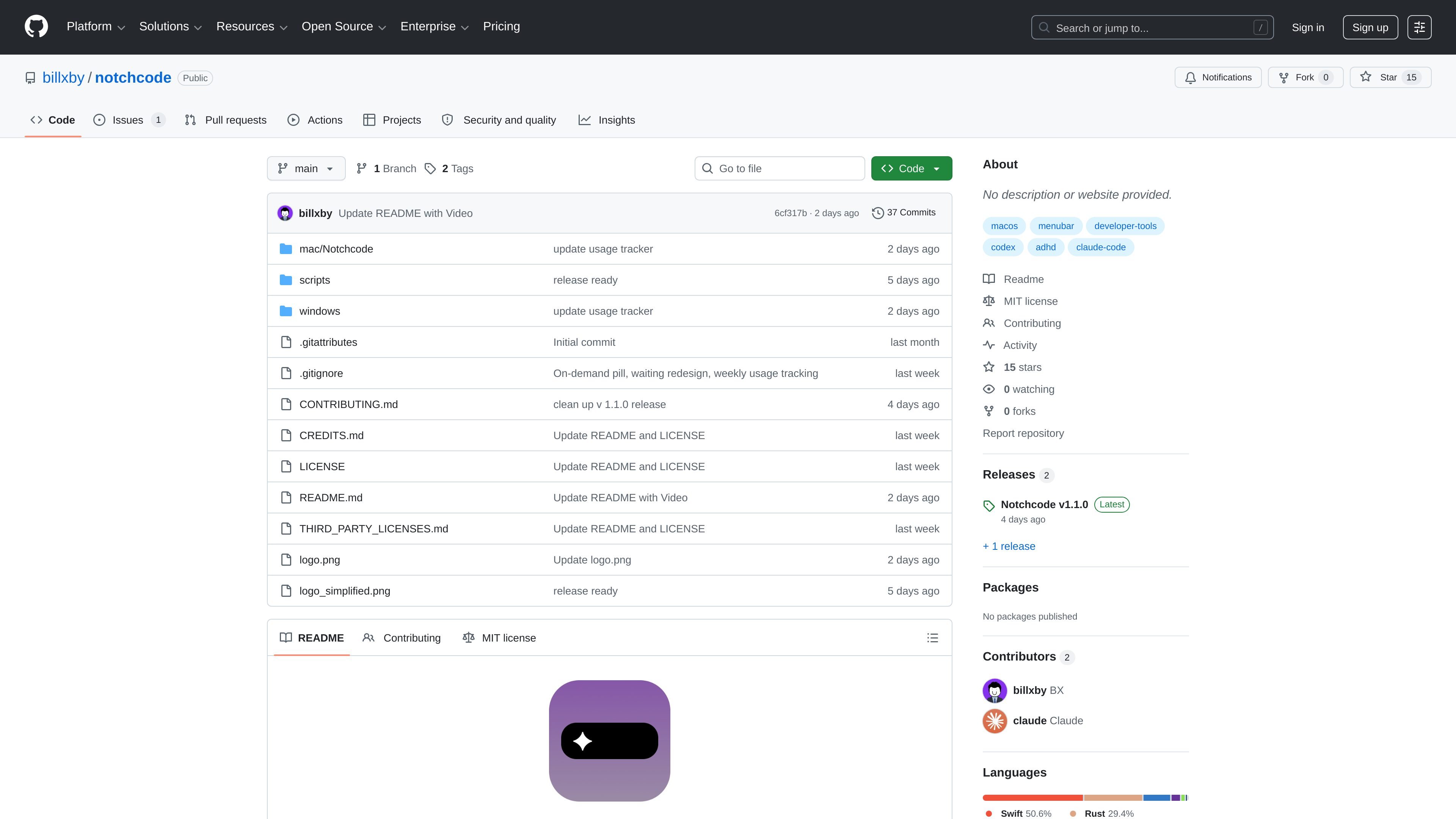
Notchcode is an ambient monitor for Claude Code and OpenAI Codex that lives in a MacBook notch-style overlay on macOS and a top-center status pill on Windows. It is designed to show active agent sessions without requiring users to switch away from their current workspace.
The project supports macOS 13+ and Windows 10 (1809+) / Windows 11. According to the README, it watches local session files and hook events, offers additive auto hook setup for Claude Code and Codex, and keeps everything on-device with no analytics, telemetry, or network calls beyond loopback.
When idle, the macOS overlay matches the notch cutout; on Windows, it appears as a borderless, always-on-top pill centered at the top of the main display.
Tracks multiple Claude Code sessions in real time through hooks, with a file-watcher fallback so sessions still appear if hooks are unavailable.
Monitors OpenAI Codex CLI sessions in the same pipeline and shows mixed Claude Code and Codex sessions side by side with CC/CD badges.
Lets you tap the notch to focus the relevant terminal when Claude is waiting on a permission prompt.
Shows conversation history as a live-tailed session drill-down when you tap into an active session.
Tracks local token usage with a weekly budget and a quiet warning before you hit the limit, then ends sessions gracefully and detects crashed sessions automatically.
Useful for people who keep Claude Code or Codex sessions running in parallel and want a persistent, glanceable view of what is active without opening another app.
Helps when Claude pauses for permission or input, since one tap can focus the terminal that needs attention.
Supports users who want to monitor token usage locally and get a warning before a weekly budget is exceeded.
Fits workflows where both Claude Code and Codex are used in the same day and need to be distinguished clearly in the interface.
Works for users who want a local-only monitor that uses on-device data, hook events, and a fallback file watcher instead of cloud reporting.
It supports macOS 13+ and Windows 10 (1809+) / Windows 11, according to the README.
The README says it works with Claude Code and/or Codex CLI, and v1.1.0 added Codex CLI support.
On macOS, the project says you can download a signed and notarized DMG from Releases or build from source with Xcode 16+. On Windows, you can download the installer from Releases or build with the Tauri app in `windows/app`.
The README says it watches local session files and hook events, and that everything stays on your machine with no analytics, telemetry, or network calls beyond loopback.

ByteAsk is a terminal-first AI coding agent for C and C++ that edits repositories and verifies changes with the real compiler, debugger, sanitizers, and tests before showing a diff. It offers a free tier plus paid plans, with editor connectors and zero-retention handling described in the source.

CreateOS Sandbox is an isolated compute environment for running code and agent workloads inside Firecracker micro-VMs. It is designed for workflows that need machine-level isolation, private networking between sandboxes, and programmatic control through SDK, CLI, or MCP.

hob is an independent workspace for coding agents that keeps agent sessions, terminals, history, and follow-up work organized around the tools and providers you already use. It is aimed at developers who want local control over routing, history, and workspace structure rather than a bundled model stack.

Manta AI is an autonomous web app testing tool for teams that want to map application behavior, catch regressions, and generate tests without writing scripts or maintaining selectors. It works from a URL and supports plain-English test flows, run results with screenshots, and scheduled or deployment-triggered checks.

SonOf connects to your repo and PM tool, audits the codebase and surrounding product context, and turns approved work into shipped tickets with senior engineering review. It is aimed at founders and engineering leaders who need backlog help without hiring a full team immediately.

Ghost ist ein terminalbasierter KI-Assistent für Chats, Code-Generierung und Aufgaben direkt in der Kommandozeile. Mit kostenlosen Modellen, Linux, macOS und Windows. Open Source.