
Quick capture from the keyboard
Open a note panel with the keyboard, start typing, and close it without managing a separate window. The app is designed for quick capture rather than a full notes workspace.
Notchkin is a Mac notes app that lives in your MacBook’s notch or a notch-shaped panel on Macs without one. It focuses on quick local note capture, simple search, and basic formatting without cloud sync or accounts.
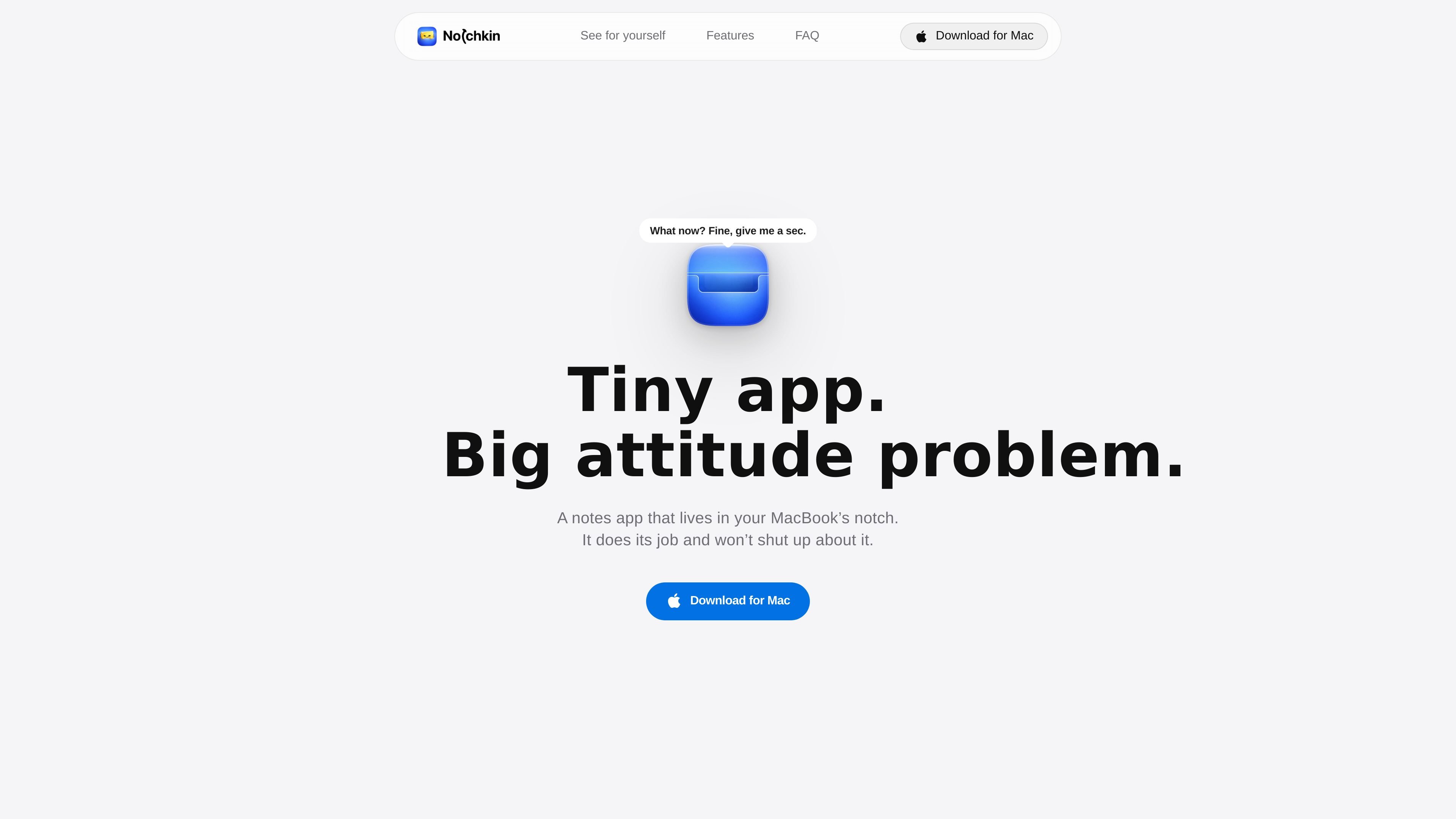
Notchkin is a Mac notes app that lives in the notch area of the screen or, on Macs without a notch, in a notch-shaped panel at the top of the display. It is built for fast note capture and simple local note management rather than a full-window workspace.
The app keeps notes on the Mac itself, supports keyboard-driven capture, clipboard-to-note creation, instant search with hashtags, and basic formatting tools. It also includes local backups, note pinning, sharing, duplication, and swipe navigation between notes.
Open a note panel with the keyboard, start typing, and close it without managing a separate window. The app is designed for quick capture rather than a full notes workspace.
Turn clipboard contents into a note with the clipboard shortcut, which is useful when you want to save something you already copied.
Use hashtags for lightweight organization and search across notes instantly instead of maintaining folders or categories.
Format notes with bold, italic, underline, strikethrough, checklists, bullet lists, and numbered lists.
Customize the appearance with five accent colors, three fonts, and three text sizes.
Keep notes local, navigate by swiping between notes, pin important items, share or duplicate notes, and restore from built-in backups when needed.
Capture a task, thought, or reference snippet without switching into a full notes app window. The shortcut-first flow is suited to fast, low-friction note taking.
Save something already on your clipboard, such as copied text or a snippet from another app, directly into Notchkin.
Keep short-form notes organized with hashtags and search when you do not want folders or a complex hierarchy.
Store notes on a single Mac and rely on local backups instead of cloud syncing when you want the data to stay on your machine.
Use the app across multiple connected monitors, with each display getting its own notch panel while sharing the same notes.
Yes. Notchkin includes a dedicated shortcut flow for quick capture, and it also supports clipboard-based note creation.
Yes. On Macs without a hardware notch, the app shows a notch-shaped panel at the top of the screen and keeps the same behavior.
Yes. The app supports Macs running macOS 14 (Sonoma) or later, including Intel and Apple Silicon systems.
Notes are stored locally on your Mac. There is no cloud sync, no account, and no built-in cross-device syncing.
Notes can be copied, shared, duplicated, and accessed from the notes folder in Finder. The app also creates daily backups on launch and keeps the last seven backups in a Backups folder.
MealTime ist Ihr persönlicher, offline-fähiger Rezeptbegleiter, der Ihnen hilft, Mahlzeiten zu speichern, zu organisieren, zu planen und intelligente Einkaufslisten zu erstellen, während Ihre Daten privat bleiben.

Goldfish is an AI memory app for macOS that helps you reply, write, summarize, and continue using the context already on your Mac. It stores memory locally and writes in your tone.

Biji ist eine vielseitige Plattform, die entwickelt wurde, um die Produktivität durch innovative Werkzeuge und Funktionen zu steigern.

Gemma AI is a phone call reminder app that calls you with scheduled reminders instead of push notifications. It helps people who want a more direct way to stay on schedule, with Google Calendar sync and conversational call interactions.

Redline is a budgeting tool for Claude Code that paces sessions to stay within time, token, cost, or plan-percentage limits. It uses Claude Code’s native hooks and statusline to help sessions finish with a usable result instead of stopping abruptly.

Claude Overlay is a Windows desktop overlay for Claude Code that reads your screen so you can ask questions, inspect content, and request edits without leaving the current app. It runs on your existing Claude subscription through the Claude CLI, so no separate API key is required.