
Product development workspace
The homepage positions Ship OS around agents, docs, and databases for product development workflows, with a focus on moving work from feedback to launch in one workspace.

Ship OS is Notion’s workspace for coordinating software shipping workflows from feedback to launch. It combines agents, docs, and databases inside Notion so teams can keep product work in one place.
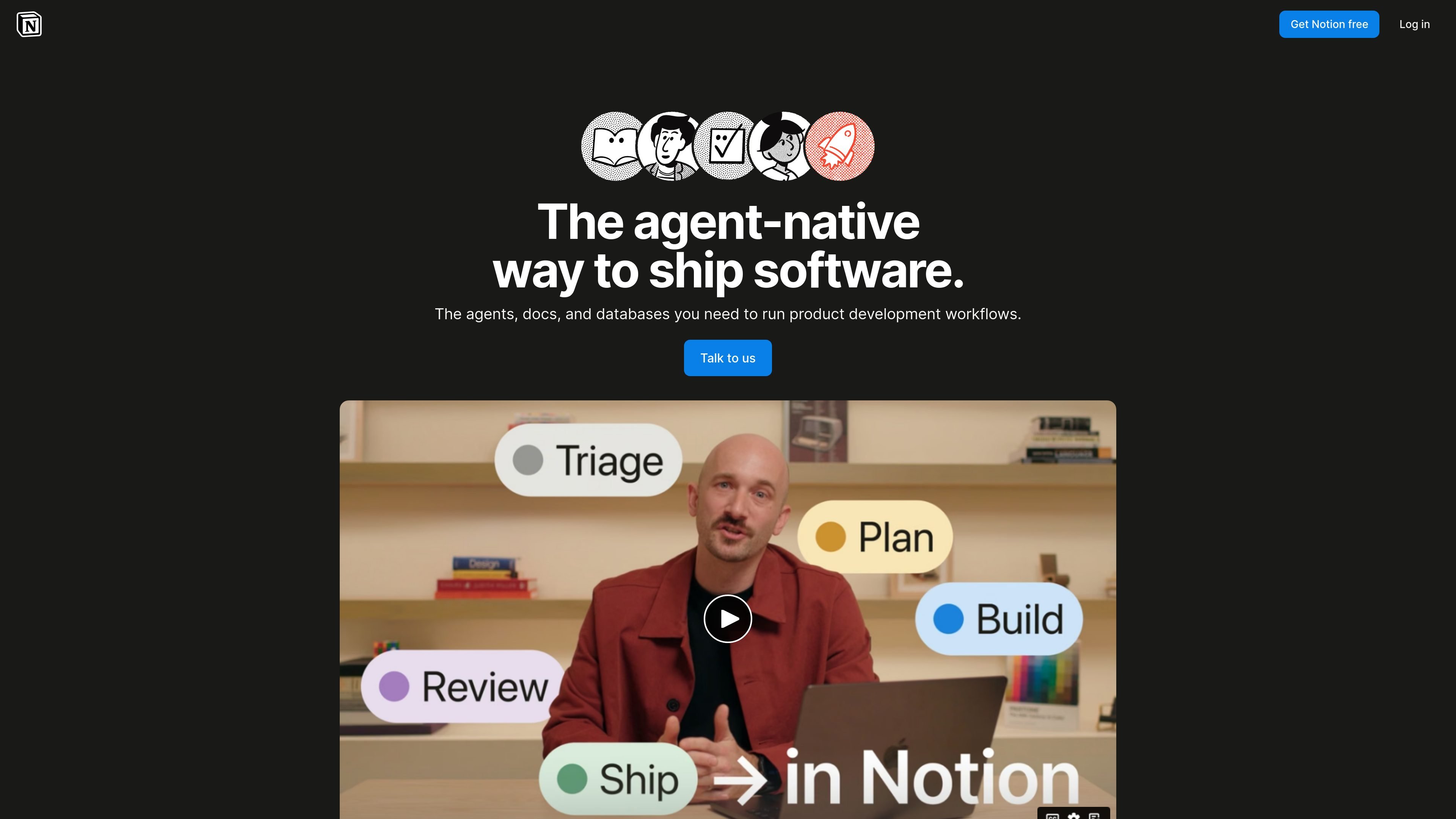
Ship OS is Notion’s product-development workspace for teams that want to manage software shipping workflows in one place. The homepage describes it as “the agent-native way to ship software,” built around agents, docs, and databases.
The page’s stated purpose is to move work from feedback to launch inside Notion, with agents handling coordination and the team handling judgment. Based on the supporting Notion product pages, it sits within a broader workspace platform that includes documents, databases, AI-assisted tasks, connected apps, and enterprise controls.
The homepage positions Ship OS around agents, docs, and databases for product development workflows, with a focus on moving work from feedback to launch in one workspace.
The page states that agents handle coordination while the team handles judgment, indicating an AI-assisted workflow where repetitive coordination can be delegated.
Notion pricing lists Notion Agent as a business-tier feature that can complete complex, multi-step tasks using context from Notion, connected apps, and the web.
The pricing page shows databases with subtasks, dependencies, custom properties, and multiple views, which supports structured planning and tracking.
Notion Connections includes Slack, Google Drive, GitHub, Linear, Jira, Asana, and other integrations, giving product teams ways to connect external tools to their workspace.
The pricing and connections pages reference AI Meeting Notes, Enterprise Search, and custom code workers, showing that Notion can support notes, search, and workflow extension within the same product family.
Use Ship OS when a product team wants to keep release planning, specs, task tracking, and launch coordination in the same workspace rather than across several disconnected apps.
Use it for teams that need an AI-assisted coordination layer for repetitive work, such as organizing incoming feedback or keeping multi-step workflows moving.
Use the underlying Notion workspace to store product documentation, meeting notes, and structured databases that can be searched and updated as work changes.
Use Notion integrations to connect product workflows with tools such as Slack, Google Drive, GitHub, Jira, Asana, or Linear, so updates and context can stay linked.
Use Notion’s broader workspace features when a team needs additional controls such as private teamspaces, granular database permissions, or enterprise search.
Notion Ship OS is Notion’s product-development workspace for coordinating work from feedback to launch inside Notion. The homepage describes it as combining agents, docs, and databases for product development workflows.
The source page does not describe a separate setup process for Ship OS. Based on the page, it is presented as a Notion-based workflow layer for product teams rather than a standalone app.
The source materials suggest it is meant for teams that want to keep product development work, documentation, and coordination in one place. The homepage emphasizes agents handling coordination while the team handles judgment.
Notion’s pricing pages indicate that Notion offers Free, Plus, Business, and Enterprise plans. Some advanced capabilities referenced in the source, such as Notion Agent and Enterprise Search, appear on higher tiers.

Biji ist eine vielseitige Plattform, die entwickelt wurde, um die Produktivität durch innovative Werkzeuge und Funktionen zu steigern.

runevr is a connected workspace for creative teams that combines boards, media review, chat, recordings, drive, calls, and AI agents in one room-based environment. It is designed to reduce tool switching and keep project context together.

BotBoard is a task-management layer for AI agents that helps teams assign work, track progress, and review output. It supports CLI, MCP, and HTTP connections for tools like OpenClaw, Codex, Claude Code, and Cursor.
GitBoard ist eine native macOS-Menüleisten-App für GitHub Projects: Kanban-Board ansehen, nach Status filtern, Issues suchen sowie erstellen oder zuweisen.

Codex Plugins bundle reusable skills, app integrations, and MCP servers into workflows you can install in the Codex app or use from Codex CLI. They help extend Codex with connected-service tasks, reusable instructions, and shared team workflows.

Struere is an AI-native platform for turning spreadsheet data into structured operational software with dashboards, alerts, and automations. It is aimed at teams that want to replace manual spreadsheet workflows without building custom tools from scratch.