
Connect to an existing Notion database
Connect a Notion database and let the widget read testimonials from the columns you already use. The product says it auto-detects name, quote, photo, and rating fields and can map them automatically.

NotionProof turns a Notion database into embeddable testimonial widgets for websites. It helps people who already manage testimonials in Notion publish them live without copying the data into another tool.
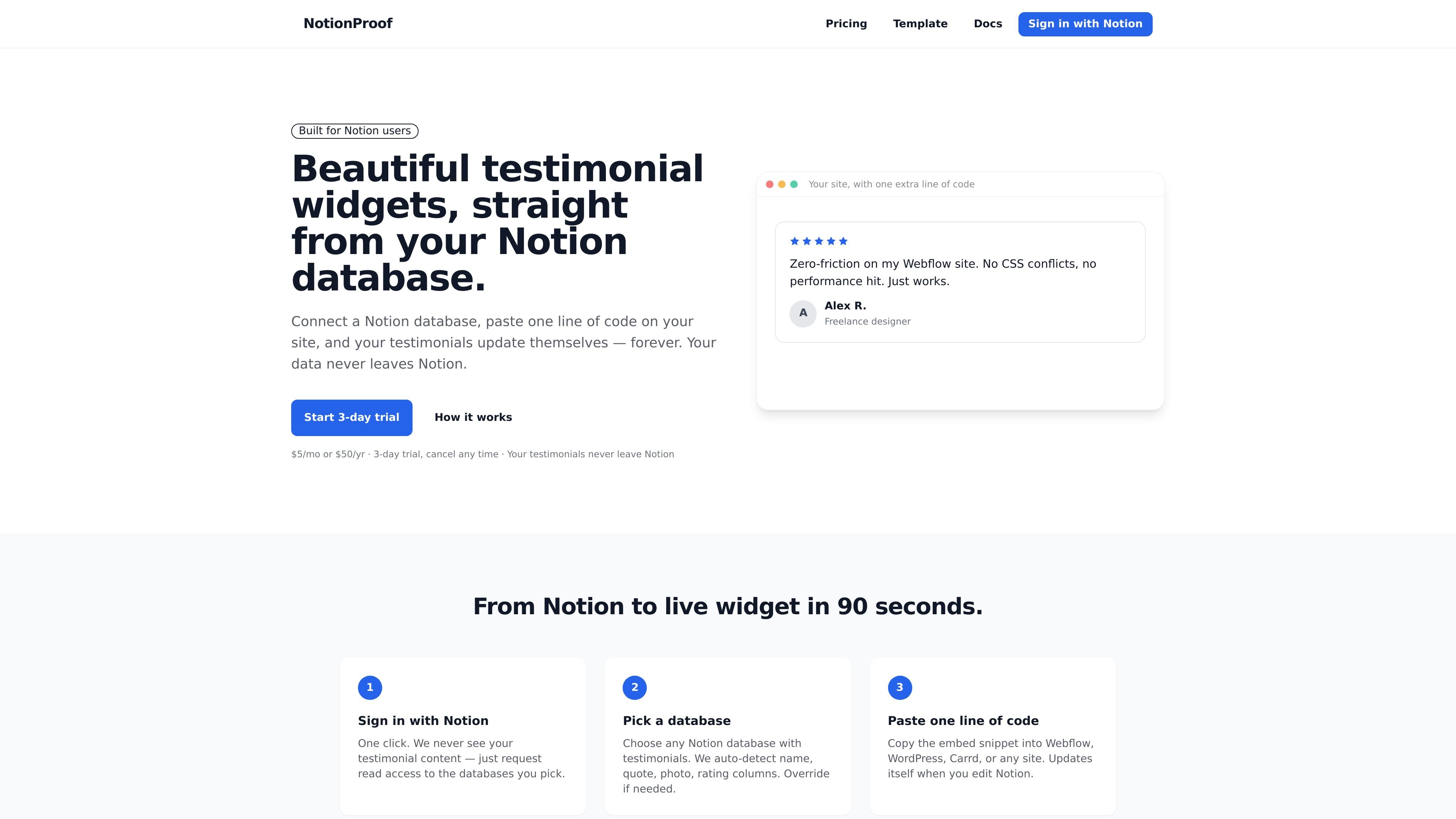
NotionProof turns a Notion database into an embeddable testimonial widget for websites. It is built for people who already collect testimonials in Notion and want those entries to appear on a live site without re-entering or syncing the data elsewhere.
The workflow is straightforward: sign in with Notion, choose a database, then paste one line of code into a site such as Webflow, WordPress, Carrd, Framer, or plain HTML. Once connected, the widget reads from Notion as the source of truth and updates when the database changes.
Connect a Notion database and let the widget read testimonials from the columns you already use. The product says it auto-detects name, quote, photo, and rating fields and can map them automatically.
Choose from Wall, Carousel, or Floating layouts and switch between them from the dashboard. Each layout keeps the same embed code but presents testimonials differently.
Adjust theme presets, accent color, background style, and whether rating, photo, company, or date fields appear. The widget also supports dark, light, and transparent styling options.
Add testimonials with text, photos, and video from a Notion column. The product auto-detects supported video links and files such as Loom, YouTube, Vimeo, and direct media uploads.
Use a single script embed that loads from a CDN and renders inside a shadow DOM so it does not interfere with the rest of the page styling. The source says it works on a range of common site builders and plain HTML.
Keep your source data in Notion while the widget refreshes from that database on its own. The source says updates appear within minutes and that cached data is re-fetched periodically.
A solo founder or marketer can keep collecting quotes in Notion and publish them on a website without moving data into a separate testimonial tool. Edits made in Notion flow through to the embed.
A team can build one widget for a homepage and different widgets for landing pages, each pointing at the same or a different database. The dashboard lets you change layout or theme without changing the embed pattern.
A site owner who wants video testimonials can store Loom, YouTube, Vimeo, or direct media links in a Notion video column and display them beside text and photos. This keeps the testimonial workflow in one place.
Teams that already manage testimonial intake in Notion can use a collection-and-published workflow, keeping all incoming rows in one database and only approved rows in another. The FAQ recommends this approach when you do not want every row shown on the site.
NotionProof costs $5 per month or $50 per year and includes a 3-day free trial with card required. The source describes one plan with all features included.
Your testimonials stay in your Notion workspace. NotionProof reads them from your database and says it does not copy them into its own database.
Yes. The source says you can create as many widgets as you want, and each widget can point to a different Notion database or the same one with different layouts or themes.
Yes. The source lists WordPress, Webflow, Wix, Framer, Notion Sites, Carrd, Shopify, and plain HTML or any site that can accept a script embed.
NotionProof supports video testimonials through a Notion video field with Loom, YouTube, Vimeo, or direct media file links such as .mp4. It renders the player alongside text and photos.

Goldfish is an AI memory app for macOS that helps you reply, write, summarize, and continue using the context already on your Mac. It stores memory locally and writes in your tone.

Lasso is an ecommerce product data platform for enriching catalog records, processing supplier files, generating product content, and monitoring competitors. It combines a web app with a REST API, SDK, and MCP server for teams and developers.

Struere is an AI-native platform for turning spreadsheet data into structured operational software with dashboards, alerts, and automations. It is aimed at teams that want to replace manual spreadsheet workflows without building custom tools from scratch.

garden-md is an open-source Node.js CLI that turns meeting transcripts into a local company wiki. It links entities across transcripts, keeps the original text intact, and renders the result as a browsable wiki.

Make Real is a Next.js app that turns hand-drawn wireframes into working HTML prototypes using the tldraw SDK and AI models. It helps users sketch on a canvas, generate code, and review the result in an embedded preview.

Falconer is an AI-powered company brain that keeps internal documentation accurate, searchable, and up to date by syncing with tools like GitHub, Slack, and Linear. It helps engineering and cross-functional teams centralize knowledge and answer questions from a shared source of truth.