
Visual editor
A real-time canvas with guides, alignment, ordering, and keyboard shortcuts for arranging text, images, and brand elements.

OGCanvas is a browser-based tool for designing Open Graph images and serving them from a hosted render URL. It helps site owners and developers generate per-page social preview images without building each asset manually.
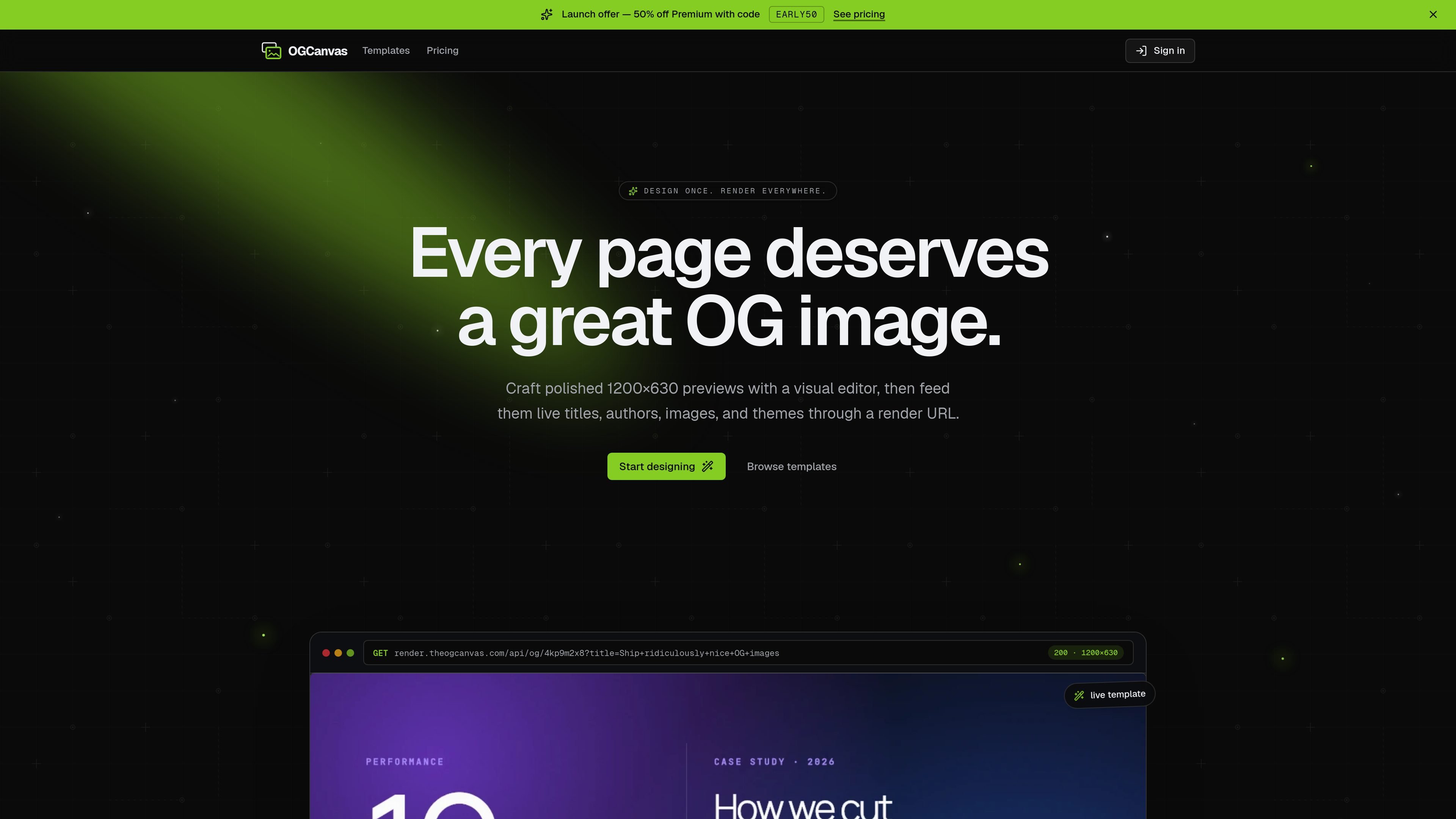
OGCanvas is a tool for designing Open Graph images in a visual editor and serving them from a hosted render URL. The product is aimed at pages that need a consistent social preview image without creating a separate asset for every page by hand.
The workflow is centered on a single template that can accept live fields such as titles, authors, images, and themes. After a template is prepared, the render URL can be inserted into og:image or framework metadata so each page generates its own image on demand.
A real-time canvas with guides, alignment, ordering, and keyboard shortcuts for arranging text, images, and brand elements.
A hosted endpoint returns a 1200×630 PNG and is cached at the edge, so one URL can serve a page-specific Open Graph image.
Template fields can be mapped to query parameters, allowing one design to produce different per-page variants without rebuilding the template.
Saved colors, fonts, and logos can be applied to templates in one click to keep outputs consistent with a brand system.
PNG, JPEG, and WebP exports are supported at 1×, 2×, or 3×, with no watermark.
The gallery includes 30 templates on Premium and 10 starter templates on Free, covering different page and launch-style layouts.
Use the editor to build a reusable social preview for a blog post, then pass the post title and author into the render URL so each article gets its own image.
Create a launch image with a headline-heavy template, then swap in release names, dates, or version labels through URL variables for each announcement page.
Use the template library and brand kit to produce on-brand preview images for documentation, landing pages, or other shared links across a site.
Feed the hosted URL into framework metadata so Open Graph images are generated from the page itself in Next.js, Remix, Astro, SvelteKit, Nuxt, Hugo, Jekyll, or plain HTML.
Start on the Free tier to design and download images, then move to Premium only if you need the hosted render URL, full template set, or unlimited designs.
Yes. The product works anywhere you can set a meta tag to a URL, including Next.js generateMetadata, Remix loaders, Astro frontmatter, SvelteKit, Nuxt, Hugo, Jekyll, and plain HTML. The source says there is no SDK to install.
Free includes the editor, 10 starter templates, and PNG/JPEG/WebP export. Premium adds the hosted render URL, all 30 templates, unlimited designs, URL variables, and a brand kit.
The hosted render API is described as unlimited on Premium with no metered cap or overage billing. The source also notes a soft internal threshold that may trigger review if it is clearly being used as a free image-generation backend for unrelated workloads.
No. The source says Free is the trial tier. It includes export features, but not the hosted render URL, and you can stay on Free indefinitely if you do not need the URL.
Designs above the Free limit remain safe and read-only after downgrade. You can still view and download them, but you cannot edit until you reduce to the 5-design limit or resubscribe.

Frames hilft dir, Launch-Poster und Social-Media-Marketinggrafiken schnell zu erstellen – mit Premium-Geräterahmen & Templates für Instagram, Twitter & Product Hunt. Kostenlos starten.

Topple.lol is a public pay-to-rank leaderboard where listings start at $1 and their bid balance decays over time and with clicks. It helps makers and marketers buy short-term visibility for product sites or X profiles while tracking live board stats.

PixelDrive is a bulk image generation API for creating many on-brand images from one template through a browser editor, REST API, CSV batch, or MCP. It suits teams that need repeatable image output with cacheable renders and usage-based pricing.

Napkin AI verwandelt Text in bearbeitbare Visuals für Präsentationen, Dokumente und teilbare Inhalte. Text zuerst, inkl. Export als PPT, PNG, SVG oder PDF.

appdesigns is a browser-based tool for creating App Store and Google Play screenshots from uploaded app images. It helps developers and designers add device frames, customize layouts, and export unlimited watermark-free PNGs without an account.

Shotie is a Mac app for creating localized App Store and Google Play screenshots from simulator or emulator captures, generated screens, or uploads. It provides chat-based editing, render checks, and one-zip export for store workflows.