
Smart onboarding from a website URL
Enter a site URL during onboarding so the AI can analyze the niche, detect XML sitemaps, and prepare a project before content generation starts.

OGwriter is an AI content publishing tool that generates SEO-focused articles and can publish them to WordPress, Shopify, or custom CMS setups. It also includes a Chrome extension, smart onboarding, and a pay-as-you-go credit model.
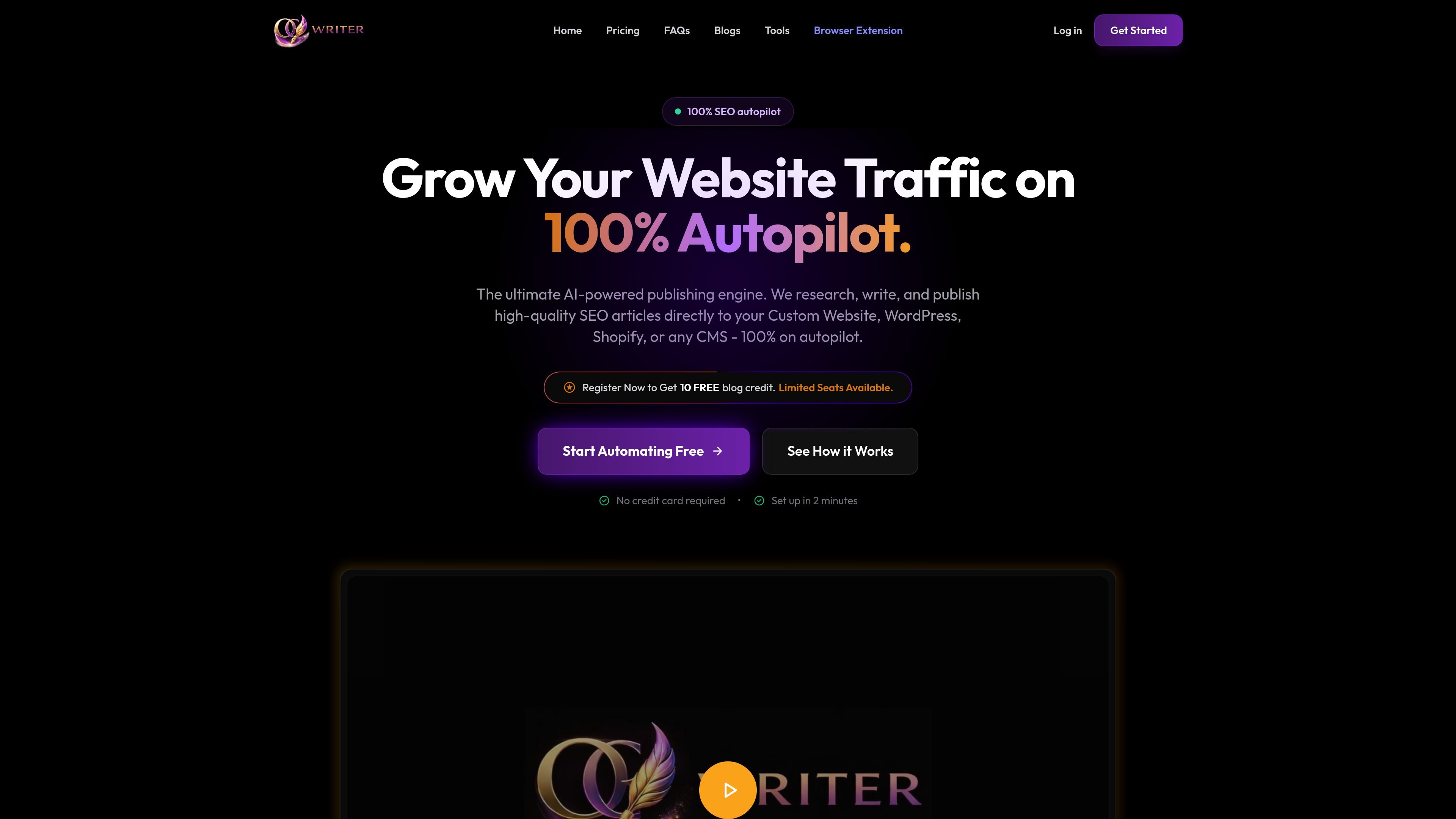
OGwriter is an AI content publishing tool that helps website owners generate SEO-focused articles and send them directly to a site without manual formatting or copy-pasting. The product is positioned around a largely automated workflow: analyze a site, generate content, schedule posts, and publish to platforms such as WordPress, Shopify, or custom CMS setups.
The website presents OGwriter as a system for building ongoing content pipelines rather than a standalone writing app. It includes a dashboard flow for onboarding a website, an AI engine for article generation and interlinking, a browser extension for on-page writing and editing, and a Telegram bot for capturing ideas on the go.
Enter a site URL during onboarding so the AI can analyze the niche, detect XML sitemaps, and prepare a project before content generation starts.
Generate SEO articles, schedule posts, and publish directly to WordPress, Shopify, or custom CMS platforms through the dashboard.
The system says it studies existing pages and competitors to build interlinks and use high-volume keywords in new content.
The product claims to add automated H1/H2/H3 structure, keyword density, and plagiarism avoidance to generated articles.
The homepage says relevant copyright-free featured images are attached to posts automatically as part of the workflow.
The Chrome extension lets users generate drafts, rewrite text, expand copy, or fix grammar from any webpage or text area.
Use the website onboarding flow to scan a domain, identify topics, and create an SEO content project for a specific niche.
Generate articles and push them directly into WordPress, Shopify, or a custom CMS when you want to reduce manual formatting and uploading.
Use the Chrome extension to rewrite, expand, or summarize content while working inside a browser tab, CMS editor, or textarea.
Capture ideas through the Telegram bot when you are away from your desk, then turn those prompts into drafts in the content hub.
Use right-click actions and SERP keyword tools in the browser extension to move from keyword research to draft generation without leaving the page.
OGwriter scans a website URL, identifies topics and sitemap content, and prepares a project for generating SEO content. The onboarding page says you can enter your website URL, let the AI analyze your niche, and then launch the project after signing in or creating an account.
The browser extension is designed for use on Chrome and can generate, rewrite, expand, or summarize content from a webpage or textarea. The product pages also mention publishing to WordPress, Shopify, and custom sites or CMS platforms from the main dashboard.
The site says OGwriter uses a pay-as-you-go credit system where credits are added to a wallet, one credit is used for each AI-generated blog post, and publishing is free after the article is created.
The homepage and extension page describe features like SEO-structured articles, automatic interlinking, featured images, and right-click rewriting. The sources do not provide detailed team or collaboration features beyond shared dashboard-style workflows.
The browser extension page says free daily credits are available for quick tasks and that no mandatory login is required for those quick uses. The main site also offers a register flow with 10 free blog credits mentioned on the homepage.

Blazly SEO is an AI content operating system for planning, writing, optimizing, and publishing SEO blogs. It helps marketers and content teams move from keyword research to CMS publishing in one workflow.

PromptScout tracks how ChatGPT, Gemini, Google AI Overviews, and Perplexity mention your brand or competitors, then pairs those results with source analysis and website audits. It helps teams decide what to fix in content, positioning, or site readiness next.

Liam is an AI copilot for managing inboxes, writing replies, prioritizing email, and scheduling meetings. It is offered free for individuals, with custom pricing for teams and enterprise.

Gemma AI is a phone call reminder app that calls you with scheduled reminders instead of push notifications. It helps people who want a more direct way to stay on schedule, with Google Calendar sync and conversational call interactions.

ClawTick is an AI agent automation platform for scheduling jobs from the CLI, dashboard, or REST API. It is aimed at developers and teams running LangChain, CrewAI, webhook, or custom agent workflows that need monitoring, alerts, and logs.

ClayHog ist eine KI-Sichtbarkeitsplattform für die Suche, die zeigt, wie Marken in ChatGPT, Gemini, Perplexity, Claude und Google AI Overviews erscheinen.