
Local-first file storage
OpenMarkdown is built around local .md files saved on your disk. The site emphasizes plain files, no database, no lock-in, and byte-for-byte preservation when opening and closing documents.
OpenMarkdown is a local-first Markdown editor for plain .md files, with live preview, source, and reading modes. It also connects to agents through a CLI, MCP server, and Claude Code plugin so they can work on the same file you are editing.
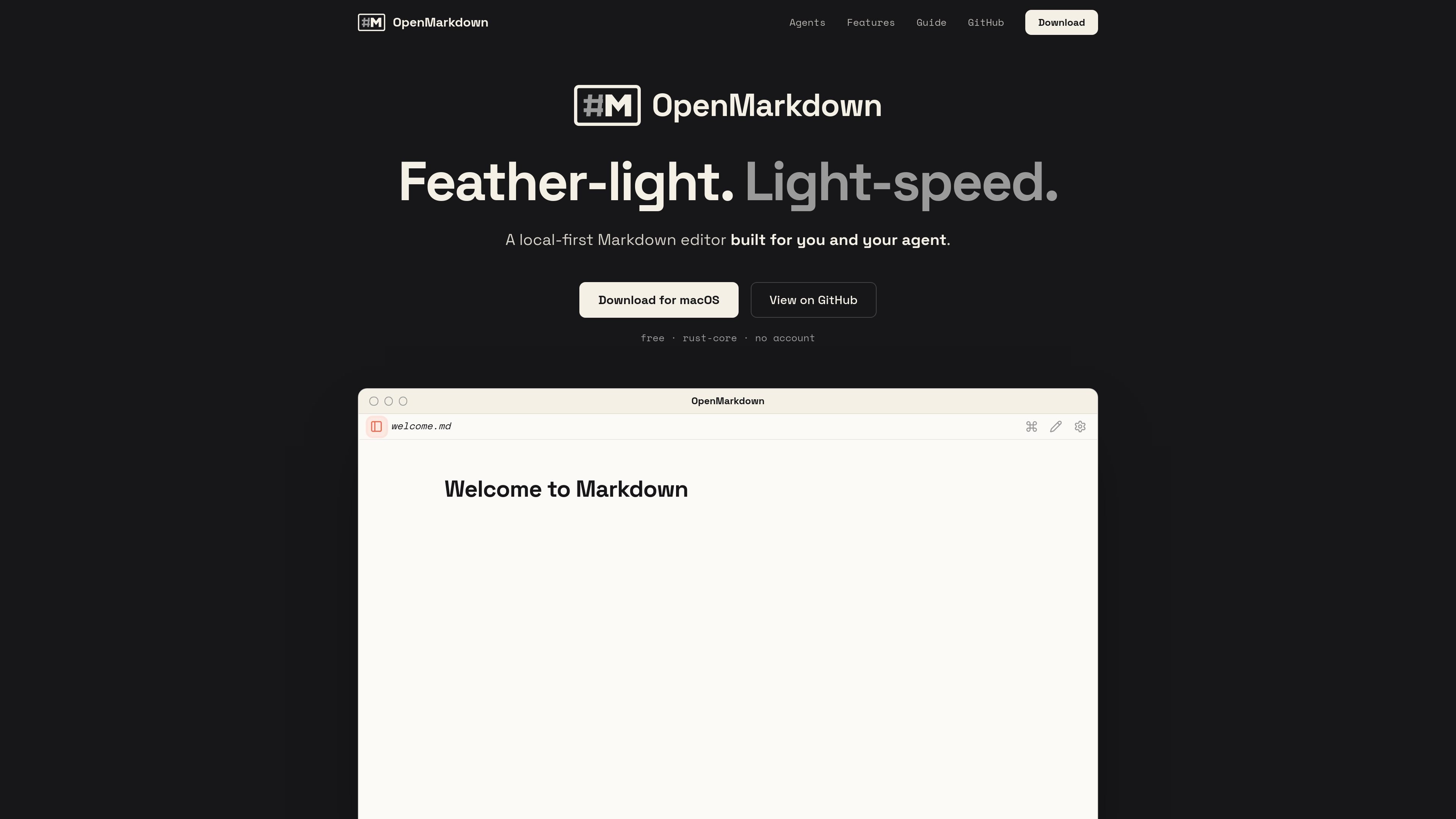
OpenMarkdown is a local-first Markdown editor built around plain `.md` files on your disk, with a focus on opening quickly and staying out of the way. The homepage contrasts its native Rust core and near-instant window appearance with heavier apps that spend time on loading, syncing, or update checks.
Beyond solo note editing, the product is designed to sit between a human and an agent. The site says you can connect it through a CLI, an MCP server, or a Claude Code plugin so an agent can open the same file, read selected sections, and write changes directly into your document while you keep working in the editor.
OpenMarkdown is built around local .md files saved on your disk. The site emphasizes plain files, no database, no lock-in, and byte-for-byte preservation when opening and closing documents.
The editor supports live preview, source, and reading modes. A single button cycles among the three, letting you choose between rendered editing, plain-text work, and a clean reading view.
The guide documents Markdown support for headings, bold, italic, strikethrough, inline code, fenced code blocks, links, images, lists, task lists, blockquotes, tables, and YAML frontmatter.
OpenMarkdown exposes an openmd CLI that can open files, reveal a heading, report status, and run an MCP server over stdio for agents and scripts.
The site says agents can read and write the same file you are looking at, and the app offers seven MCP tools for workflows such as opening files, reading sections, writing sections, and waiting for changes.
The interface ships in Chinese, Japanese, and English, follows the system language by default, and includes a manual override in Settings.
Use OpenMarkdown as a fast note-taking and drafting workspace when you want files that stay on your disk and open without a browser or cloud account.
Open the same Markdown file with an agent so it can read sections, rewrite highlighted text, and update the document in place while you watch.
Keep meeting notes, release plans, or launch checklists in plain Markdown and switch between rendered reading and source text as needed.
Use the command palette, shortcuts, and the openmd CLI when you prefer keyboard-driven navigation and want to open or inspect files from the terminal.
Connect a compatible MCP client or Claude Code setup when you want an external model to work against local files instead of a separate chat transcript.
OpenMarkdown is described as a local-first Markdown editor that also connects to agents through a CLI, MCP server, and a Claude Code plugin. The guide says it works with Claude Code, Codex, Gemini CLI, opencode, and any MCP client.
The install guide says the desktop app is the core requirement. You install the app first, then enable the openmd CLI in Settings, and finally connect your agent using the MCP server or the Claude Code plugin.
OpenMarkdown works with plain .md files on disk. The site says it does not use a database, does not lock you in, and the file remains unchanged when opened and closed.
The guide shows three views: live preview, source, and reading. It also documents Markdown rendering for headings, lists, task lists, code blocks, tables, links, images, YAML frontmatter, and more; anything unrecognized falls back to a plain code block.
The install page says Windows and Linux are coming soon. The site currently offers macOS downloads for Apple Silicon and Intel, signed and notarized.

ByteAsk is a terminal-first AI coding agent for C and C++ that edits repositories and verifies changes with the real compiler, debugger, sanitizers, and tests before showing a diff. It offers a free tier plus paid plans, with editor connectors and zero-retention handling described in the source.

CreateOS Sandbox is an isolated compute environment for running code and agent workloads inside Firecracker micro-VMs. It is designed for workflows that need machine-level isolation, private networking between sandboxes, and programmatic control through SDK, CLI, or MCP.

Codex Plugins bundle reusable skills, app integrations, and MCP servers into workflows you can install in the Codex app or use from Codex CLI. They help extend Codex with connected-service tasks, reusable instructions, and shared team workflows.

hob is an independent workspace for coding agents that keeps agent sessions, terminals, history, and follow-up work organized around the tools and providers you already use. It is aimed at developers who want local control over routing, history, and workspace structure rather than a bundled model stack.

Manta AI is an autonomous web app testing tool for teams that want to map application behavior, catch regressions, and generate tests without writing scripts or maintaining selectors. It works from a URL and supports plain-English test flows, run results with screenshots, and scheduled or deployment-triggered checks.

Redline is a budgeting tool for Claude Code that paces sessions to stay within time, token, cost, or plan-percentage limits. It uses Claude Code’s native hooks and statusline to help sessions finish with a usable result instead of stopping abruptly.