
Browser and terminal workspace
The agent can use a persistent Chromium profile and an optional Linux terminal. Users can reopen the same session and take control when needed.

OpenMuse is an open-source personal agent for iOS, Android, and web that combines chat with browser, terminal, file, document, planning, and goal-tracking workflows. It is intended for people who want an agent that can continue work across sessions and review important actions before they are applied.
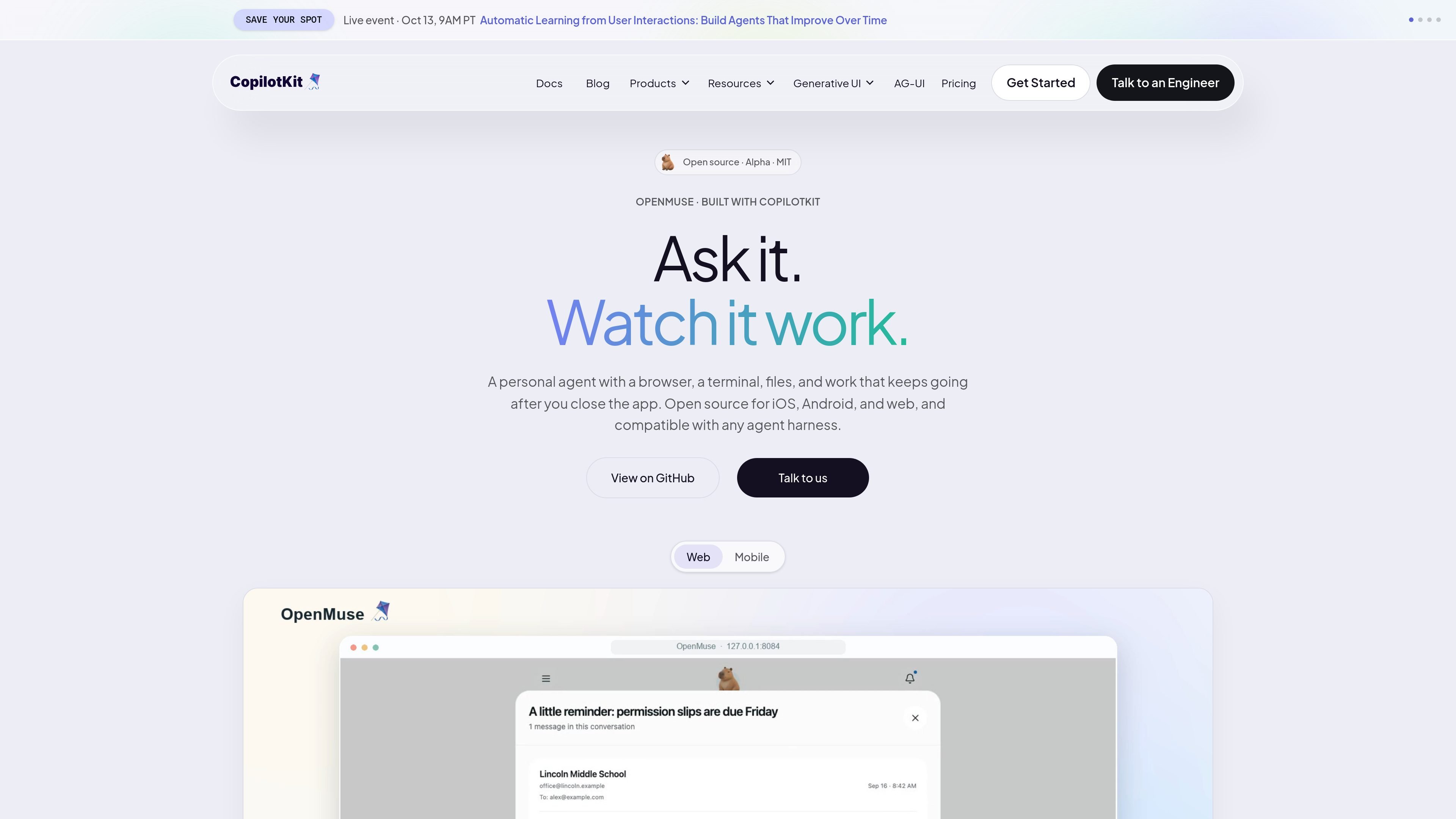
OpenMuse is an open-source personal agent for iOS, Android, and the web. It is designed to handle outcomes rather than only answer questions: users can ask for work, follow the agent's plan, review important actions, and return to results after an interrupted or closed session.
The app brings together streamed chat, a persistent browser and optional terminal, files and document handling, durable task activity, goals, ideas, Gmail and Calendar actions, and editable personal context. It is built with CopilotKit and AG-UI, and is presented as an Alpha template that developers can adapt to their own frontend and agent harness.
OpenMuse also demonstrates a learning workflow through CopilotKit Intelligence. The system can learn from agent interactions and propose reusable skills, but proposed skills require approval before they are added to the agent.
The agent can use a persistent Chromium profile and an optional Linux terminal. Users can reopen the same session and take control when needed.
Durable plans show progress, approvals, and receipts, with controls to pause, resume, cancel, or retry interrupted work.
Chat supports streamed AG-UI interactions and inline cards for email, browser activity, PDFs, plans, and finance results. Drafts survive a stopped interaction.
The app can work with email attachments and PDFs, including viewing, filling fields, reviewing, and sharing a returned copy.
Gmail threads, drafts, and calendar changes are available through Google OAuth, while sends and event changes remain subject to review.
Goals can include milestones and recurring checks for public-page changes, availability, or prices crossing a chosen threshold; personal context such as name, tone, avatar, and memories is editable.
Ask the agent to carry out a multi-step task, inspect its plan and approvals, then pause, resume, retry, or review receipts as the work progresses.
Use a persistent browser session and optional terminal for web-based work, then reopen the same computer context and take control instead of starting over.
Process an email attachment into a filled PDF, review the completed document, and share a copy when the result is ready.
Review email threads and drafts or request calendar changes through Google OAuth, with human review before sending or applying changes.
Set milestones or recurring public-page checks for availability, changes, or price thresholds, while keeping personal preferences and memories editable.
OpenMuse is an open-source personal agent for iOS, Android, and web. It combines chat with a browser, optional terminal, files, task plans, documents, goals, and personal context.
The sample app can be run locally without a model key, Google account, Docker, or CopilotKit Intelligence subscription. Those services can be added when needed for a connected deployment.
No. Email sends and calendar changes through the Gmail and Calendar surfaces wait for the user's review before they are applied.
The project is labeled Alpha. Its local sample can be started with the documented Node 24 and pnpm 11 commands, and the site presents it as a template that can be modified, rather than as a finished production service.
OpenMuse uses CopilotKit headless hooks and speaks AG-UI. Its sample repository includes a mobile app, Hono API, browser worker, and optional Linux computer service, allowing developers to change the interface or agent harness.

Malyatko is a baby tracker for logging feeding, sleep, growth, teething, and milestones in one app. It works on iPhone, Apple Watch, and widgets, with no sign-up, offline use, and family sharing through iCloud.

Macuse is a macOS app that lets AI assistants control native Mac apps through MCP and use Computer Use for any app. It works with clients like Claude Desktop, Cursor, and Raycast, and keeps automation on-device.

Yattayo: Slider To-Do Board is a productivity app that turns tasks into a physical-style slider board with sticky notes, widgets, reminders, and iCloud sync. It helps people who want a more tactile way to manage to-dos and, in Premium, recurring habits.

Goldfish is an AI memory app for macOS that helps you reply, write, summarize, and continue using the context already on your Mac. It stores memory locally and writes in your tone.

Lasso is an ecommerce product data platform for enriching catalog records, processing supplier files, generating product content, and monitoring competitors. It combines a web app with a REST API, SDK, and MCP server for teams and developers.

ArtDeck is a visual reference board app for iPhone, iPad, and Mac that lets artists collect mixed reference material on one canvas and study it with ToolBox lenses. It works offline, supports optional iCloud sync, and is sold as a one-time purchase with no account required.