
Ask, Plan, and Edit modes
Describe an editing task in plain language and have agents answer, propose a plan, or apply a change directly to the project timeline.

OpenVids is a free, open-source desktop video editor for macOS and Windows that applies plain-language instructions to a real, reviewable timeline. Its agents assist with rough cuts, motion graphics, audio, source research, and render QA while leaving manual editorial control with the user.
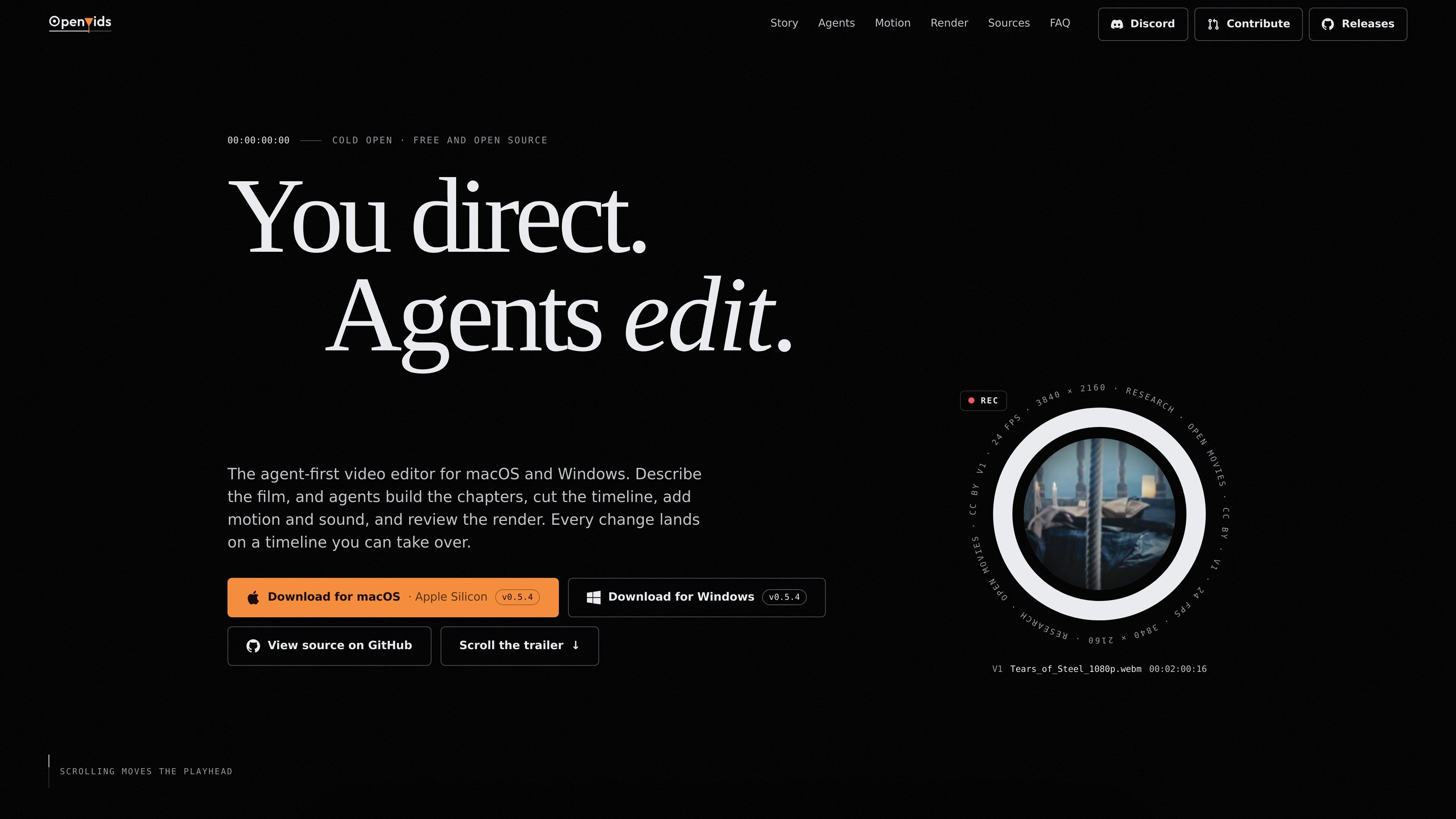
OpenVids is a free, open-source desktop video editor for macOS and Windows. It uses plain-language direction to help build chapters, shape a cut, add motion and sound, and review a render on a real project timeline rather than generating a standalone video.
The workflow is designed for editors who want assistance with repetitive production work while retaining editorial control. Agents make reviewable changes inside the project, and users can inspect, revert, undo, or manually continue the edit. Media remains on the user’s disk.
Describe an editing task in plain language and have agents answer, propose a plan, or apply a change directly to the project timeline.
Main works on the cut, Motion Designer creates titles, lower thirds, logo stings, and caption styles, Audio handles dialogue and music, and Research finds sources while tracking licenses and credits.
Organize a film into chapters, attach shots, sound, and motion to those chapters, and use Build to turn the Story Graph into a cut.
Review each agent result as a project change, revert individual chat turns, use undo, or take over the timeline for manual editing.
An agent reviews rendered output for technical issues such as caption overlap, mistimed dissolves, and short audio gaps; it fixes what it can and leaves pacing and shot choices for the editor.
Research can flag disputed licenses and prepare credit lines without blocking export, leaving the decision about whether to use a flagged clip with the editor.
Give Main a story-focused brief such as shaping an interview around its strongest answer and keeping the result under a defined duration, then review the resulting rough cut.
Ask Motion Designer for a restrained title sting, lower third, logo treatment, or caption style from a written brief, with duration or visual constraints included in the prompt.
Use Audio to even out interview dialogue, keep music underneath the speech, and trim a music bed to the length of the cut before reviewing the result.
Ask Research for b-roll or other source material, inspect the returned selects, and review flagged licenses and copy-ready credits before deciding what to include.
Run a render review near delivery to identify issues such as caption overlap, a poorly timed dissolve, or a short audio drop, while retaining responsibility for pacing and shot selection.
OpenVids is a desktop video editor for macOS and Windows. The site provides downloads for macOS Apple Silicon and Windows; the displayed release is v0.5.4.
You provide plain-language direction, then choose whether an agent should answer a question, propose a plan, or make a change to the timeline. Results are added to the project for review, and you can continue editing by hand.
The four agents are Main, Motion Designer, Audio, and Research. Main works on the cut, Motion Designer handles titles and other motion elements, Audio works on dialogue and music, and Research finds sources while tracking licenses and credits.
Yes. Agent results are reviewable changes in the project rather than hidden changes in a final render. The site also describes per-turn reversion, undo, and the ability to take over the timeline at any point.
OpenVids is described as free and open source. The source material does not specify paid plans, usage limits, or commercial support terms. Code and releases are available on GitHub.

Video Effects SDK adds real-time webcam effects such as background blur, background replacement or removal, denoising, framing, beautification, and color grading. It is built for teams shipping live video experiences on web, desktop, and mobile platforms.

DeepMotion is a web-based AI motion capture and 3D animation platform with Animate 3D for video-to-animation and SayMotion for text-to-animation. It helps creators and teams generate motion in a browser and export results in common production formats.

Zella is a screen recorder and on-device AI video editor for Mac and iPhone. It helps creators record screens or cameras, automatically clean up footage, add captions, reframe clips, and export videos without uploading the core project to the cloud.

Agentic video understanding is a Gemini video analysis mode that helps developers inspect video more selectively for better accuracy and lower token usage. It is available through the Gemini API in Google AI Studio and the Gemini Enterprise Agent Platform.

Jupitrr Cut is a free iOS and Android teleprompter and recording app for scripted talking-head videos. It records scenes separately, lets users retake individual lines, trims pauses, and stitches the takes into a jump-cut video.

Optimo is a free, open-source CLI for optimizing and converting images and videos with format-specific commands built on ImageMagick and FFmpeg. It helps developers prepare web assets, batch process media, and automate compression from the shell or a Node.js script.