
Rule-based auto-grouping
Automatically groups clips into categories such as URLs, code, JSON, shell commands, secrets, and paths so the history stays easier to scan.

Ortu is a free, open-source clipboard manager for macOS, Windows, and Linux that keeps history local on your device. It supports text, images, and files, with paste stack, search, secret masking, and encryption features.
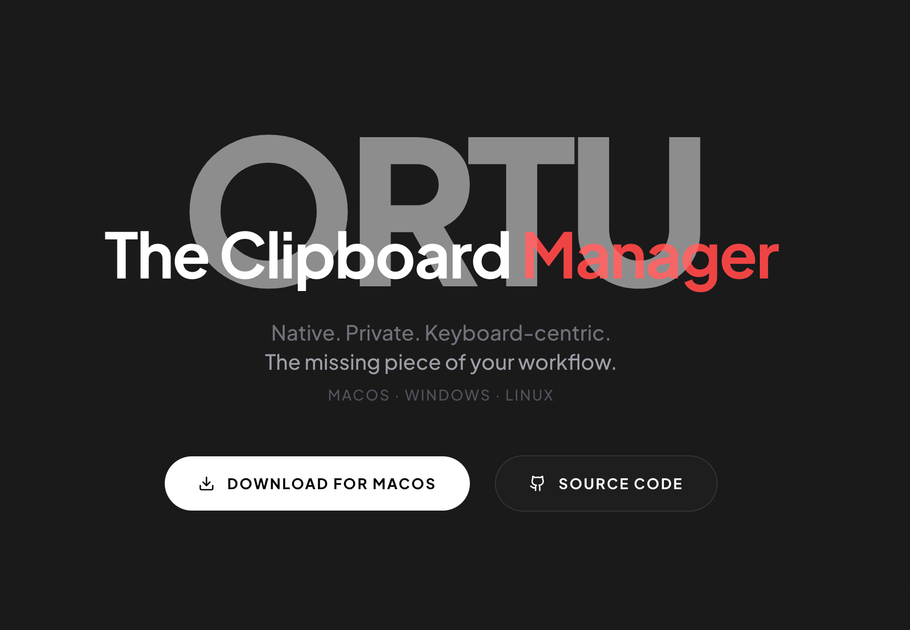
Ortu is a cross-platform clipboard manager for macOS, Windows, and Linux. It keeps clipboard history local on the device and is built with Rust and Tauri for a native app experience.
The product is aimed at people who move quickly between apps and need keyboard-first access to recent clips, including text, images, and files. Its core workflow centers on local-first storage, a paste stack for ordered multi-paste, and full-text search over a growing clipboard history.
Automatically groups clips into categories such as URLs, code, JSON, shell commands, secrets, and paths so the history stays easier to scan.
Stores text, images, and files, and shows thumbnails for visual items instead of limiting history to plain text.
Queues multiple clips and pastes them in sequence with global hotkeys, which is useful when you need to replay a copy order.
Uses SQLite FTS5 full-text search with fuzzy ranking to keep search responsive across large clip histories.
Detects secrets, masks them when they are copied, and encrypts them at rest with AES-256-GCM until the user chooses to reveal them.
Lets users rebind every global shortcut, apply retention rules, create reusable snippets, and transform copied content with formats like JSON, Base64, URL-encode, case changes, and slugify.
Keep a running clipboard history across apps on the same machine and recall older items without switching back to the original source.
Queue several copied items and paste them one after another in the order they were copied, rather than inserting only the latest clip.
Capture images, files, and text together while working, with thumbnails helping you identify non-text items in history.
Search a long clipboard archive by content when you need to find a specific code fragment, URL, path, or snippet quickly.
Keep sensitive tokens or keys local, masked, and encrypted at rest instead of leaving them exposed in plain clipboard history.
Yes. Ortu is MIT licensed and free to use, and the site says you can inspect the source code and contribute through GitHub.
No. Ortu is described as local-first and stores clipboard history on your device using local storage, with no cloud sync or telemetry.
Ortu is available on macOS, Windows, and Linux. The download section notes that macOS may show Gatekeeper warnings for the .dmg build, and Windows may show an unsigned-app SmartScreen prompt.
Yes. The site says global shortcuts are customizable in-app, with one-click restore to defaults.
The release notes on the site say v2.0.0 added image and file capture, paste stack, encryption at rest for detected secrets, FTS5 search, customizable shortcuts, snippets and transforms, and flexible history retention.

Goldfish is an AI memory app for macOS that helps you reply, write, summarize, and continue using the context already on your Mac. It stores memory locally and writes in your tone.

Dcyde is a decision log for product teams that captures what was decided, the reasoning behind it, and the source in one shared place. It supports pinning decisions from Slack, Figma, or inside Dcyde and keeps the record searchable over time.

Lasso is an ecommerce product data platform for enriching catalog records, processing supplier files, generating product content, and monitoring competitors. It combines a web app with a REST API, SDK, and MCP server for teams and developers.

Biji ist eine vielseitige Plattform, die entwickelt wurde, um die Produktivität durch innovative Werkzeuge und Funktionen zu steigern.

Codex Plugins bundle reusable skills, app integrations, and MCP servers into workflows you can install in the Codex app or use from Codex CLI. They help extend Codex with connected-service tasks, reusable instructions, and shared team workflows.

Struere is an AI-native platform for turning spreadsheet data into structured operational software with dashboards, alerts, and automations. It is aimed at teams that want to replace manual spreadsheet workflows without building custom tools from scratch.