
Structured plate recognition output
Parkese’s ALPR endpoint parses a vehicle image and returns the plate number, state, RTO, series, number, confidence, and script type in structured JSON.

Parkese is a parking management and ALPR platform for teams that need vehicle recognition, access passes, pricing control, and operational reporting in one system. It offers a REST API for plate recognition and separate plan framing for access, parking, or combined use.
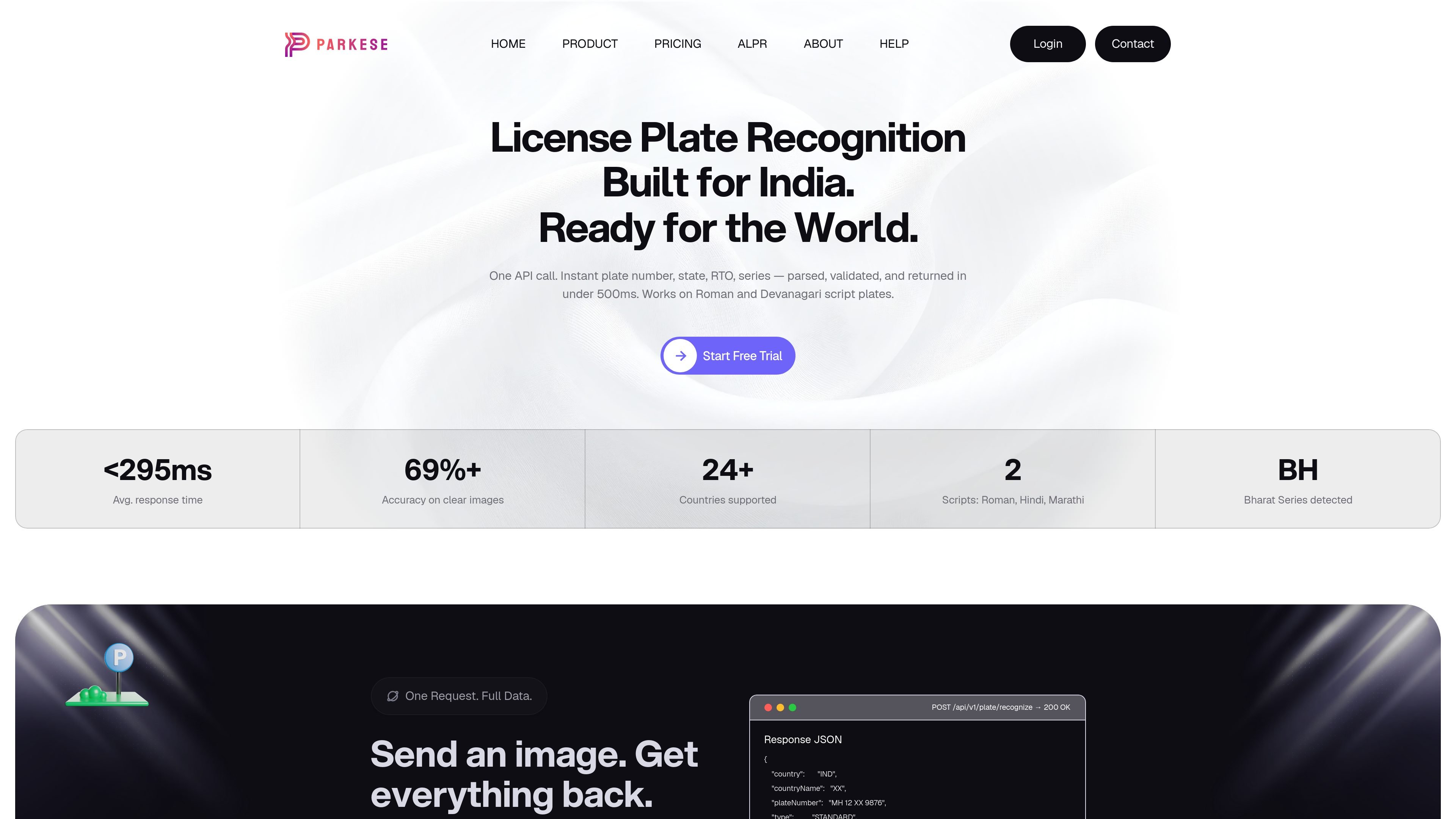
Parkese is a parking operations and vehicle-recognition platform with two visible product areas on the site: a parking management suite and an ALPR API. The ALPR page focuses on license plate recognition for Indian roads, while the pricing page shows plans for employee access passes, visitor parking, and a combined setup.
For ALPR, Parkese accepts a vehicle image through a REST API and returns parsed plate data such as state, RTO, series, number, validity, confidence, and script type. The page positions it for real-time use in parking, toll, and access-control systems, with support for Roman and Devanagari scripts and structured JSON responses that are easy to store or automate against.
The parking product side is organized around access passes, parking control, dynamic pricing, multi-location dashboards, live reports, and attendant management. The pricing page also shows a 15-day free trial and separate plan options for access, parking, or both, suggesting the platform is designed for operators who want one system to manage entry, pricing, and reporting.
Parkese’s ALPR endpoint parses a vehicle image and returns the plate number, state, RTO, series, number, confidence, and script type in structured JSON.
The ALPR page says the system works with Roman and Devanagari script plates and can transliterate Devanagari text into a Romanized result.
The API is described as handling noisy, angled, and shadowed images without preprocessing, which reduces setup work for client apps and camera pipelines.
The product validates Indian plate formats, including standard, BH Series, diplomat, armed forces, and electric plates, against MoRTH rules.
The response includes scan history and searchable records by plate number, state, or date range, supporting review and audit workflows.
The pricing page presents separate plans for access management, parking management, and a combined plan, indicating support for both pass-based and parking workflows.
Use the ALPR API to identify arriving vehicles at entrances and feed the result into barrier control, entry logging, or automated fee calculation.
Apply the access-pass workflow for employees or residents who need free or monthly passes and a simpler admission process than one-off ticketing.
Use the parking-management tools for visitor lots that need dynamic pricing, attendant coordination, live reporting, and multi-location oversight.
Use scan history and searchable records when you need to review plate reads by number, state, or date range for audit or incident follow-up.
Use the ALPR API as a backend data source for parking, toll, or access-control applications that need structured plate parsing in a simple REST flow.
The source shows a contact form and an FAQ section, but it does not publish step-by-step onboarding details. Based on the product pages, Parkese is set up as a web-based parking and ALPR platform that users can start through the site’s trial or contact flow.
Parkese is presented as a parking operations platform for businesses that manage access, passes, pricing, or vehicle recognition. The ALPR page also positions it for parking, toll, and access-control systems that need fast plate parsing.
Yes. The pricing page includes an Access Plan that mentions free or monthly passes, and a 15-day free trial callout appears on the page.
The ALPR page says responses return structured JSON with fields such as plate number, state, RTO, series, number, confidence, and script type, and it shows scan history and searchable records.
The FAQ list asks about integrations, security, customization, multiple locations, attendants, and dynamic pricing, but the source text does not provide detailed answers. The ALPR page does show a REST API with API-key authentication and multipart/form-data image uploads.

Arduino VENTUNO Q is an edge AI computer for AI and robotics applications. It combines AI inference and deterministic control on a single board and is designed to work with Arduino App Lab.

ByteAsk is a terminal-first AI coding agent for C and C++ that edits repositories and verifies changes with the real compiler, debugger, sanitizers, and tests before showing a diff. It offers a free tier plus paid plans, with editor connectors and zero-retention handling described in the source.

CreateOS Sandbox is an isolated compute environment for running code and agent workloads inside Firecracker micro-VMs. It is designed for workflows that need machine-level isolation, private networking between sandboxes, and programmatic control through SDK, CLI, or MCP.

hob is an independent workspace for coding agents that keeps agent sessions, terminals, history, and follow-up work organized around the tools and providers you already use. It is aimed at developers who want local control over routing, history, and workspace structure rather than a bundled model stack.

Ably Chat is a chat API platform for building custom realtime chat applications. It supports room-based messaging, typing indicators, presence, reactions, and message updates, with usage-based pricing options for different deployment stages.

Manta AI is an autonomous web app testing tool for teams that want to map application behavior, catch regressions, and generate tests without writing scripts or maintaining selectors. It works from a URL and supports plain-English test flows, run results with screenshots, and scheduled or deployment-triggered checks.