
Core PDF editing and organization
Compress, merge, split, rotate, crop, resize, and organize PDF pages directly in the browser without sending files to a server.

PDFTools is a browser-based suite of free and premium PDF utilities for editing, conversion, and document handling. It helps users work on PDFs locally in the browser without uploading files to a server.
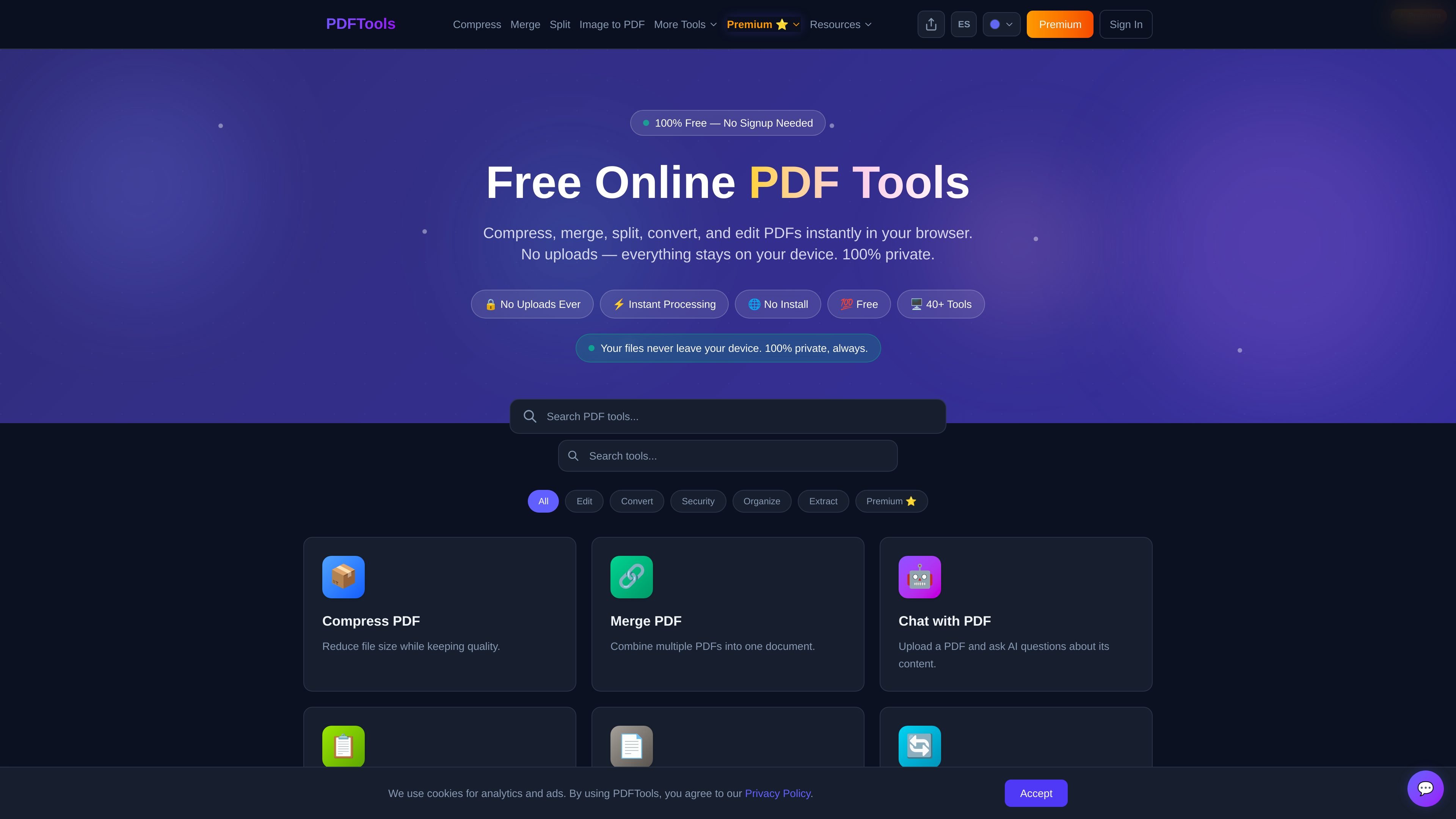
PDFTools is a browser-based collection of free and premium PDF utilities for editing, converting, organizing, securing, and extracting information from PDFs. The site describes the core workflow as fully client-side: users select a file, process it in the browser, and download the result without uploading the document to a server.
The free toolkit covers common tasks such as compressing, merging, splitting, rotating, protecting, unlocking, OCR, image conversion, and text extraction. Premium expands the product with document comparison, bulk processing, audio conversion, certificate generation, and other specialized workflows for users who need more than single-file basics.
Compress, merge, split, rotate, crop, resize, and organize PDF pages directly in the browser without sending files to a server.
Convert between PDF, Word, images, HTML, text, Excel, and PDF/A, including OCR for scanned documents and scan-to-PDF support.
Protect, unlock, redact, watermark, sign, flatten, and password-protect PDFs for common document security workflows.
Extract text, metadata, page numbers, and tables, with tools for word counting and PDF-to-Excel conversion.
Premium adds PDF Diff, Certificate Generator, PDF to Audio, Form Data Extraction, Bulk Rename, Booklet Creator, Search & Redact, Color Inverter, PDF Vault, QR Code Stamp, Metadata Sanitizer, Split by Bookmarks, and Bates Numbering.
The site says all basic tools are free, no signup is required, and processing happens locally in the browser using WebAssembly.
Use the free browser tools to shrink PDF attachments, combine reports, split large documents, or reorder pages before sharing.
Convert files between PDF, Word, images, HTML, text, and Excel when you need a different output format for editing or review.
Protect confidential files with passwords, redaction, unlocking, signatures, watermarks, and flattening for finalized documents.
Use Premium when you need to process multiple files at once, compare two versions of a PDF, or generate certificates in bulk from a template and CSV.
Access web-based tools on desktop or mobile without installing software when you only need a quick PDF task in the browser.
Yes. The site states that PDF processing happens entirely in the browser using WebAssembly and that files never leave your device.
No. The site says no account or signup is required, and the tools work instantly in the browser.
The site lists a free tier and premium plans. Free users can process single files up to 10MB, while Premium raises the file limit to 100MB and adds batch processing and other premium tools.
The browser tools are described as compatible with Chrome, Firefox, Safari, and Edge on desktop and mobile.
The site says the free tools process locally with no uploads. Premium adds features such as batch processing, PDF diff, PDF to audio, certificate generation, and PDF Vault.

DocuSmart AI is a cloud-connected document search tool for nonprofits and civil society organisations. It searches existing files in Google Drive, OneDrive, and Dropbox and returns citation-backed answers for reporting, compliance, and grant work.

ArtDeck is a visual reference board app for iPhone, iPad, and Mac that lets artists collect mixed reference material on one canvas and study it with ToolBox lenses. It works offline, supports optional iCloud sync, and is sold as a one-time purchase with no account required.

Codex Plugins bundle reusable skills, app integrations, and MCP servers into workflows you can install in the Codex app or use from Codex CLI. They help extend Codex with connected-service tasks, reusable instructions, and shared team workflows.

Ein KI-gestütztes Tool, das PDF-Dokumente schnell und effizient zusammenfasst, klare Einblicke bietet und es den Benutzern ermöglicht, mit den Inhalten zu interagieren.

Paperpal 是一款面向学术写作的 AI 工具,提供文献阅读、语言润色、引用、查重、AI 检测和投稿前检查。它适合需要在英文论文和学术材料上进行写作、修改与合规自检的学生、研究人员和教师。

nolainocr is an AI OCR tool that extracts structured data from PDF invoices, receipts, forms, contracts, and bank statements. It helps teams move document data into Excel, Google Sheets, JSON, or CSV without manual entry.