
Save items in chat
Message Pell like you would text yourself, then ask for the item back later in the same chat.

Pell is a WhatsApp-based save-for-later chat for personal notes and reminders. It accepts text, voice, and photos, then returns the exact saved item when you ask for it later.
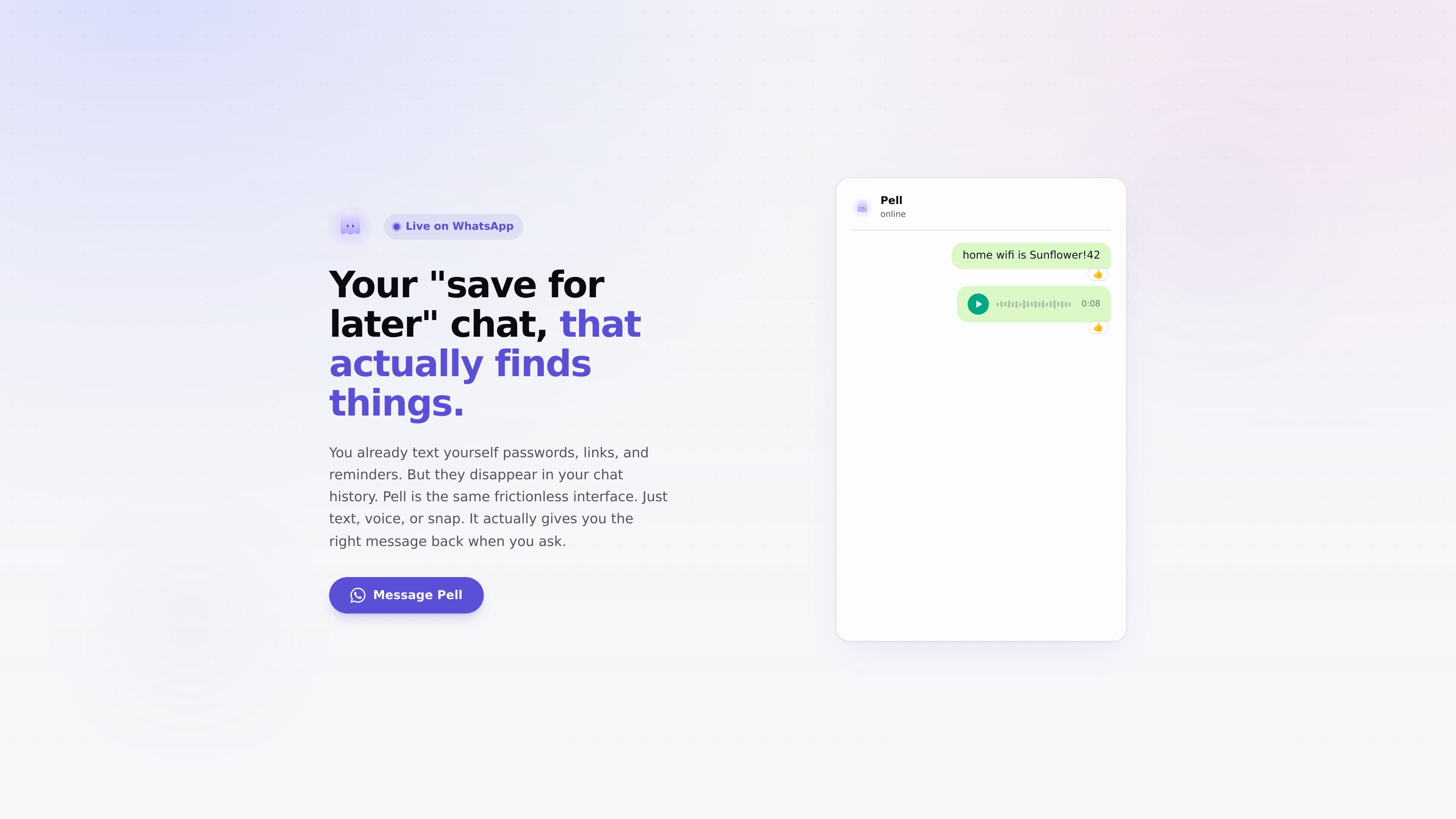
Pell is a WhatsApp-based save-for-later chat for personal notes and reminders. The product is built around a simple habit many people already have: texting themselves passwords, links, grocery items, and other small details they want to remember.
Rather than leaving those details buried in chat history, Pell lets you send text, voice, or a photo and later ask for the exact item back. The homepage emphasizes that it retrieves what you saved word-for-word, which makes it useful when you need a specific note, number, or message instead of a paraphrase.
Message Pell like you would text yourself, then ask for the item back later in the same chat.
Pell accepts voice notes as well as typed messages, and the site says it understands voice the same way it understands text.
You can snap a receipt, sticky note, or other photo, and Pell reads the content before saving it.
When you ask for something later, Pell is designed to return the exact saved text instead of rewriting or summarizing it.
The homepage positions Pell as a way to turn a chat history into an organized, searchable memory for notes, links, passwords, and reminders.
Save a password, Wi‑Fi name, gate code, or other exact detail in chat and ask for it back later without digging through message history.
Record shopping items, reminders, and quick notes by typing or speaking them into the chat while they are top of mind.
Send a receipt, sticky note, or photo of written information so Pell can read and store the text for later retrieval.
Use voice notes when typing is inconvenient, such as while walking or when you want to capture a thought immediately.
Look up the exact wording of something you previously saved when you need the original text rather than a paraphrase.
Pell is positioned as a WhatsApp contact you can message with text, voice, or images. The homepage shows it is used for saving notes and asking for items back later, but it does not provide setup steps or account requirements.
The homepage suggests Pell is meant for personal notes, reminders, links, passwords, receipts, and other items you want to retrieve later. It does not provide evidence of team features or shared workspaces.
Pell is shown as working on WhatsApp. The site does not mention other channels or integrations.
The homepage says Pell returns what you saved word-for-word rather than rewriting or summarizing it.
MealTime ist Ihr persönlicher, offline-fähiger Rezeptbegleiter, der Ihnen hilft, Mahlzeiten zu speichern, zu organisieren, zu planen und intelligente Einkaufslisten zu erstellen, während Ihre Daten privat bleiben.

Goldfish is an AI memory app for macOS that helps you reply, write, summarize, and continue using the context already on your Mac. It stores memory locally and writes in your tone.

Biji ist eine vielseitige Plattform, die entwickelt wurde, um die Produktivität durch innovative Werkzeuge und Funktionen zu steigern.

Gemma AI is a phone call reminder app that calls you with scheduled reminders instead of push notifications. It helps people who want a more direct way to stay on schedule, with Google Calendar sync and conversational call interactions.

Redline is a budgeting tool for Claude Code that paces sessions to stay within time, token, cost, or plan-percentage limits. It uses Claude Code’s native hooks and statusline to help sessions finish with a usable result instead of stopping abruptly.

Claude Overlay is a Windows desktop overlay for Claude Code that reads your screen so you can ask questions, inspect content, and request edits without leaving the current app. It runs on your existing Claude subscription through the Claude CLI, so no separate API key is required.