
Multi-scale planner
Organize tasks on a grid of days crossed with custom categories, then view the same planning information by day, week, month, or year. Items can be moved when plans change.

Planye is a digital life planner for organizing tasks across custom categories and day-to-year views, with optional journaling, habits, mood, money, cycle, and personal collection tracking. It suits people who want a flexible planner that can start on any date and sync across a browser and phone.
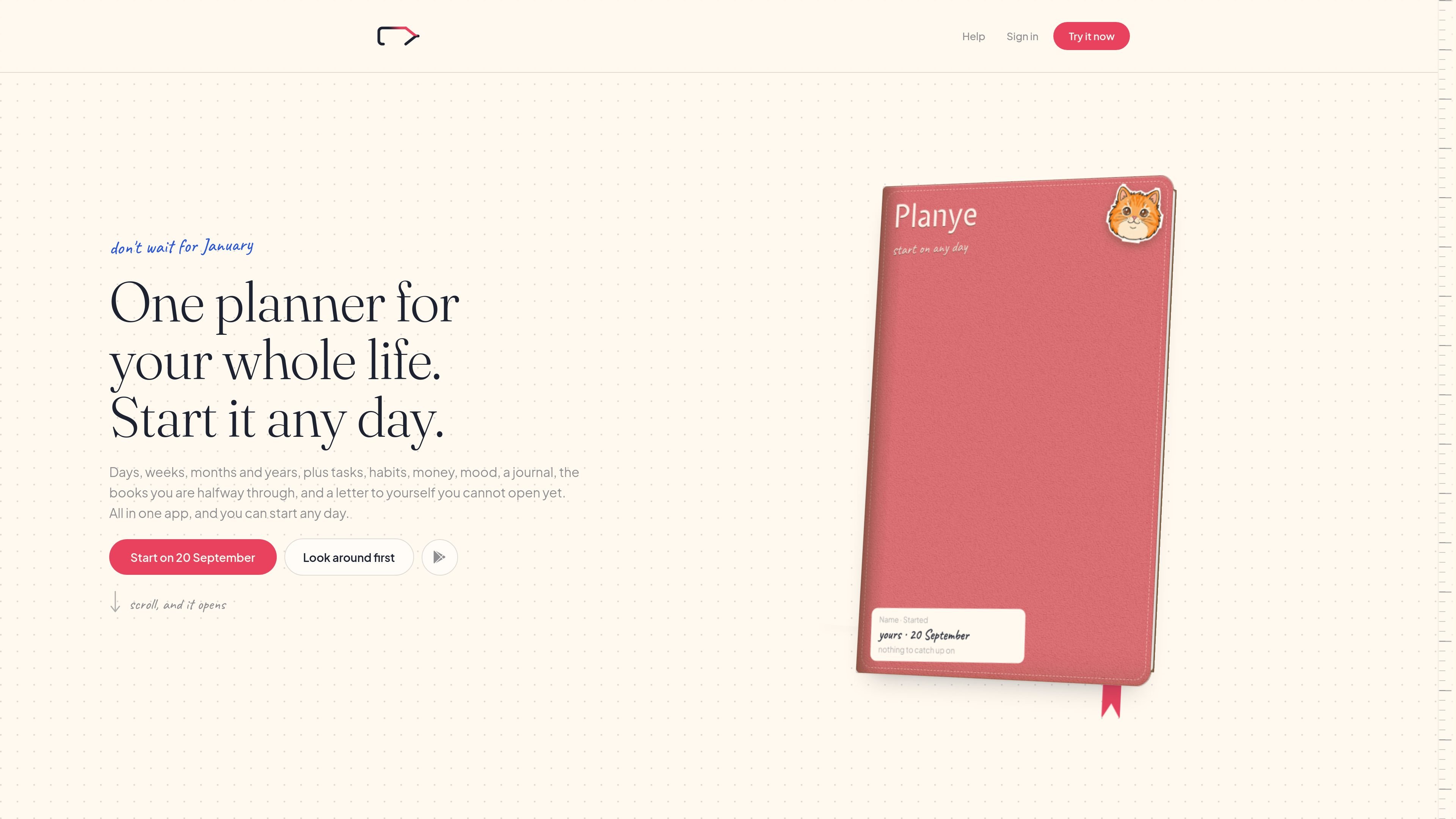
Planye is a digital life planner that combines task planning with journaling and lightweight personal tracking. Its primary view places tasks on a grid of days and user-defined categories, with day, week, month, and year views around it. Users can start on any day rather than following a January-to-December planner cycle.
The app is designed to keep planning, reflection, and selected trackers in one workspace without requiring every module. Alongside tasks, users can add habits, budget entries, mood and cycle logs, journal pages, collections for books and films, projects, and sealed letters. It works in a browser and on a phone, with a free plan that does not expire and a paid Planye+ plan for expanded limits and additional features.
Organize tasks on a grid of days crossed with custom categories, then view the same planning information by day, week, month, or year. Items can be moved when plans change.
Record habits with triggers, numbers, notes, and streak-style day tracking. Missed days appear as dashed circles without overdue alerts or reminders.
Write journal entries using movable text, photos, stickers, tape, and other blocks. The journal supports different page styles, including lined, dotted, grid, and blank layouts.
Track income, fixed bills, and spending envelopes alongside the weeks in which money was spent. Mood and cycle logging can be recorded with a daily tap, with yearly views for review.
Keep books and films or series on a shelf, manage lists, notebooks, and projects, and create sealed letters for a future date.
Choose which pages to keep, change themes and page styling, and use Planye+ to add Google Calendar to the week as a read-only view. The planner syncs across devices.
Set up categories such as work, personal, or health and place tasks on specific days. Use the week view to see capacity, move items when plans change, and review unfinished work without an overdue system.
Log a habit, mood, cycle detail, or expense in a lightweight daily routine, then use the accumulated week, month, or year views to look back at patterns and totals.
Combine text, photographs, stickers, tape, and handwritten or typed blocks on journal pages to document trips, ordinary days, dreams, or other memories in a scrapbook-like format.
Maintain a shelf of books and films or series in progress, organize lists and projects, and keep a dated letter sealed until a future moment.
Use the planner as a flexible alternative to a fixed-year paper diary: begin midyear or on any other date, keep only the pages you need, and continue the same planner into later years.
Planye works in a browser and on a phone. The site also provides an Android app, and the planner syncs across a phone and laptop.
Yes. The free plan has no time limit and includes the planner, journal, mood and cycle logging, and budget. It limits how much of some content you can keep.
Planye+ adds higher or unlimited limits, calendar connection, page decoration, additional themes, journal templates, and more media storage. The pricing page lists monthly and annual billing, with a seven-day free trial for the paid plan.
You can start on any day; there is no need to wait for January or import an existing planner. Set up categories, write the current week, and add the trackers or pages you want to use.
Google Calendar is available on the week view with Planye+ as a read-only calendar. The site says Outlook integration is on the way, so it should not be treated as currently available.

Goldfish is an AI memory app for macOS that helps you reply, write, summarize, and continue using the context already on your Mac. It stores memory locally and writes in your tone.

ArtDeck is a visual reference board app for iPhone, iPad, and Mac that lets artists collect mixed reference material on one canvas and study it with ToolBox lenses. It works offline, supports optional iCloud sync, and is sold as a one-time purchase with no account required.

Biji ist eine vielseitige Plattform, die entwickelt wurde, um die Produktivität durch innovative Werkzeuge und Funktionen zu steigern.

Malyatko is a baby tracker for logging feeding, sleep, growth, teething, and milestones in one app. It works on iPhone, Apple Watch, and widgets, with no sign-up, offline use, and family sharing through iCloud.

Liam is an AI copilot for managing inboxes, writing replies, prioritizing email, and scheduling meetings. It is offered free for individuals, with custom pricing for teams and enterprise.

Gemma AI is a phone call reminder app that calls you with scheduled reminders instead of push notifications. It helps people who want a more direct way to stay on schedule, with Google Calendar sync and conversational call interactions.