
Create designed social posts
Generate carousels, single-image posts, and short animated videos from a topic, article URL, X post, or imported slide content. AI-generated images can be added to designs.

PostNitro is a social media design and publishing engine for AI agents, developers, creators, and teams. It generates branded carousels, image posts, and animated slide-based video, then supports scheduling and native publishing across six social networks through MCP, CLI, REST API, Claude, or ChatGPT.
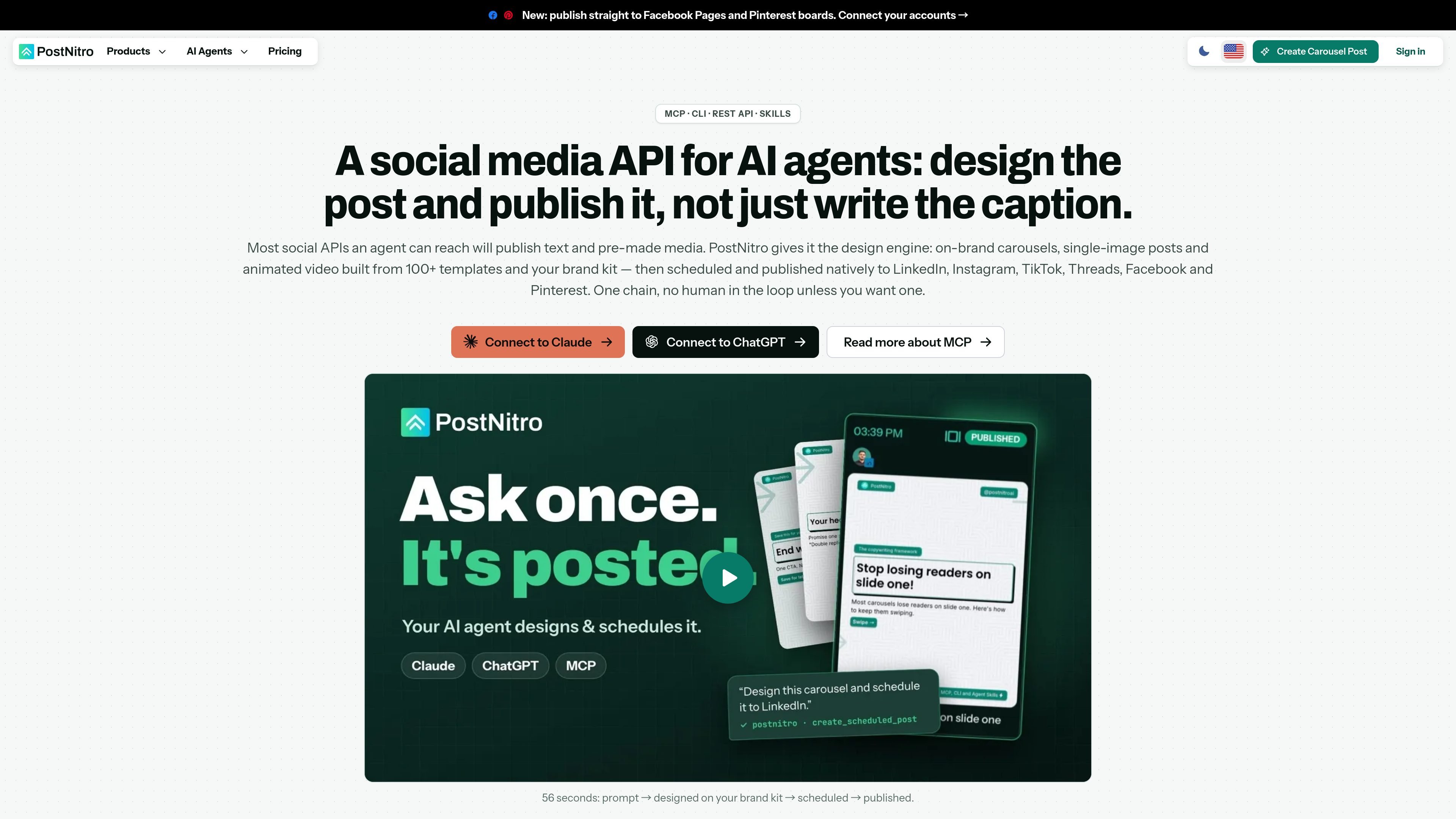
PostNitro is a social media design and publishing engine for AI agents. It creates on-brand carousels, single-image posts, and short animated videos from topics, source content, or imported slide material, using templates and brand kits rather than limiting an agent to caption writing or publishing pre-made media.
Agents can connect through Claude, ChatGPT, MCP, the CLI, or REST API, then generate designs, select from available templates and presets, and schedule posts to LinkedIn, Instagram, TikTok, Threads, Facebook, and Pinterest. The workflow can run without review, or return an editable design or draft for human approval before publishing.
Generate carousels, single-image posts, and short animated videos from a topic, article URL, X post, or imported slide content. AI-generated images can be added to designs.
Apply fonts, colors, logos, headshots, templates, and AI presets from a brand kit so an agent can reuse established visual settings without restating them in every prompt.
Connect through Claude, ChatGPT, an MCP-compatible client, the command-line interface, or REST API. The MCP server exposes 35 tools for creation, browsing, account management, and scheduling.
Create, read, update, and delete scheduled posts; inspect connected social accounts; and publish natively to LinkedIn, Instagram, TikTok, Threads, Facebook, and Pinterest.
Use fire-and-forget or wait-for-completion generation workflows with status and output polling. Combined generation-and-scheduling tools can handle the full workflow in one call.
Return PNG slides, a PDF, MP4 video rendered from animated carousel slides, or an editable design that can be opened and changed in the PostNitro editor.
An agent can turn a blog post, article URL, or topic into a multi-slide LinkedIn post, apply a saved brand kit, and schedule it for a specified date and time.
A marketing workflow can create an announcement or quote graphic as a single-image post, then prepare platform-specific captions and schedule it to connected social accounts.
A team can request several posts for the coming week and save them as drafts, allowing an editor to review the designs and wording before scheduling.
A developer can call the CLI or REST API from scripts, CI pipelines, n8n, Make, or another HTTP-capable workflow to generate designs and manage scheduled posts programmatically.
An agent can convert carousel slides into an MP4 with animated text and chosen audio for short-form video distribution, including TikTok publishing workflows.
PostNitro can be used through Claude, ChatGPT, any MCP-compatible client, its CLI, or the REST API. Claude and ChatGPT connect through OAuth without requiring an API key; the CLI and REST API use a PostNitro API key.
An agent can generate, schedule, and publish a post without a review step. Alternatively, it can return an editable design or save the post as a draft so a person can review it in the editor before scheduling.
PostNitro returns individual PNG slides, a PDF, an MP4 for rendered carousel video, or an editable design, depending on the workflow and output requested.
Agents can publish natively to LinkedIn, Instagram, TikTok, Threads, Facebook, and Pinterest. X/Twitter can be used as a content source and export format, but it is not listed as a publishing destination.
Agent access is included with Creator+ and Team+ plans. On Starter, it is available as a $10/month add-on that includes 250 credits. There is no free API tier. Credit usage is measured per slide: imported slides cost 1 credit and AI-generated slides cost 2.

PixelDrive is a bulk image generation API for creating many on-brand images from one template through a browser editor, REST API, CSV batch, or MCP. It suits teams that need repeatable image output with cacheable renders and usage-based pricing.

Napkin AI verwandelt Text in bearbeitbare Visuals für Präsentationen, Dokumente und teilbare Inhalte. Text zuerst, inkl. Export als PPT, PNG, SVG oder PDF.

Refero MCP for AI agents connects an MCP-compatible agent to Refero’s curated library of web and iOS product interfaces and user flows. It helps agents research real design patterns before generating UI, with access included in the Refero Pro plan.

Frames hilft dir, Launch-Poster und Social-Media-Marketinggrafiken schnell zu erstellen – mit Premium-Geräterahmen & Templates für Instagram, Twitter & Product Hunt. Kostenlos starten.

Topple.lol is a public pay-to-rank leaderboard where listings start at $1 and their bid balance decays over time and with clicks. It helps makers and marketers buy short-term visibility for product sites or X profiles while tracking live board stats.

Make Real is a Next.js app that turns hand-drawn wireframes into working HTML prototypes using the tldraw SDK and AI models. It helps users sketch on a canvas, generate code, and review the result in an embedded preview.