
Moodboards
Build visual direction with uploaded references, a freeform layout, and link-based sharing for client sign-off.

prepros is a shoot production platform for creative teams planning brand shoots. It centralizes moodboards, shotlists, callsheets, budgets, crew, and related planning tools in one workspace.
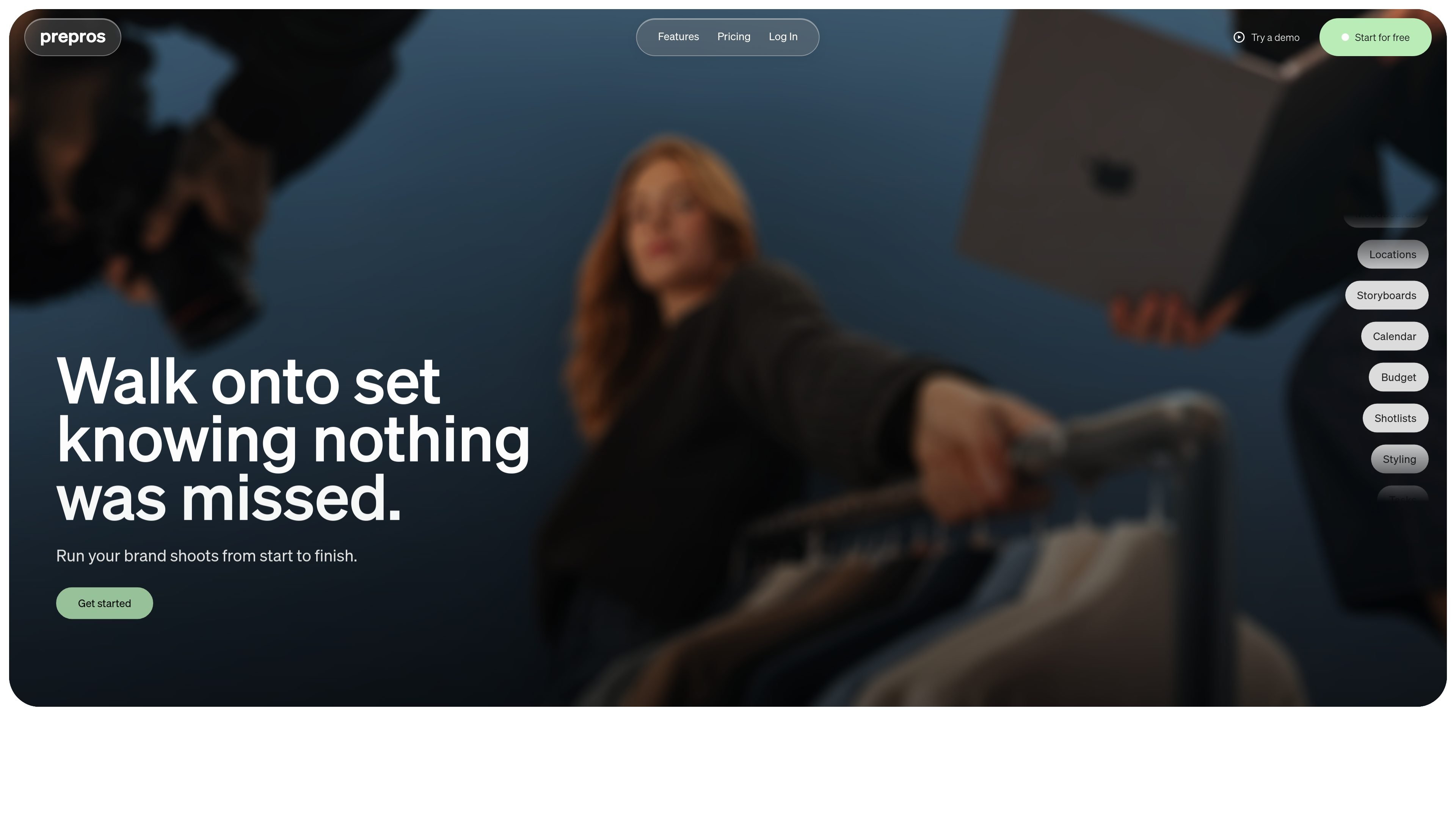
prepros is a shoot production platform for creative teams planning brand shoots. It combines production planning tools in one workspace so teams can manage moodboards, shotlists, callsheets, budgets, crew, and other shoot assets from brief to wrap.
The product is framed as a full production operating system rather than a set of separate docs. The homepage emphasizes keeping everyone aligned on the same plan, while the pricing page shows plans for solo creatives, multi-production users, and in-house brand teams.
Build visual direction with uploaded references, a freeform layout, and link-based sharing for client sign-off.
Map the sequence and feeling of the day before the shoot happens, so the team shares the same shot-by-shot plan.
Document looks by shot and track which garments are confirmed so styling decisions stay organized.
Plan the shot order and assign looks, locations, and talent so the day runs from a single shot list.
Share production items through link-based access and email invites, with attendance confirmation for crew.
Track production activity with calendars, budgets, tasks, callsheets, documents, locations, products, and crew planning across the workflow.
Plan a brand photoshoot in one workspace, from the initial brief through shot ordering, crew coordination, and final callsheet sharing.
Organize visual direction and approvals when clients need to review moodboards or sign off on the creative direction before the shoot.
Keep styling details, shot assignments, and look confirmations together so wardrobe and production choices stay aligned.
Manage recurring production work across several shoots, with separate active productions and archived projects organized by plan.
Coordinate in-house campaign work with team-based permissions, shared seats, and multiple workspaces for different groups.
prepros is a shoot production platform for planning brand shoots from start to finish. It brings moodboards, storyboards, styling, shotlists, budgets, tasks, callsheets, documents, and calendars into one place.
The source shows plans for solo creatives, power users, and in-house brand teams. The platform is positioned for people managing one shoot or many productions, with sharing built into the workflow.
The homepage says you can share items with a link, send moodboards for client sign-off, and let crew confirm attendance. The pricing page also includes collaborator invites by email on the Solo plan.
The pricing page lists three plans: Solo, Pro, and Brand. It also says you can switch between monthly and yearly billing, with yearly pricing shown as saving 20%.
The provided source does not document third-party integrations or export options, so those capabilities should be confirmed directly with the company.

Biji ist eine vielseitige Plattform, die entwickelt wurde, um die Produktivität durch innovative Werkzeuge und Funktionen zu steigern.

Dcyde is a decision log for product teams that captures what was decided, the reasoning behind it, and the source in one shared place. It supports pinning decisions from Slack, Figma, or inside Dcyde and keeps the record searchable over time.

runevr is a connected workspace for creative teams that combines boards, media review, chat, recordings, drive, calls, and AI agents in one room-based environment. It is designed to reduce tool switching and keep project context together.

Carbon Voice is an asynchronous voice messaging app for teams and individuals, with transcripts, AI catch-up, and cross-device access. It helps people and agents communicate without needing a live call.

BotBoard is a task-management layer for AI agents that helps teams assign work, track progress, and review output. It supports CLI, MCP, and HTTP connections for tools like OpenClaw, Codex, Claude Code, and Cursor.
SignalLEMO is a B2B lead intelligence and outreach platform for field-service and specialized service teams. It helps users find prospects, draft outreach, and track pipeline activity in one place.