
Live terminal scanning
Run a one-command scan from the terminal and see findings stream back as they are discovered, instead of waiting for a separate report step.

qsa.sh runs an external security scan of the public IP your request comes from, using terminal-streamed results and no local installation. It helps people inspect their own exposed ports and vulnerability signals from the internet-facing side.
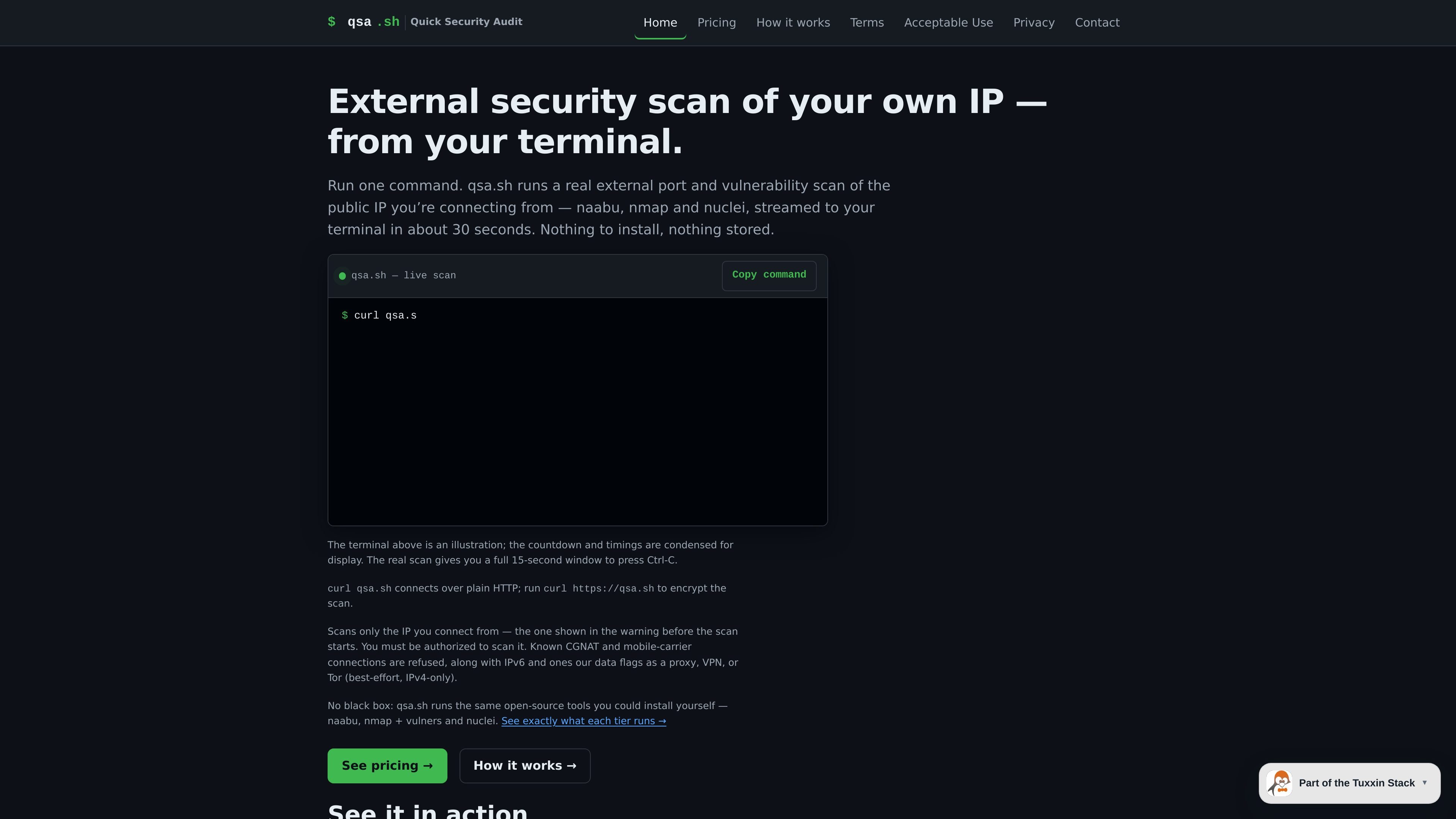
qsa.sh is a terminal-based external security scan service that checks the public IP address your request comes from. It is designed for people who want a quick outside-in view of their own host without installing scanners or assembling a toolchain first.
The service combines naabu, nmap with the vulners script, and nuclei to identify open ports, service versions, TLS posture, and matching vulnerability checks. The free tier streams results live in about 30 seconds, while paid tiers extend the scan to all ports and return fuller reports asynchronously.
Run a one-command scan from the terminal and see findings stream back as they are discovered, instead of waiting for a separate report step.
The free scan checks the top 1,000 TCP ports, while paid tiers expand to all 65,535 TCP ports for broader external exposure coverage.
qsa.sh fingerprints services with nmap and vulners so open ports are paired with detected service versions and known-CVE mapping.
Nuclei checks cover curated exposure, login, takeover, TLS, and CVE templates, with the Deep tier using the full template set plus custom checks.
The service only scans the IP your request comes from, shows that address before scanning, and includes a 15-second chance to cancel with Ctrl-C.
Check what ports and services are exposed on your own public IP and get a quick severity snapshot without setting up local tools.
Use the Full tier when you are fixing an issue and want broader port coverage with repeated verification on the same host.
Use the Deep tier when you want a fuller vulnerability pass, including the complete nuclei template set and a report you can review later.
Run the scan from a server, cloud instance, or datacenter host to inspect its outside-in exposure from the internet.
Use the live terminal output when you want immediate feedback on open ports, service versions, TLS posture, and CVE matches.
qsa.sh scans only the public IP address that your connection arrives from. There is no target field, and continuing past the pre-scan countdown is treated as your authorization to scan that IP.
Free scans stream live to your terminal. Full scans return asynchronously, while Deep scans email a report and a self-expiring results link.
Free scans are limited to one scan per 24 hours per IP. Full scans are limited to one per hour per key, and Deep scans are one-time credits with no per-IP cooldown.
The service refuses known CGNAT and mobile-carrier connections, IPv6 origins, and connections flagged as proxy, VPN, or Tor/relay. Those restrictions apply to paid tokens too.
It uses naabu for port discovery, nmap with the vulners script for service and CVE mapping, and nuclei with the public nuclei templates for vulnerability checks.

ByteAsk is a terminal-first AI coding agent for C and C++ that edits repositories and verifies changes with the real compiler, debugger, sanitizers, and tests before showing a diff. It offers a free tier plus paid plans, with editor connectors and zero-retention handling described in the source.

Manta AI is an autonomous web app testing tool for teams that want to map application behavior, catch regressions, and generate tests without writing scripts or maintaining selectors. It works from a URL and supports plain-English test flows, run results with screenshots, and scheduled or deployment-triggered checks.

CreateOS Sandbox is an isolated compute environment for running code and agent workloads inside Firecracker micro-VMs. It is designed for workflows that need machine-level isolation, private networking between sandboxes, and programmatic control through SDK, CLI, or MCP.

hob is an independent workspace for coding agents that keeps agent sessions, terminals, history, and follow-up work organized around the tools and providers you already use. It is aimed at developers who want local control over routing, history, and workspace structure rather than a bundled model stack.

ClawTick is an AI agent automation platform for scheduling jobs from the CLI, dashboard, or REST API. It is aimed at developers and teams running LangChain, CrewAI, webhook, or custom agent workflows that need monitoring, alerts, and logs.

Redline is a budgeting tool for Claude Code that paces sessions to stay within time, token, cost, or plan-percentage limits. It uses Claude Code’s native hooks and statusline to help sessions finish with a usable result instead of stopping abruptly.