
No-code agent setup
Describe the job, connect the tools, and launch an agent without setting up command lines or a custom server. The site positions the product as a no-code way to get an agent running quickly.

Rerun is a web platform for building and running AI agents that can work on business tasks, pause for approvals, and show their activity in a live dashboard. It is aimed at individuals and teams that want no-code setup with visible execution and model flexibility.
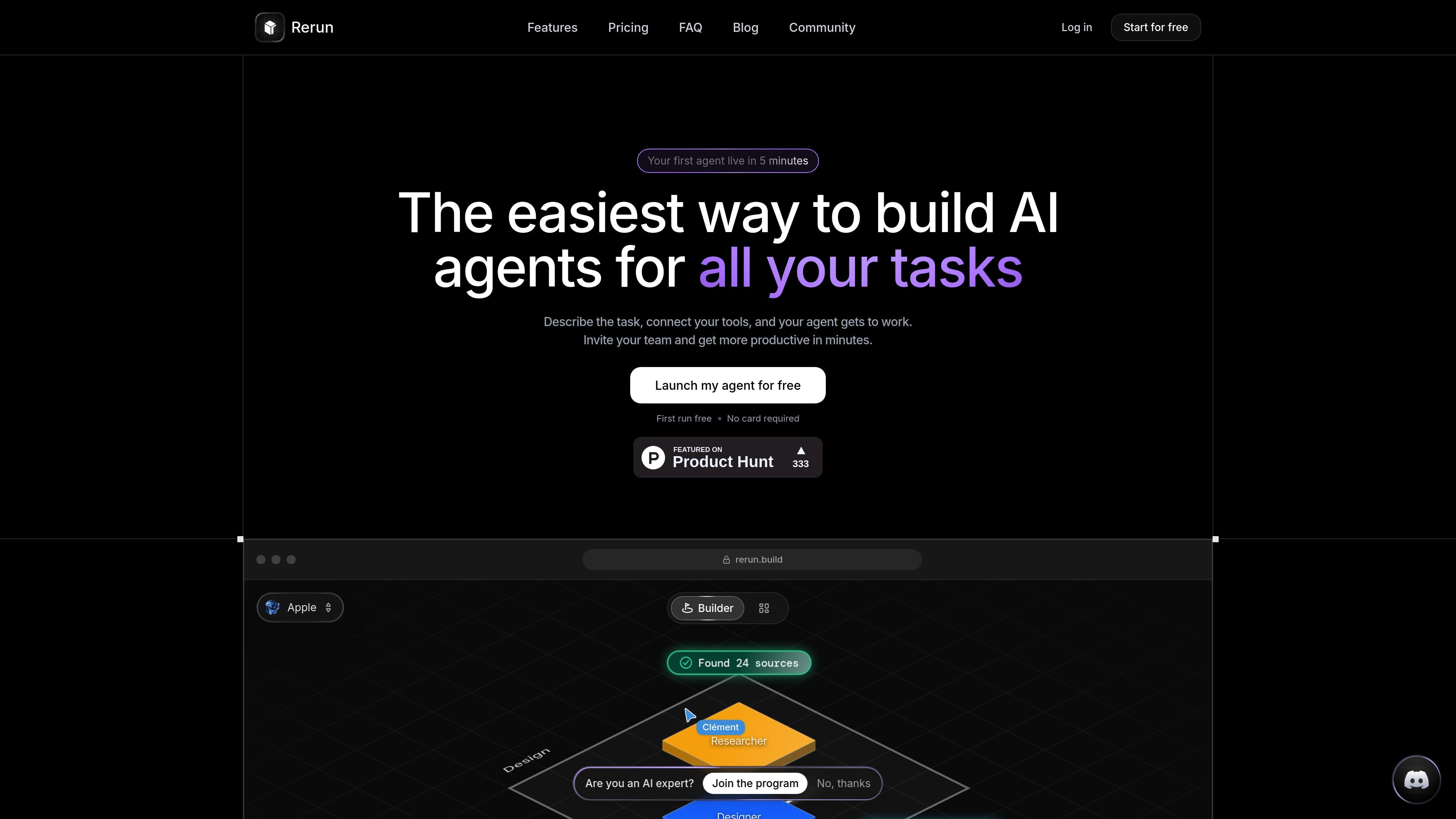
Rerun is a platform for building and running AI agents that take over defined tasks and show their work as they go. The homepage frames it as a way to create an agent in minutes by describing the task, connecting tools, and then watching execution on a dashboard that people can understand.
The product combines no-code setup, event-driven execution, human approvals, and live monitoring. It is aimed at people and teams who want agents that run continuously, hand work back when needed, and keep the results visible instead of buried in logs or terminal output.
Describe the job, connect the tools, and launch an agent without setting up command lines or a custom server. The site positions the product as a no-code way to get an agent running quickly.
Agents can wake themselves up when an email arrives, when something changes, or on a schedule such as every morning. This is meant to remove the need for a manual run button.
When a task needs review, the agent stops and hands the decision back to a person. Approvals can happen in the app or in Slack, and the agent resumes from the same point afterward.
The dashboard shows runs, tokens, handoffs, logs, agent status, and success rate in real time. That makes the work observable instead of hidden in a terminal or background process.
Rerun supports a range of model options, including Claude, ChatGPT, Gemini, Grok, DeepSeek, Llama, Mistral, Qwen, Groq, OpenRouter, Hugging Face, and Ollama. The site also says you can use Rerun-hosted models or bring your own subscription, API key, or local LLM.
Each workspace gets a dedicated private server in the cloud, with isolated CPU and memory. The site also says self-hosted mode is available on the Scale plan and keeps agent content on your own infrastructure.
Set up agents that handle recurring admin tasks, then let them wake up automatically when a message arrives or a scheduled time hits. The site specifically mentions inbox triage and morning task execution.
Assign agents to process leads, draft replies, and hand sensitive messages back to a human for approval before sending. The homepage and blog both point to sales and lead qualification workflows.
Use the dashboard to inspect live runs, token usage, logs, and success rates when an agent needs oversight or debugging. This is useful for teams that want visibility instead of opaque automation.
Route tasks that require review, such as refunds or client-facing emails, through an approval step in the app or Slack. The agent pauses at the decision point and resumes after approval or decline.
Run agents for functions like invoices, reporting, client updates, order processing, and support triage. The homepage positions these as examples for finance, agencies, e-commerce, and support teams.
Rerun is set up from the product interface rather than with code-first infrastructure. The site says you can describe the task, connect your tools, and launch an agent in minutes.
The homepage says agents can wake up on their own, respond to events such as new email or changed conditions, and hand work to each other. It also says you can set approvals so the agent pauses for sensitive actions and resumes after approval.
The product highlights a live dashboard that shows runs, tokens, handoffs, logs, agent status, and success rate so you can see what each agent is doing in real time.
Yes. The site says you can invite your team, and the pricing section includes a Team plan for teams putting a few agents to work together.
The pricing section says Rerun offers hosted models included in the plan, and you can also connect your own subscription, API key, or local model. The site also says there are no usage caps from Rerun.

AgentMail is an email inbox API for AI agents that lets developers create, send, receive, and search messages through REST APIs and SDKs. It supports agent workflows such as threaded replies, verification, customer support, scheduling, and inbox-based approvals.

Lasso is an ecommerce product data platform for enriching catalog records, processing supplier files, generating product content, and monitoring competitors. It combines a web app with a REST API, SDK, and MCP server for teams and developers.

CreateOS Sandbox is an isolated compute environment for running code and agent workloads inside Firecracker micro-VMs. It is designed for workflows that need machine-level isolation, private networking between sandboxes, and programmatic control through SDK, CLI, or MCP.

Codex Plugins bundle reusable skills, app integrations, and MCP servers into workflows you can install in the Codex app or use from Codex CLI. They help extend Codex with connected-service tasks, reusable instructions, and shared team workflows.

Botacts is a web directory for finding AI bots and agents you can contact by phone, email, SMS, WhatsApp, Telegram, or Signal. It also lets creators suggest bots for manual review before publication.

Wallie is an open-source AI streamer that watches your screen, hears chat, and generates live commentary in a configurable persona. It runs locally on your machine with your own keys and is aimed at faceless content, autonomous streams, and real-time reactions.