
Integrated research workflow
The workspace links literature search, data acquisition, analysis, visualization, and writing so researchers can keep the full workflow in one environment rather than moving between separate tools.

Ressearch AI is a cloud workspace for scientific research that connects literature discovery, data acquisition, Python/R analysis, visualization, and writing. It is aimed at researchers and technical teams that need traceable, reproducible workflows.
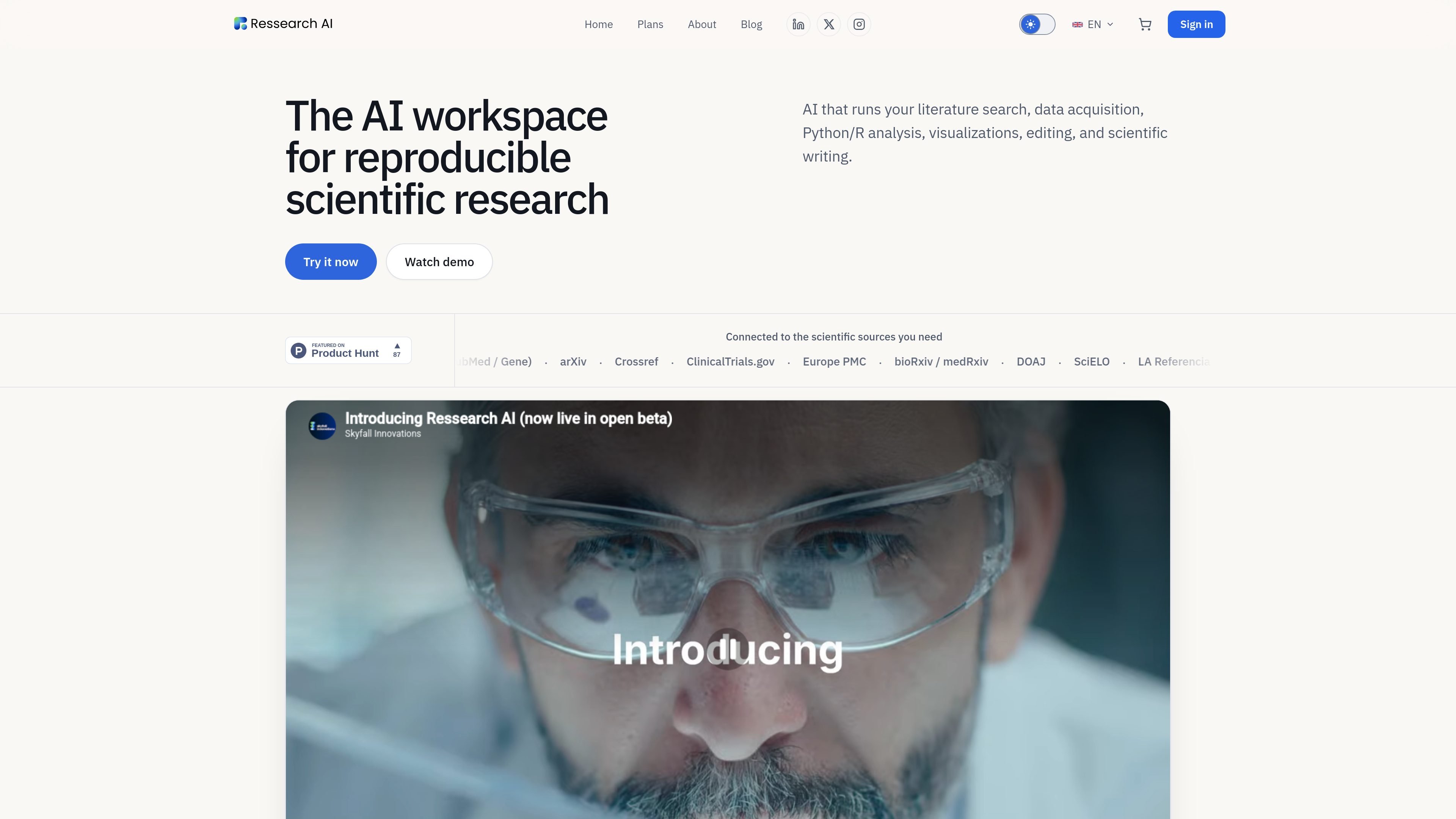
Ressearch AI is an AI workspace for reproducible scientific research. It is built to help researchers move from literature review and data gathering to Python or R analysis, visualization, and scientific writing in a single cloud environment.
The product positions itself as a research development environment for scientific teams that need traceable, reviewable workflows rather than a general-purpose chat assistant. Its site emphasizes reproducibility, isolated execution sandboxes, curated scientific sources, and exports that preserve code, evidence, and project context.
The workspace links literature search, data acquisition, analysis, visualization, and writing so researchers can keep the full workflow in one environment rather than moving between separate tools.
AI agents can run traceable scientific workflows inside isolated cloud sandboxes, with Python and R execution available for analysis and reproducibility.
The platform connects to a wide set of scientific sources, including Semantic Scholar, OpenAlex, PubMed, arXiv, Crossref, ClinicalTrials.gov, Europe PMC, bioRxiv/medRxiv, DOAJ, SciELO, and LA Referencia.
The plans page lists built-in support for PDFs per project, a knowledge graph for project articles, Zotero and references integration, and exports to PDF, LaTeX, Word, GitHub, and generated files.
Pricing and changelog pages show reproducibility-oriented controls such as traceable sources, preserved provenance, immutable published runs, and verified exports that stop if required evidence is missing.
Higher plans add collaborative projects, team administration, centralized activity auditing, pooled organization credits, priority compute, and shared Slack support for groups.
A researcher can collect papers from supported academic sources, organize them in a project, and use the built-in knowledge graph and references tools to keep the literature review connected to the rest of the work.
A scientist working with a dataset can run Python or R analysis in a cloud sandbox, then move the results into figures, tables, and written output without leaving the project.
A lab team can use collaborative projects, shared credits, and the admin dashboard to coordinate work, audit activity, and keep execution centralized across multiple members.
A researcher preparing a paper can combine source material, code outputs, figures, and references, then export the project to formats such as PDF, LaTeX, Word, or GitHub for submission or review.
A technical team can use the platform’s source provenance, reproducible runs, and verified exports to make the chain from evidence to conclusion easier to review before publication.
Ressearch AI is designed for researchers and technical teams who need a single workspace for literature review, data acquisition, analysis, and writing. Its content emphasizes biosciences, health, environmental and ecological research, molecular biology, structural biology, bioinformatics, and cheminformatics, but the workflow is broader than a single discipline.
The platform centers on traceable scientific workflows. It connects literature and data sourcing, Python and R analysis in cloud sandboxes, visualization work, and scientific writing so users can move from a question to a reproducible result in one place.
The plans page says projects can include execution of code, chats, PDFs, references, and exports to PDF, LaTeX, Word, images, tables, files, and GitHub. The changelog also shows reproducibility-focused packages and verified exports.
The pricing and plans page shows shared organization features on higher tiers, including collaborative projects, an admin dashboard, centralized activity auditing, pooled credits, and team support channels. Lower tiers are presented as individual plans.
The site presents the product as a cloud workspace with isolated sandboxes and curated scientific data sources. It does not publish a full public technical spec on operating systems, offline use, or every supported integration, so those details should be confirmed before adoption.

ByteAsk is a terminal-first AI coding agent for C and C++ that edits repositories and verifies changes with the real compiler, debugger, sanitizers, and tests before showing a diff. It offers a free tier plus paid plans, with editor connectors and zero-retention handling described in the source.

MeetStream is a meeting bot API for Zoom, Google Meet, Microsoft Teams, and Webex. It helps developers record, stream, and analyze meetings programmatically, with usage-based pricing and a $5 free credit to start.

CreateOS Sandbox is an isolated compute environment for running code and agent workloads inside Firecracker micro-VMs. It is designed for workflows that need machine-level isolation, private networking between sandboxes, and programmatic control through SDK, CLI, or MCP.

Hype is a web tool for finding trending YouTube topics by category, time range, and scoring mode. It helps creators spot emerging ideas, inspect source videos, and decide what to cover next.

hob is an independent workspace for coding agents that keeps agent sessions, terminals, history, and follow-up work organized around the tools and providers you already use. It is aimed at developers who want local control over routing, history, and workspace structure rather than a bundled model stack.

Manta AI is an autonomous web app testing tool for teams that want to map application behavior, catch regressions, and generate tests without writing scripts or maintaining selectors. It works from a URL and supports plain-English test flows, run results with screenshots, and scheduled or deployment-triggered checks.