
Dedicated signup inbox
Use a Robin email address for signups and receive login or verification codes without exposing another inbox to follow-up sales messages.

Robin is a focused email inbox for sign-in codes, receipts, booking messages, invitations and notes, with built-in calendar and booking features. Premium adds Robin MCP, allowing a trusted external agent to read and search one inbox, inspect attachments, read calendar events and prepare or—when explicitly permitted—send replies.
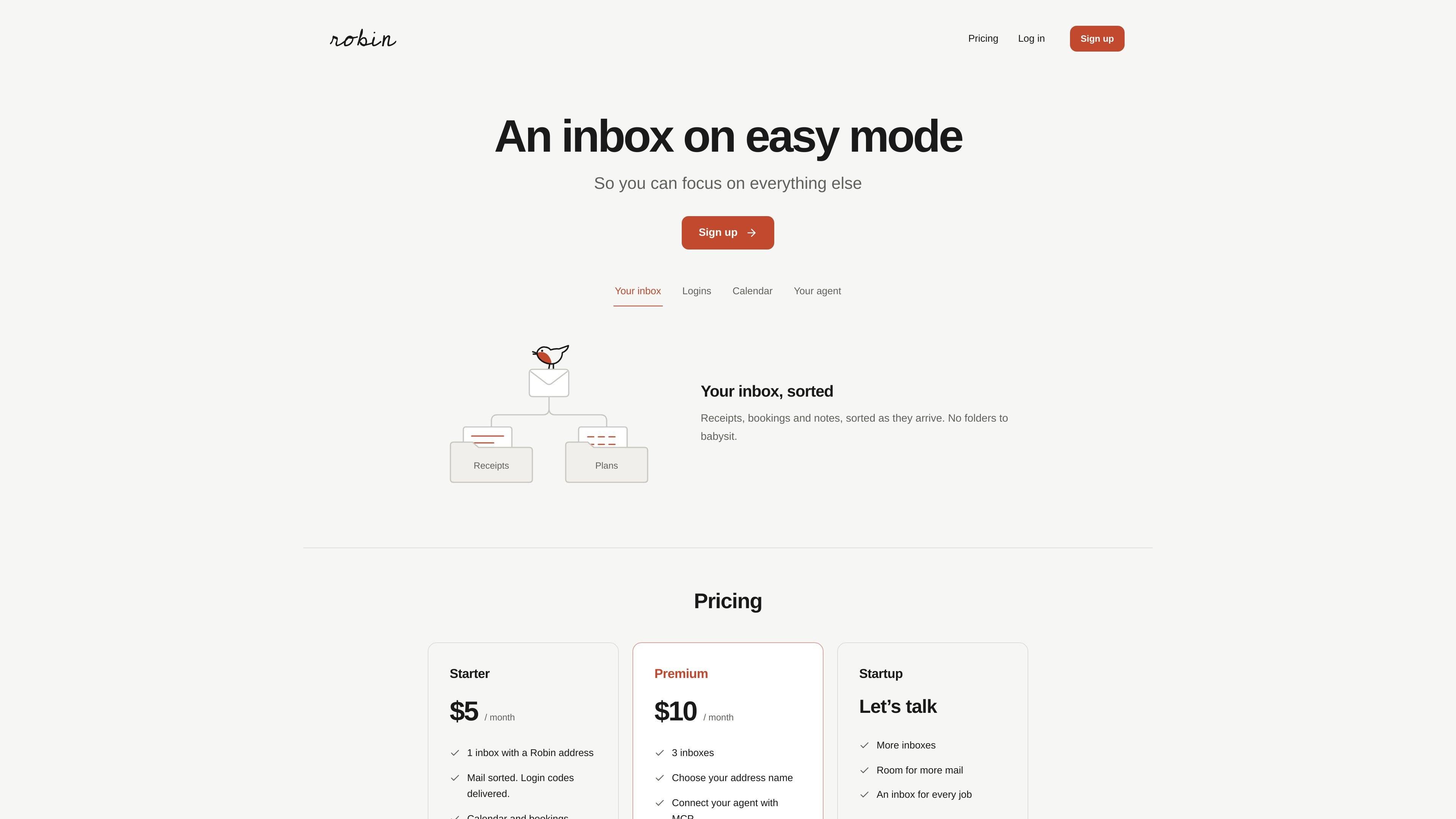
Robin is a separate inbox service for email that is easier to keep focused than a general-purpose mailbox. It is designed for messages such as login codes, receipts, booking confirmations, invitations and notes, with mail sorted as it arrives. A Robin address can also be used for signups when you want transactional messages without inviting ongoing sales follow-up into your primary inbox.
The service includes calendar and booking features for receiving invitations and sharing a page where others can select a time. On the Premium plan, Robin MCP lets you connect a trusted external agent to one inbox. Depending on the permissions you grant, the agent can read and search mail, inspect attachments, read calendar events, prepare replies and send certain replies automatically. The agent uses its own client, while Robin keeps access scoped to the selected inbox and owner-controlled permissions.
Use a Robin email address for signups and receive login or verification codes without exposing another inbox to follow-up sales messages.
Messages such as receipts, bookings and notes are sorted as they arrive, reducing the need to manage traditional folders.
Robin provides a calendar for incoming invitations, plus a booking page that can be shared so people can choose an available time.
Premium users can connect a trusted external agent to one Robin inbox through MCP, with owner-controlled permissions for mail and calendar access.
Agents can list and search messages, read original mail and attachments, resume from a saved cursor, read calendar events, and prepare replies for review.
Premium connections can allow automatic replies to specified addresses with a daily limit and expiry, while other replies require review of the exact text and recipient.
Use a Robin address for account registrations and keep sign-in codes and verification messages separate from your main mailbox.
Receive booking confirmations, travel-related messages or other plans in one place while keeping the associated mail easy to find.
Share the Robin booking page so people can choose a time, with incoming invitations appearing in the Robin calendar.
Connect a trusted agent to search messages, read attachments, find calendar events and prepare a response when you want help processing an inbox.
Enable automatic replies for selected email addresses when a repeatable workflow needs sending without an additional click, while retaining address, daily and expiry controls.
Robin provides an email address and inbox for receiving mail such as sign-in codes, receipts, booking confirmations and other messages. It also includes a calendar and booking page for invitations and scheduling.
Premium users can connect a trusted agent through Robin MCP. The connection is configured from the Robin inbox, scoped to one inbox, and uses a bearer-token access key with a Streamable HTTP client. OAuth-only clients are not supported yet.
With granted permissions, an agent can list and search messages, read original messages and attachments, resume polling with a saved cursor, read Robin calendar events, and prepare replies. It can send replies automatically only when the owner has enabled the relevant standing permission; otherwise the owner reviews the exact draft and recipient.
Robin MCP does not create calendar events, start new email threads, or wake an offline agent. The agent runs in its own client and polls for new mail. Robin also does not read Gmail, Outlook, or an external calendar.
Starter costs $5 per month for one inbox, 600 received emails and 100 recipient sends per month. Premium costs $10 per month for three inboxes, 6,000 received emails and 900 recipient sends per month, and includes MCP access. Usage is shared across inboxes and resets monthly in UTC.

Liam is an AI copilot for managing inboxes, writing replies, prioritizing email, and scheduling meetings. It is offered free for individuals, with custom pricing for teams and enterprise.

Gemma AI is a phone call reminder app that calls you with scheduled reminders instead of push notifications. It helps people who want a more direct way to stay on schedule, with Google Calendar sync and conversational call interactions.

ClawTick is an AI agent automation platform for scheduling jobs from the CLI, dashboard, or REST API. It is aimed at developers and teams running LangChain, CrewAI, webhook, or custom agent workflows that need monitoring, alerts, and logs.

Sequenzy is an email marketing and automation platform for SaaS teams, stores, and AI teams. It combines campaigns, event-driven workflows, transactional email, segmentation, and revenue attribution, with developer and AI-agent access.

Dirac is an AI email assistant that prepares a morning brief, prioritizes important threads, and drafts replies in your voice. It is positioned for founders and other busy professionals who use Gmail and want to reduce morning inbox triage.

AgentMail is an email inbox API for AI agents that lets developers create, send, receive, and search messages through REST APIs and SDKs. It supports agent workflows such as threaded replies, verification, customer support, scheduling, and inbox-based approvals.