
Vision-based screen understanding
Rosply captures screenshots at each step, sends them to a vision model, and uses the resulting actions to drive the interface. This lets it read dialogs, popups, and other dynamic UI without relying on DOM access.

Rosply is an AI desktop agent that sees your screen and controls your Windows, macOS, or Linux computer from natural-language instructions. It is built for desktop automation tasks such as browsing, form filling, file operations, code generation, and voice-driven commands.
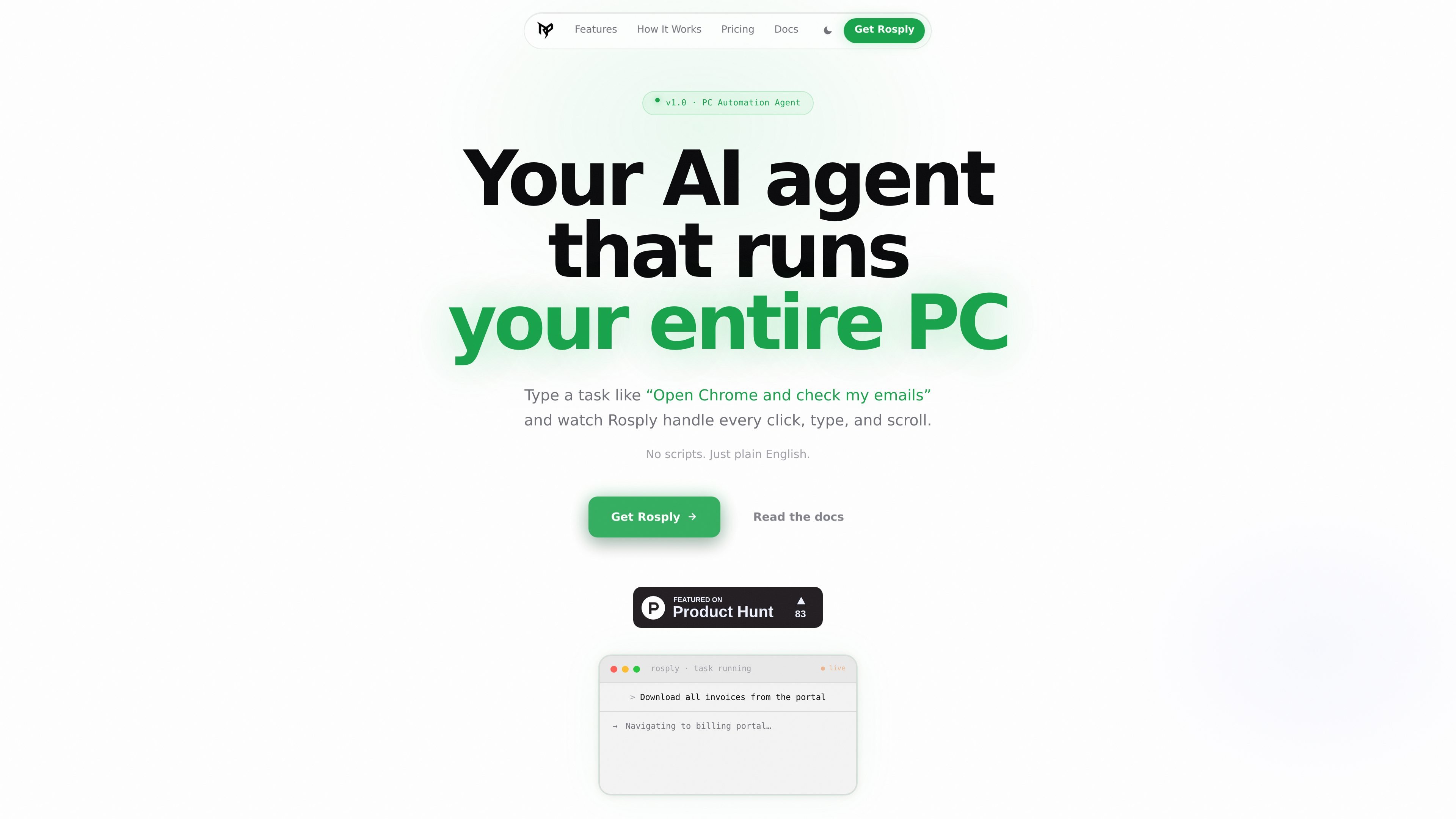
Rosply is an AI desktop agent for Windows, macOS, and Linux that performs tasks by seeing the screen and controlling the mouse and keyboard. You describe what you want in plain language, and the agent loops through screenshot capture, model reasoning, and desktop actions until the task is complete or you stop it.
The product is aimed at general desktop automation rather than browser-only workflows. The site says Rosply can open apps, navigate websites, fill forms, read and save screen content, control any application with mouse and keyboard input, generate code projects in VS Code, and respond to voice commands.
Rosply captures screenshots at each step, sends them to a vision model, and uses the resulting actions to drive the interface. This lets it read dialogs, popups, and other dynamic UI without relying on DOM access.
The agent can click, double-click, right-click, drag, type, scroll, and use hotkeys across native desktop apps. The site says it works even when an app has no public API.
A built-in VS Code extension can turn a prompt into project files. The docs say it uses DeepSeek V3 via OpenRouter and writes the generated files directly into the workspace or a new folder.
Rosply includes wake-word voice input through Whisper running locally, so users can say “Hey Rosply” and issue a task without focusing the app or using a hotkey.
Values can persist across steps and across runs, which allows Rosply to carry information from one page or application to another.
Ctrl+H immediately stops the current run, and the docs say each task is also limited to 200 actions. That provides a practical safety limit for long or looped tasks.
Use Rosply to open apps, navigate websites, fill out forms, and move through multi-step website flows where a human would normally click and scroll.
Ask Rosply to scaffold code or create files in VS Code when you want a starter project or a generated codebase written directly into the workspace.
Use the voice wake word to issue hands-free tasks, such as dictating what you want done while working away from the keyboard.
Use Rosply for repetitive desktop work such as renaming files, downloading invoices, automating spreadsheets, or monitoring page changes.
Use the Claude Code integration to trigger desktop actions from within Claude Code through Rosply’s global MCP server setup.
Rosply is set up from a script that installs its Python and Node.js dependencies, the Electron UI, and the VS Code extension automatically. The docs say the first run takes a few minutes and that you need an OpenRouter API key to start.
Yes. The docs list Windows 10/11, macOS 12+, and Linux as supported platforms, with Windows recommended. The homepage also notes macOS support is in beta, while the docs describe macOS and Linux as fully supported.
Rosply uses a vision model through OpenRouter by default. The docs say the default model is a Qwen VL model from OpenRouter, and the homepage notes you can also use local models or other vision-capable providers.
Rosply is built for single-user desktop automation rather than shared team workflows. The site does not describe team seats, collaborative projects, or admin controls.
The product page says Rosply can be stopped at any time with Ctrl+H and that each run is capped at 200 actions to prevent runaway loops.

Awish is an AI-powered no-code automation platform that turns natural-language requests into automated workflows across connected apps. It serves individuals and teams that want to automate repetitive tasks, chat-based assistants, and workflow updates without manual configuration.
MealTime ist Ihr persönlicher, offline-fähiger Rezeptbegleiter, der Ihnen hilft, Mahlzeiten zu speichern, zu organisieren, zu planen und intelligente Einkaufslisten zu erstellen, während Ihre Daten privat bleiben.

Goldfish is an AI memory app for macOS that helps you reply, write, summarize, and continue using the context already on your Mac. It stores memory locally and writes in your tone.

Biji ist eine vielseitige Plattform, die entwickelt wurde, um die Produktivität durch innovative Werkzeuge und Funktionen zu steigern.

Codex Plugins bundle reusable skills, app integrations, and MCP servers into workflows you can install in the Codex app or use from Codex CLI. They help extend Codex with connected-service tasks, reusable instructions, and shared team workflows.

Struere is an AI-native platform for turning spreadsheet data into structured operational software with dashboards, alerts, and automations. It is aimed at teams that want to replace manual spreadsheet workflows without building custom tools from scratch.