
Slack-native workflow
Install Scarlett in Slack and use her in threads and mentions. The product is designed to work where team conversations already happen, rather than in a separate app.

Scarlett is a Slack-native AI coworker that executes tasks across connected tools, from reports and documents to recurring automations. It is designed for teams that want work completed inside Slack with approval controls and audit logging.
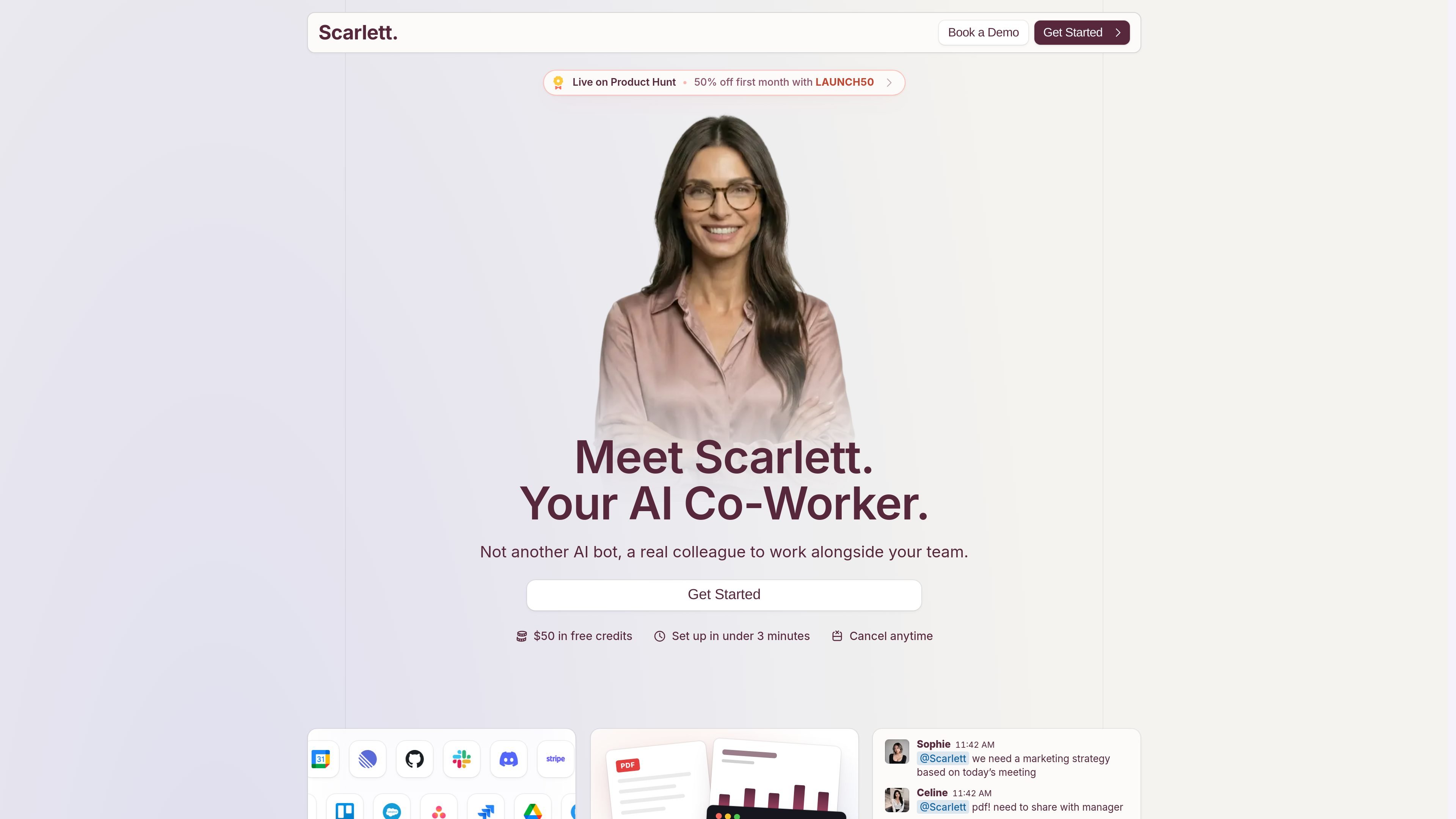
Scarlett is an AI coworker that operates in Slack and carries out work across connected tools. The product is positioned as more than a chat assistant: it can query data, draft documents, build reports, write code, and take approved actions in the systems your team already uses.
The site emphasizes Slack-first usage, workspace-wide collaboration, and task completion from a persistent cloud environment. It is aimed at teams that want a single assistant to handle recurring operations, reporting, and cross-tool coordination without moving work into a separate interface.
Install Scarlett in Slack and use her in threads and mentions. The product is designed to work where team conversations already happen, rather than in a separate app.
Connect Scarlett to more than 3,000 tools, including CRM, docs, analytics, coding, and finance systems. The site explicitly calls out Salesforce, HubSpot, Linear, Notion, Jira, Stripe, GitHub, Google Drive, Gmail, and Slack.
Turn prompts into real outputs such as reports, dashboards, documents, code, and recurring team briefs. The site shows examples like marketing strategy PDFs, revenue dashboards, and release notes.
Schedule recurring jobs and automations, including daily briefs, weekly reports, and monitored workflows such as contract watching or inbox follow-up sweeps.
Use team and security controls that scope access to the organization, log actions and approvals, and require confirmation for higher-risk actions such as sending emails or deploying changes.
Route work through a persistent cloud workspace that can query connected tools, analyze results, and propose follow-on automations instead of treating each request as a one-off chat.
Ask Scarlett to pull metrics from connected tools, compare periods, and assemble a weekly or monthly summary directly in Slack.
Use Scarlett to prepare attendee context, recent threads, and relevant documents before an important meeting.
Have Scarlett scan support queues, tickets, or email to categorize issues and post a digest of recurring problems.
Set up recurring team briefs, project digests, or inbox follow-up sweeps so routine work runs on a schedule.
Turn merged PRs and issue updates into release notes, changelog bullets, or other customer-facing writing.
Scarlett is an AI coworker that lives in Slack. It can answer in threads and mentions, query connected tools, and carry out workflows end to end rather than only drafting text.
Setup is described as taking minutes: install Scarlett from the Slack App Directory, connect the tools you want to use, and then mention @Scarlett in Slack.
The source says Scarlett connects to more than 3,000 tools, including Salesforce, HubSpot, Linear, Notion, Jira, Stripe, GitHub, Google Drive, Slack, and more.
Scarlett works across a Slack workspace, and anyone in the workspace can mention @Scarlett. She only sees the channels she is invited to.
The security page says Scarlett does not show your credentials to the AI model, sensitive actions require approval, and stored tokens are encrypted at rest.

Biji ist eine vielseitige Plattform, die entwickelt wurde, um die Produktivität durch innovative Werkzeuge und Funktionen zu steigern.

Macuse is a macOS app that lets AI assistants control native Mac apps through MCP and use Computer Use for any app. It works with clients like Claude Desktop, Cursor, and Raycast, and keeps automation on-device.

Dcyde is a decision log for product teams that captures what was decided, the reasoning behind it, and the source in one shared place. It supports pinning decisions from Slack, Figma, or inside Dcyde and keeps the record searchable over time.

Carbon Voice is an asynchronous voice messaging app for teams and individuals, with transcripts, AI catch-up, and cross-device access. It helps people and agents communicate without needing a live call.

Goldfish is an AI memory app for macOS that helps you reply, write, summarize, and continue using the context already on your Mac. It stores memory locally and writes in your tone.

Lasso is an ecommerce product data platform for enriching catalog records, processing supplier files, generating product content, and monitoring competitors. It combines a web app with a REST API, SDK, and MCP server for teams and developers.