
Cinematic screen recording
Record product demos with camera movement, auto-zoom on clicks, cursor smoothing, and staged device mockups so a plain capture looks more deliberate.

Screenify Studio is a Mac screen recorder for product demos that adds cinematic camera moves, auto-zoom, captions, and device mockups. It also includes a terminal workflow for recording screens or web apps and exporting polished demos.
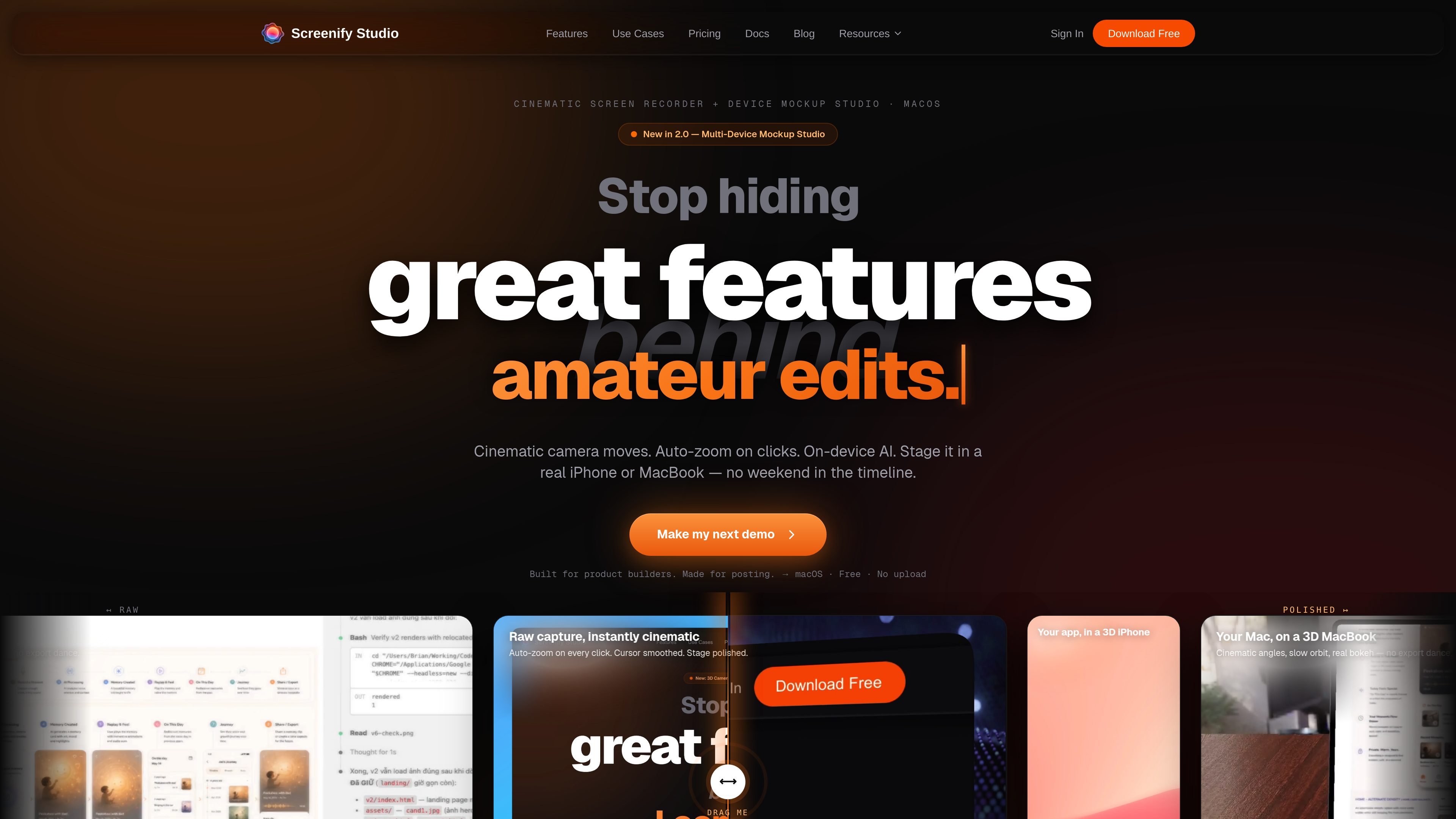
Screenify Studio is a Mac screen recorder for product demos. Its core job is to turn rough screen captures into cleaner videos with cinematic camera moves, automatic zooming on interactions, captions, and staged device frames. The site positions it for builders who want to post demos without spending a long time editing.
The product combines a desktop studio and a terminal workflow. The home page emphasizes native macOS performance, on-device AI, and no upload for processing, while the blog posts show a CLI that can record from the terminal and a web-demo workflow that can be driven by a URL or AI prompt.
Record product demos with camera movement, auto-zoom on clicks, cursor smoothing, and staged device mockups so a plain capture looks more deliberate.
Place recordings inside realistic iPhone and MacBook frames, with a multi-device mockup studio added in version 2.0.
Use 30+ camera templates and custom camera paths for dolly, pan-tilt, orbit, crane, and other motion styles on a timeline.
Automatically detect clicks, typing, and mouse dwell to trigger zooms and callout styles, including dimming, borders, glow, and depth effects.
Generate word-level captions and subtitles with Whisper-powered local AI, described on the site as running on-device with zero upload.
Run Screenify from the terminal to record a screen, window, or region, then export a finished MP4 without opening the editor first.
Record a feature announcement or launch clip and add automatic zooms, cinematic camera movement, and device framing so the product is easier to present on social channels.
Capture a quick build-in-public update, then use camera picture-in-picture or a short cinematic move to make a brief clip feel more finished without a long edit session.
Walk through a bug fix or product explanation with keystroke visibility, callout glow, and window capture for a clearer technical walkthrough.
Point the CLI at a web app URL, or let an AI agent click through a flow, to create a signed-in product demo without manually rehearsing every step.
Record repeatedly changing UI flows from the terminal and regenerate styled exports without re-recording the source capture each time.
It is a Mac screen recorder focused on product demos, not meeting recording. The site describes it as a tool for builders who want rough captures turned into polished demos, with cinematic camera moves, auto-zoom on clicks, and device mockups.
The product pages describe both the desktop app and a command-line workflow. The CLI can record a screen, window, or region, and can also be used to record a web app from a URL or from a plain-language prompt via AI.
The site shows export to MP4 from the CLI, and the web-demo workflow also mentions GIF and MOV exports. It also says recordings made from the command line can be opened in the editor for refinement.
The source says the AI runs locally on the Mac, with zero upload, and the app is Apple Silicon native. The home page also mentions offline operation for on-device AI features.
The pricing page was not available and returned a 404, so the site content here does not confirm the current pricing model beyond a visible 'Free' mention on the home page and blog references to a free plan.

Zella is a screen recorder and on-device AI video editor for Mac and iPhone. It helps creators record screens or cameras, automatically clean up footage, add captions, reframe clips, and export videos without uploading the core project to the cloud.

Jupitrr Cut is a free iOS and Android teleprompter and recording app for scripted talking-head videos. It records scenes separately, lets users retake individual lines, trims pauses, and stitches the takes into a jump-cut video.

CAMB.AI Streams dubs live audio in multiple languages in real time for broadcasts on platforms like YouTube, Twitch, and X. It plugs into existing live workflows using common streaming protocols and avoids a post-production step.

Tavus is an AI video platform for building real-time, face-to-face agents, digital twins, and AI companions. It combines APIs, custom replicas, and multilingual conversational workflows for developers and teams.

HiringPartner.ai is an autonomous AI recruiting platform for sourcing, screening, and interviewing candidates 24/7. It supports ATS-connected workflows, bulk resume uploads, and reviewable interview outputs for hiring teams.

CAKIE is a Mac app for recording your screen and voice for an AI agent. It adds a transcript and screenshot highlights, then lets you copy a prompt and paste or attach the context in another AI app.