
Agent capture and indexing
Run any AI CLI in scritty’s terminal and it will detect the agent, capture each exchange, tag it by provider, and index it for search.
scritty is a terminal emulator for AI CLI agents that captures conversations, indexes them into a searchable corpus, and serves that memory back through the CLI and MCP. It is built for people who want one session and one context across desktop, browser, and mobile.
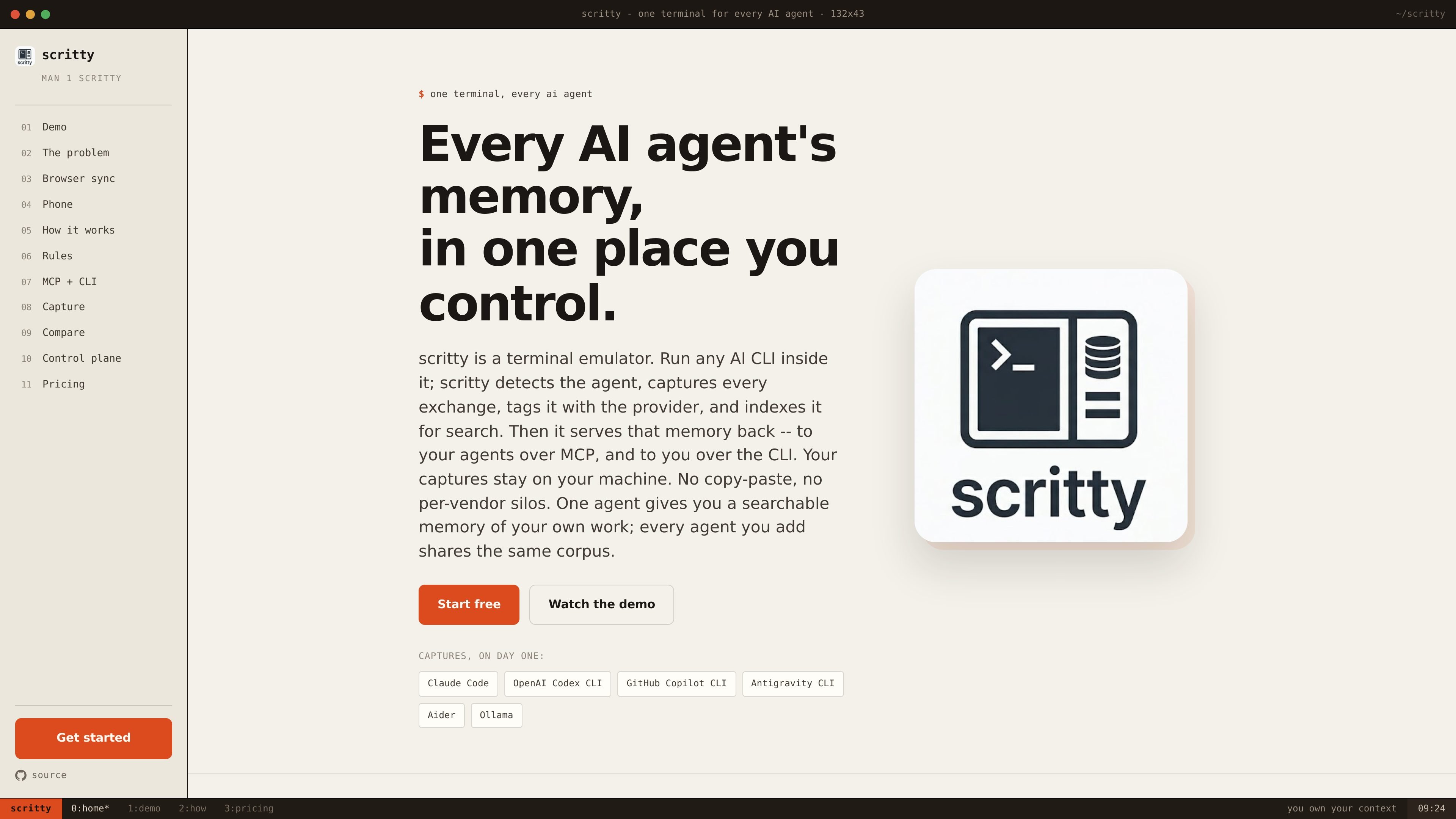
scritty is a terminal emulator for AI CLI agents. It is built to run tools such as Claude Code, Codex CLI, GitHub Copilot CLI, Antigravity CLI, Aider, and Ollama inside one shared terminal session, then capture each exchange as searchable memory.
The product’s core purpose is to keep context attached to the work instead of trapped in separate vendor logs. It indexes agent conversations into one corpus you control, then serves that corpus back to your agents over MCP and to you over the CLI. The homepage also describes the same session running across desktop, browser, and mobile, with captures staying on the user’s machine.
Run any AI CLI in scritty’s terminal and it will detect the agent, capture each exchange, tag it by provider, and index it for search.
Search the shared corpus from the terminal, a search panel, or via CLI, so captured work can be retrieved without copying context between tools.
Serve the same memory corpus back to agents over MCP, with support for local stdio and remote Streamable HTTP according to the homepage text.
Open the desktop session in a browser and work in the same PTY with live, two-way sync; the browser is not limited to read-only viewing.
Pair a phone to the running session with a QR code, then continue the same terminal on mobile with touch-friendly controls and auto-reconnect.
Run with local Ollama models and offline-aware PWA behavior, while keeping captures on your machine and using the same searchable corpus.
Use scritty when you move between Claude, Codex, Copilot, Antigravity, or Ollama on the same project and want each session to build on the same memory instead of a separate log.
Use the browser view to work on the same running terminal from another machine or another tab on the network, with the browser updating in sync with the desktop session.
Use the paired phone session to monitor long-running output, search past conversations, or continue typing into the same terminal when you are away from the desk.
Use local Ollama models and the PWA-style experience when you want an offline-aware workflow that stays on your machine.
Use the shared corpus over MCP when you want agents to retrieve prior context directly rather than depending on you to paste it back in.
scritty is designed to run any supported AI CLI inside its terminal emulator. The homepage explicitly mentions Claude Code, OpenAI Codex CLI, GitHub Copilot CLI, Antigravity CLI, Aider, and Ollama.
The product description says scritty captures every exchange, tags it with the provider, and indexes it into a searchable corpus. That corpus is then available to you from the CLI and to agents over MCP.
The homepage says the browser and desktop views are byte-for-byte in sync for the same session, and the phone can pair to the live terminal. It also says the browser and phone can search the same corpus as the desktop.
The homepage says captures stay on your machine. It also describes TLS, bearer-token gating, a CIDR allowlist, and explicit opt-in for access beyond the LAN.
The pricing page is not available on the site and returned a 404, so the public pages provided here do not confirm pricing, plan names, or limits.

ByteAsk is a terminal-first AI coding agent for C and C++ that edits repositories and verifies changes with the real compiler, debugger, sanitizers, and tests before showing a diff. It offers a free tier plus paid plans, with editor connectors and zero-retention handling described in the source.

CreateOS Sandbox is an isolated compute environment for running code and agent workloads inside Firecracker micro-VMs. It is designed for workflows that need machine-level isolation, private networking between sandboxes, and programmatic control through SDK, CLI, or MCP.

hob is an independent workspace for coding agents that keeps agent sessions, terminals, history, and follow-up work organized around the tools and providers you already use. It is aimed at developers who want local control over routing, history, and workspace structure rather than a bundled model stack.

Manta AI is an autonomous web app testing tool for teams that want to map application behavior, catch regressions, and generate tests without writing scripts or maintaining selectors. It works from a URL and supports plain-English test flows, run results with screenshots, and scheduled or deployment-triggered checks.

SonOf connects to your repo and PM tool, audits the codebase and surrounding product context, and turns approved work into shipped tickets with senior engineering review. It is aimed at founders and engineering leaders who need backlog help without hiring a full team immediately.

Ghost ist ein terminalbasierter KI-Assistent für Chats, Code-Generierung und Aufgaben direkt in der Kommandozeile. Mit kostenlosen Modellen, Linux, macOS und Windows. Open Source.