
Automatic signal generation
Signals automatically surfaces information and insights that matter across tools and the web, so product teams do not have to manually track updates in multiple places.

Signals by Samepage is an AI product management tool that surfaces important information and insights from connected tools and the web. It is built for product managers and product teams that need shared context, updates, and generated artifacts in one place.
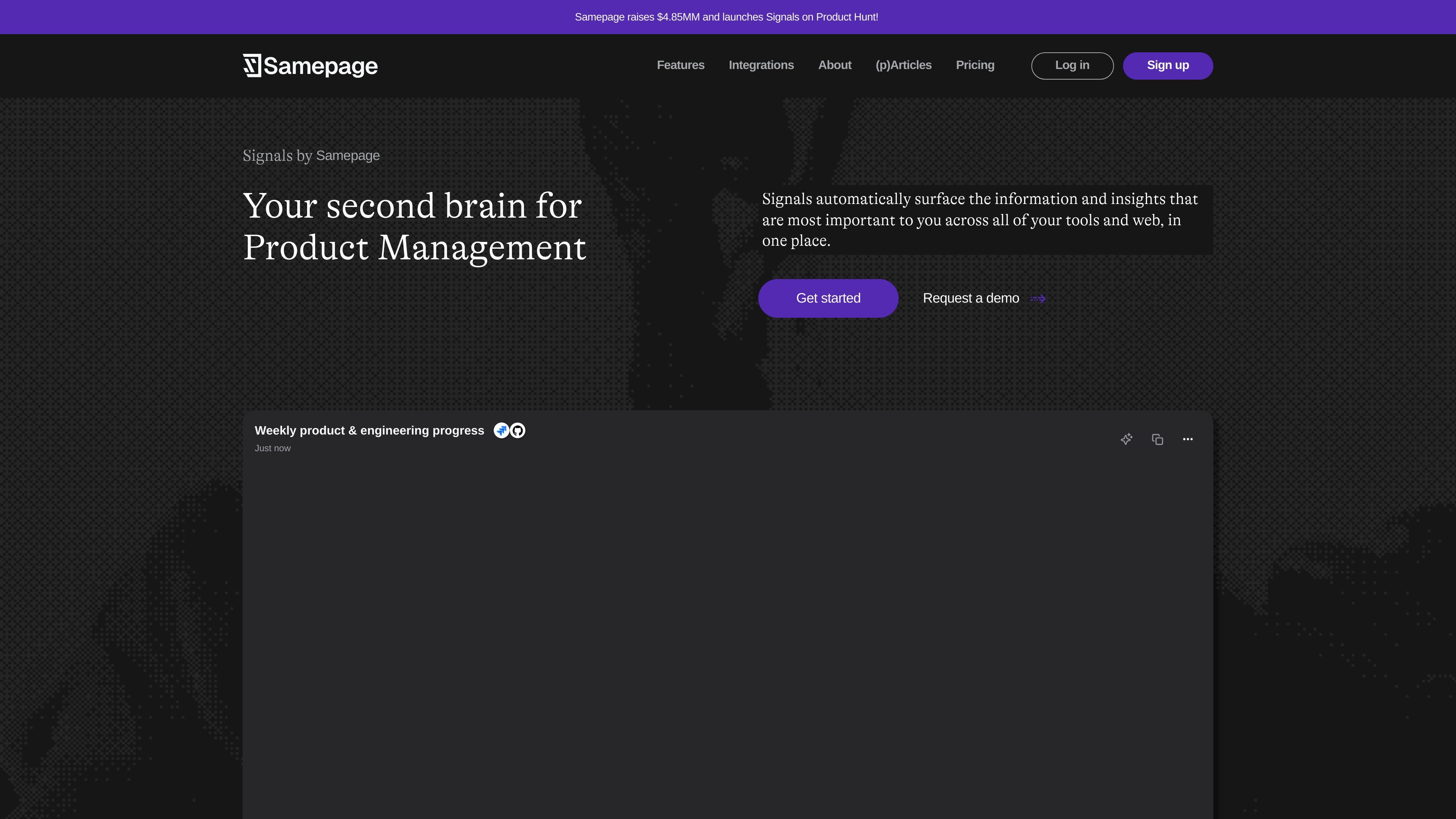
Signals by Samepage is a product management tool that acts as a second brain for product work. It automatically surfaces information and insights from connected tools and the web into one place, so product leaders can follow what is happening without checking every system manually.
The site presents Signals as an AI agent for product teams: it synthesizes context, performs analysis, and can help draft documents, summarize interviews, and produce product artifacts. The pricing page shows Free, Pro, and Teams plans, while the integrations page shows support for workplace tools across communication, knowledge, analytics, support, and web search.
Signals automatically surfaces information and insights that matter across tools and the web, so product teams do not have to manually track updates in multiple places.
The homepage describes Signals as a product management AI agent that synthesizes context, performs analysis, and connects insights across your tools and web.
Signals can be asked questions, used to draft documents, summarize user interviews, or find information quickly, according to the home page.
The product can generate artifacts such as feature tickets, Slack posts, PRDs, and release notes, as listed on the pricing page.
The integrations page and homepage show connections to workplace systems like Slack, Notion, Jira-like project data via Linear, analytics tools, and web search.
The Teams plan adds shared streams, role permissions, and team collaboration for groups that need shared context.
Use Signals to keep a running view of product and engineering updates across Slack, issue trackers, analytics, and documents without manually checking each tool.
Use the product to turn recurring updates into structured outputs like feature tickets, release notes, PRDs, or Slack posts.
Use the AI agent to summarize user interviews and other source material when preparing decisions or sharing context with the team.
Use shared streams, role permissions, and team collaboration on Teams when multiple people need the same context and access to signals.
Use web search and connected systems together when you need one place to answer product questions or look for urgent messages and decisions.
Yes. The pricing page shows Free, Pro, and Teams plans. Free is available at no cost, Pro and Teams are billed annually, and Teams has a minimum of 2 users.
The source pages do not describe a self-serve trial. The pricing page does say you can start free and upgrade when you need more.
The integrations page shows Signals connecting to tools such as Slack, Notion, Asana, Gmail, Google Drive, Confluence, Linear, Microsoft Teams, Outlook Email, Amplitude, Mixpanel, Pendo, HubSpot, Box, OneDrive, and Web Search.
The product is positioned for product managers and product teams. The site describes Signals as a second brain for product management and says Teams is for product teams that need to share context.
The site presents Signals as an AI agent that scans connected data, surfaces important information, and can draft documents, summarize interviews, and answer product questions. It does not provide a detailed setup walkthrough on the pages provided.

runevr is a connected workspace for creative teams that combines boards, media review, chat, recordings, drive, calls, and AI agents in one room-based environment. It is designed to reduce tool switching and keep project context together.

Biji ist eine vielseitige Plattform, die entwickelt wurde, um die Produktivität durch innovative Werkzeuge und Funktionen zu steigern.

Dcyde is a decision log for product teams that captures what was decided, the reasoning behind it, and the source in one shared place. It supports pinning decisions from Slack, Figma, or inside Dcyde and keeps the record searchable over time.

BotBoard is a task-management layer for AI agents that helps teams assign work, track progress, and review output. It supports CLI, MCP, and HTTP connections for tools like OpenClaw, Codex, Claude Code, and Cursor.

Goldfish is an AI memory app for macOS that helps you reply, write, summarize, and continue using the context already on your Mac. It stores memory locally and writes in your tone.

Lasso is an ecommerce product data platform for enriching catalog records, processing supplier files, generating product content, and monitoring competitors. It combines a web app with a REST API, SDK, and MCP server for teams and developers.