
One-click webpage capture
Save a webpage into NotebookLM with a single action from Chrome, so research sources can move from browsing to NotebookLM without copy and paste.

Sourclip is a Chrome extension for NotebookLM that helps users capture sources, organize notebooks, save reusable prompts, and export research outputs. It is aimed at people who use NotebookLM for research, study, and content work.
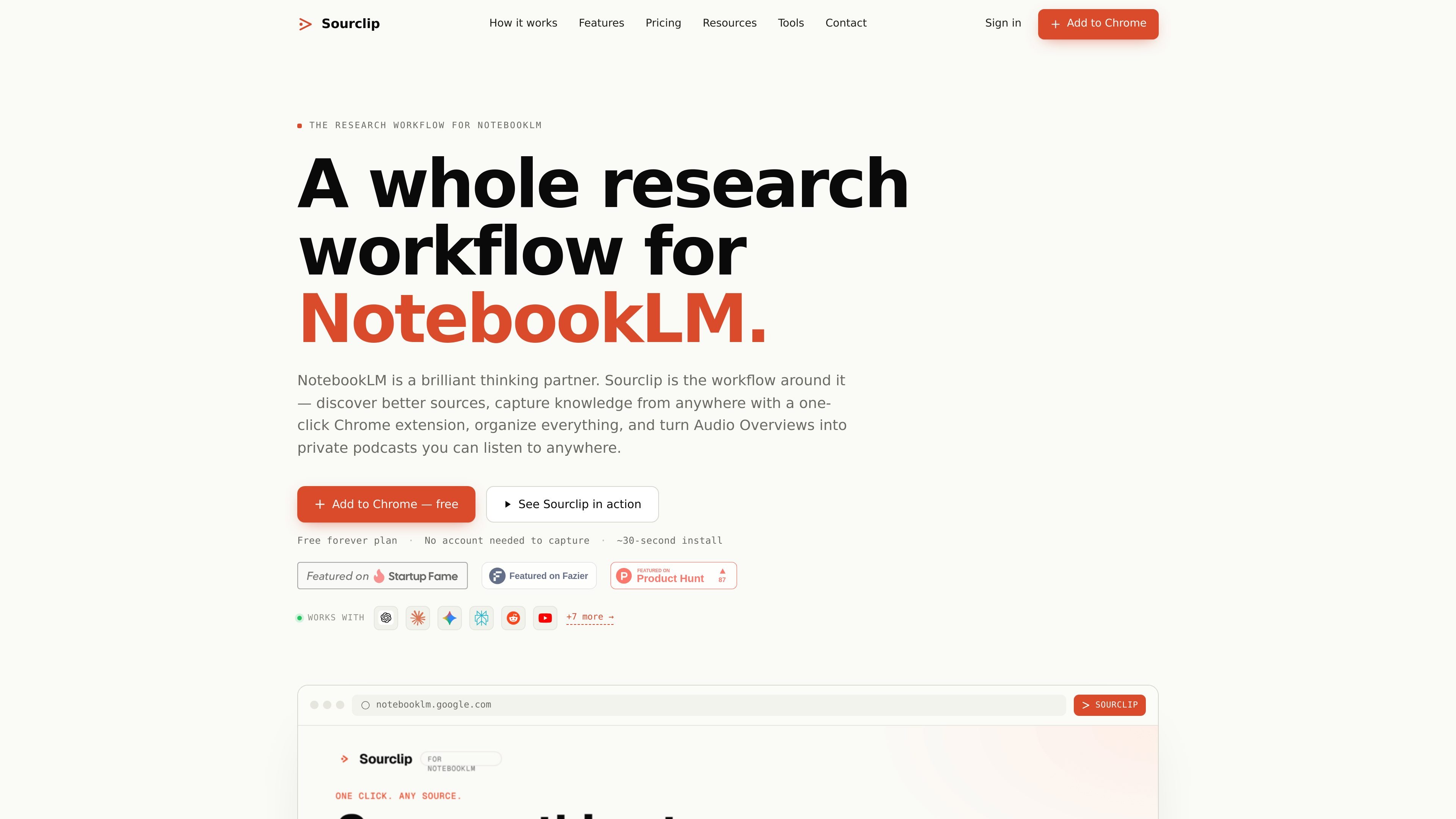
Sourclip is a Chrome extension built for Google NotebookLM users who want a more complete research workflow. It adds capture, organization, prompt management, and export tools around NotebookLM so sources can move in with fewer manual steps.
The product is positioned as a workflow layer rather than a separate research app. Users can save web pages, YouTube content, PDFs, Reddit posts, and AI chat transcripts into NotebookLM, then organize notebooks into folders, reuse prompts, and export NotebookLM artifacts in multiple formats.
Save a webpage into NotebookLM with a single action from Chrome, so research sources can move from browsing to NotebookLM without copy and paste.
Send individual YouTube videos, playlists, channels, search results, PDFs, Reddit posts, and supported AI chat conversations into NotebookLM.
Group notebooks into folders, run global search across notebooks with Ctrl+K, and manage captures in bulk from the workspace dashboard.
Save reusable prompts with shortcuts so recurring NotebookLM tasks, such as summarizing or generating study notes, stay easy to repeat.
Export NotebookLM artifacts in formats such as Markdown, HTML, PDF, audio, and video, including downloadable Audio Overviews and a personal podcast RSS feed.
Free users keep workspace data locally, while Pro adds cloud sync across devices and custom branding on exports.
Researchers can save source material from web pages, PDFs, Reddit threads, and AI chat transcripts into NotebookLM without manually recreating the material in the notebook.
Students can collect course readings, videos, and notes in NotebookLM, then reuse saved prompts to produce study guides, flashcards, and summaries from the same source set.
Writers and analysts can keep notebooks organized by topic, search across notebooks, and export drafts or supporting materials into shareable formats.
People who work with NotebookLM audio outputs can download Audio Overviews and use the personal podcast RSS feed to move those outputs into a listening workflow.
Teams or individual power users can standardize repeatable NotebookLM tasks with prompt shortcuts and saved prompts instead of rebuilding the same prompt every time.
Sourclip is a Chrome extension that adds a workflow layer around Google NotebookLM. It lets you capture sources, organize notebooks, save prompts, and export NotebookLM artifacts.
Sourclip can capture web pages, YouTube videos, PDFs, Reddit posts, X posts, and full AI chat conversations from tools such as ChatGPT, Claude, Gemini, Perplexity, Grok, and DeepSeek. It also supports capturing selected text from a page.
Yes. Sourclip works with an existing Google NotebookLM account, and you choose the destination notebook from the extension popup when you capture content.
Yes. Sourclip offers a free plan with daily capture and export limits, and paid plans for unlimited captures, exports, cloud sync, and other added features.
Sourclip exports NotebookLM outputs that are not natively easy to download, including notes, study guides, FAQs, briefings, timelines, flashcards, quizzes, Audio Overviews, and videos in formats such as Markdown, HTML, PDF, MP3/M4A, and MP4.

Goldfish is an AI memory app for macOS that helps you reply, write, summarize, and continue using the context already on your Mac. It stores memory locally and writes in your tone.

Dcyde is a decision log for product teams that captures what was decided, the reasoning behind it, and the source in one shared place. It supports pinning decisions from Slack, Figma, or inside Dcyde and keeps the record searchable over time.

Lasso is an ecommerce product data platform for enriching catalog records, processing supplier files, generating product content, and monitoring competitors. It combines a web app with a REST API, SDK, and MCP server for teams and developers.

Hype is a web tool for finding trending YouTube topics by category, time range, and scoring mode. It helps creators spot emerging ideas, inspect source videos, and decide what to cover next.

Biji ist eine vielseitige Plattform, die entwickelt wurde, um die Produktivität durch innovative Werkzeuge und Funktionen zu steigern.

Struere is an AI-native platform for turning spreadsheet data into structured operational software with dashboards, alerts, and automations. It is aimed at teams that want to replace manual spreadsheet workflows without building custom tools from scratch.