
Dictation into any app
Press a hotkey, speak naturally, and your words are typed into the app you are already using. Dictation can stream text live as you speak or insert it after you stop.

SpeakoFlow is a free, open-source desktop voice-to-text app for Windows, macOS, and Linux. It supports dictation into any app, voice-driven writing with Flow, cleanup, translation, and a screen-aware assistant.
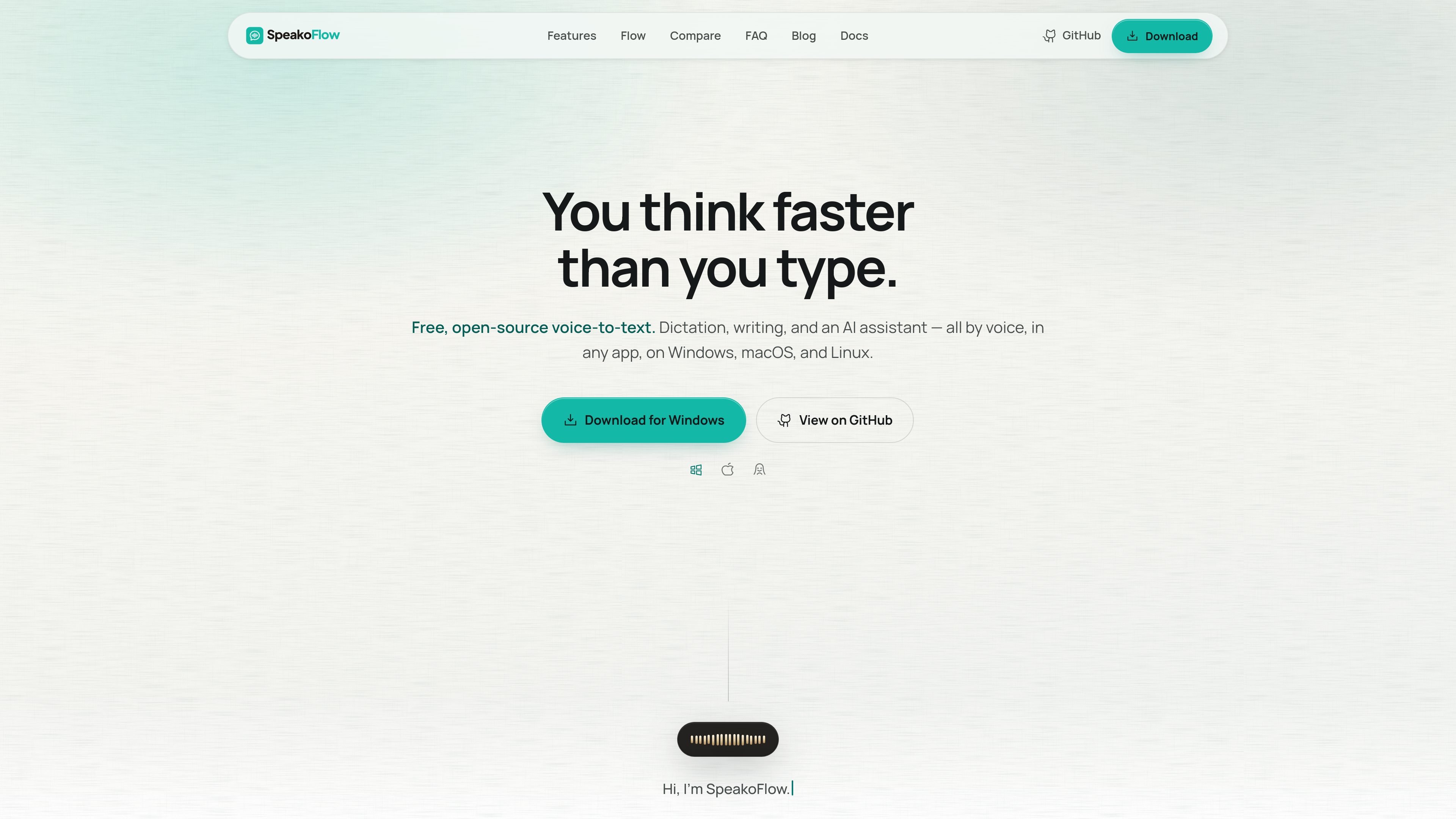
SpeakoFlow is a free, open-source voice-to-text app for desktop use on Windows, macOS, and Linux. It is designed to turn speech into finished writing directly inside the app you are already working in, whether that is email, chat, an editor, or a browser-based form.
Beyond basic dictation, SpeakoFlow adds a voice-driven writing flow called Flow, AI cleanup for rough dictation, a separate assistant panel, and screen-aware answers. The docs say speech-to-text runs locally on your machine, while assistant features can use the built-in offline model, your own local server, or a cloud provider with your key.
Press a hotkey, speak naturally, and your words are typed into the app you are already using. Dictation can stream text live as you speak or insert it after you stop.
Say “Hey Flow” at the start of a dictation and ask it to draft a reply, email, prompt, or other writing task. The result is pasted back into the cursor position, and the trigger can be renamed.
Translate spoken input into clean English while you speak in another language. The site says this runs fully on your device.
Remove filler words, correct grammar, and reshape the output to a tone such as Professional, Friendly, or Concise. This is optional and only runs when enabled.
Open a floating assistant panel by hotkey, ask by voice or text, and get streamed answers that can also be read aloud. The panel remembers the conversation while it is open.
Ask the assistant about what is on your screen, such as an error message, chart, or email. The docs say you can choose whether it should look at the screen or answer from your words alone.
Use the dictation hotkey when you want to capture a thought faster than typing. The product is built for writing into email, chat, documents, and other apps without switching context.
Start a dictation with “Hey Flow” when the goal is finished writing rather than raw transcription. The site frames this as a way to draft replies, emails, prompts, and similar tasks from spoken instructions.
Enable AI cleanup when you have a rough voice note or live dictation that needs editing. It can remove filler words, fix grammar, and format the result in a chosen tone.
Use the assistant panel when you want a back-and-forth answer without leaving the app you are in. The assistant can respond by text or voice and can use screen context when appropriate.
Use the translation workflow when you want to speak naturally in another language but produce English text in the app you are typing in. The site says this stays on-device for translation.
Yes. The site states that SpeakoFlow is completely open source under the MIT license and can always be used for free.
Speech-to-text runs locally on your machine, so your voice never leaves your device. The assistant only contacts the model provider you choose, which can also be fully local.
No. You can use the built-in offline model without an API key. If you prefer a cloud provider, you can plug in your own key.
The homepage and docs say it supports Windows, macOS, and Linux. The docs also list platform-specific installers and notes for each operating system.
SpeakoFlow says it can clean up filler words, fix grammar, and rewrite dictation in a chosen tone when AI cleanup is enabled.

Sanota is an app that turns spoken memories, reflections, and interviews into clear written stories. It supports personal storytelling, family history, and shared memories, with guided prompts and subscription pricing.

Flunkey is a voice-first productivity layer for Windows that converts speech into text, AI-assisted outputs, and remembered context. It is built for users who want to capture ideas and actions without leaving the app they are working in.

Carbon Voice is an asynchronous voice messaging app for teams and individuals, with transcripts, AI catch-up, and cross-device access. It helps people and agents communicate without needing a live call.

Dictro is a private AI dictation app for Mac that turns speech into polished text in any editable app. It works on Apple Silicon Macs, processes locally by default, and can also run in an optional cloud Fast Mode.

Goldfish is an AI memory app for macOS that helps you reply, write, summarize, and continue using the context already on your Mac. It stores memory locally and writes in your tone.

Eine All-in-One AI-Plattform, die Werkzeuge für Bild, Video, Sprache, Schreiben und Chat kombiniert, um Kreativität und Zusammenarbeit zu fördern.