
Discord-based workflow
Tracejourney replies to each Midjourney upscale with an options menu, letting users choose a workflow directly in Discord.

Tracejourney is a Discord-based tool for upscaling and vectorizing Midjourney images, with background removal, simple adjustments, and format conversion. It uses paid plans with credit allowances and supports workflows that stay inside Discord.
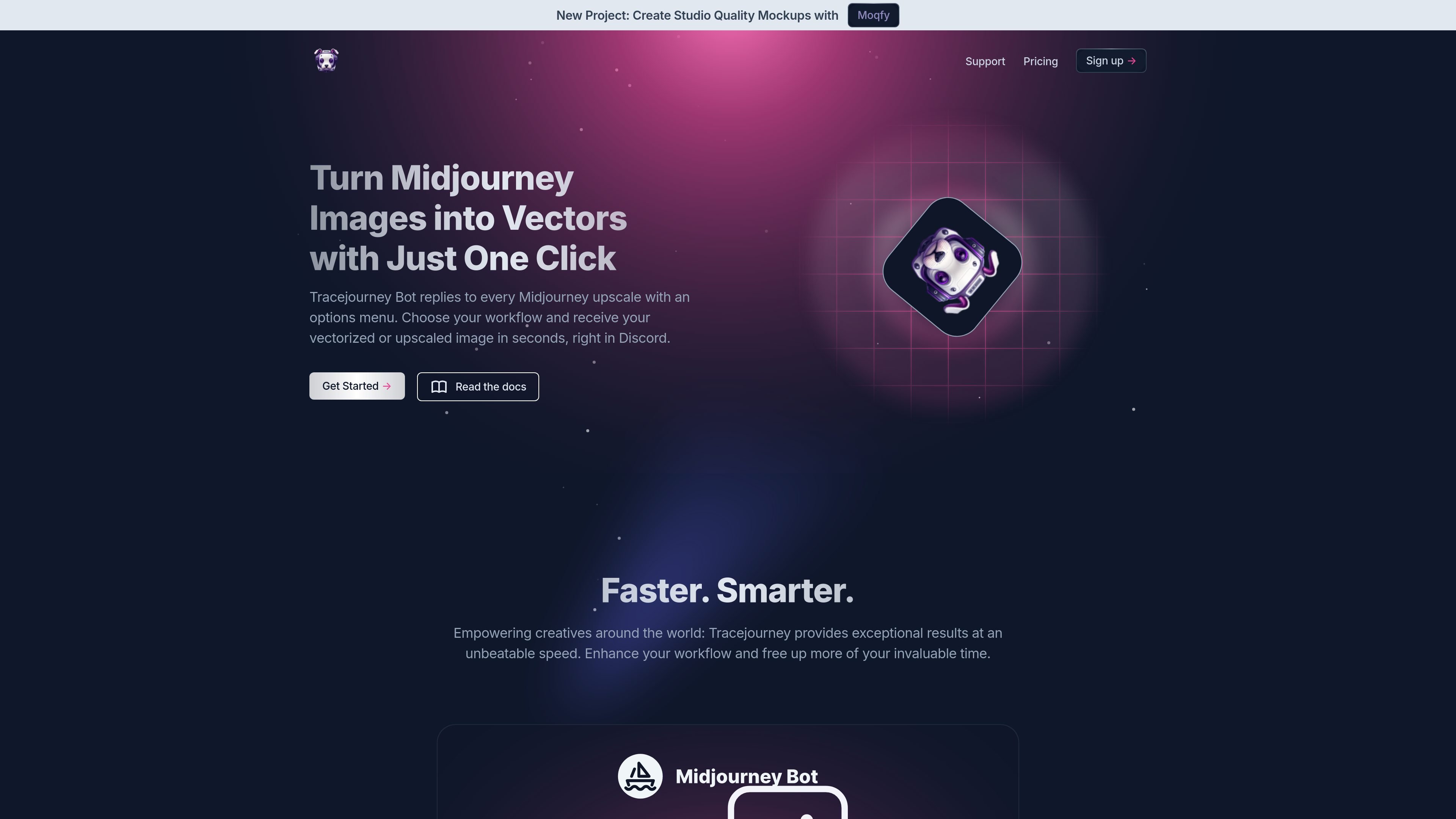
Tracejourney is a Discord-based image tool for upscaling and vectorizing Midjourney images. According to the homepage, it responds to Midjourney upscales with an options menu so users can pick a workflow and receive the result in Discord.
It supports upscaling, background removal, vectorization, quick image adjustments, and format conversion. The pricing page shows paid plans with credit allowances, so the service is positioned as a usage-based product for creators who work with image generation and post-processing in Discord.
Tracejourney replies to each Midjourney upscale with an options menu, letting users choose a workflow directly in Discord.
The product can upscale images up to 8x and remove background detail, which makes it useful for preparing cleaner assets.
Tracejourney can convert images into vector formats and supports EPS, PDF, and SVG export options.
Users can make quick image adjustments such as brightness, contrast, color, and sharpness before exporting.
The service can convert images to PNG or JPEG and can handle up to 10 images at the same time.
The pricing page states that credit usage varies by request type and image size, including separate credit rules for background removal, upscaling, and vectorization.
Creators who generate images in Midjourney can send an upscale through Tracejourney and choose an action from the Discord menu without leaving the chat.
Designers who need scalable artwork can convert raster images into vector formats for use in layouts, signs, or other size-flexible output.
Users who need cleaner presentation assets can remove backgrounds before publishing, sharing, or placing an image into another composition.
People working on multiple assets can queue up to 10 images at once for batch processing instead of handling each file individually.
Teams that want simple refinements before export can adjust brightness, contrast, color, or sharpness and then convert the result to PNG or JPEG.
Tracejourney is designed to work inside Discord. The homepage says the bot replies to Midjourney upscales with an options menu, and that you can use it in direct messages or by inviting Tracejourney and Midjourney to your server.
The site says Tracejourney can upscale images up to 8x, remove backgrounds, convert images to vectors, make quick adjustments such as brightness, contrast, color, and sharpness, and convert images to PNG or JPEG.
The pricing page lists three plans: Basic at $10 per month, Standard at $30 per month, and Ultimate at $60 per month.
The homepage mentions batch processing for up to 10 images at the same time, while the pricing page also lists batch processing across plans.
The homepage invites users to read the docs, but the collected source text does not include the documentation details themselves.

Pixelcut is an AI photo editor for creating and editing product images, social content, and video assets. It offers free and paid plans, plus mobile app and browser access for individual users and teams.

PixelDrive is a bulk image generation API for creating many on-brand images from one template through a browser editor, REST API, CSV batch, or MCP. It suits teams that need repeatable image output with cacheable renders and usage-based pricing.

Upscale.media is an AI image upscaling and enhancement tool from Pixelbin that enlarges low-resolution or pixelated images and improves clarity in the browser. It offers free individual image use, paid credit plans, and team-oriented workflows such as bulk processing and API integration.

Napkin AI verwandelt Text in bearbeitbare Visuals für Präsentationen, Dokumente und teilbare Inhalte. Text zuerst, inkl. Export als PPT, PNG, SVG oder PDF.

Refero MCP for AI agents connects an MCP-compatible agent to Refero’s curated library of web and iOS product interfaces and user flows. It helps agents research real design patterns before generating UI, with access included in the Refero Pro plan.

Frames hilft dir, Launch-Poster und Social-Media-Marketinggrafiken schnell zu erstellen – mit Premium-Geräterahmen & Templates für Instagram, Twitter & Product Hunt. Kostenlos starten.