
Text and voice prompts
Describe an idea in text or by voice and Riffly turns it into a presentation draft without using a template workflow.

Riffly is an AI presentation builder that turns a short prompt into a presentation deck and lets users refine it by chat before exporting. It is aimed at people who want an editable deck in PowerPoint, Google Slides, or PDF without starting from a template.
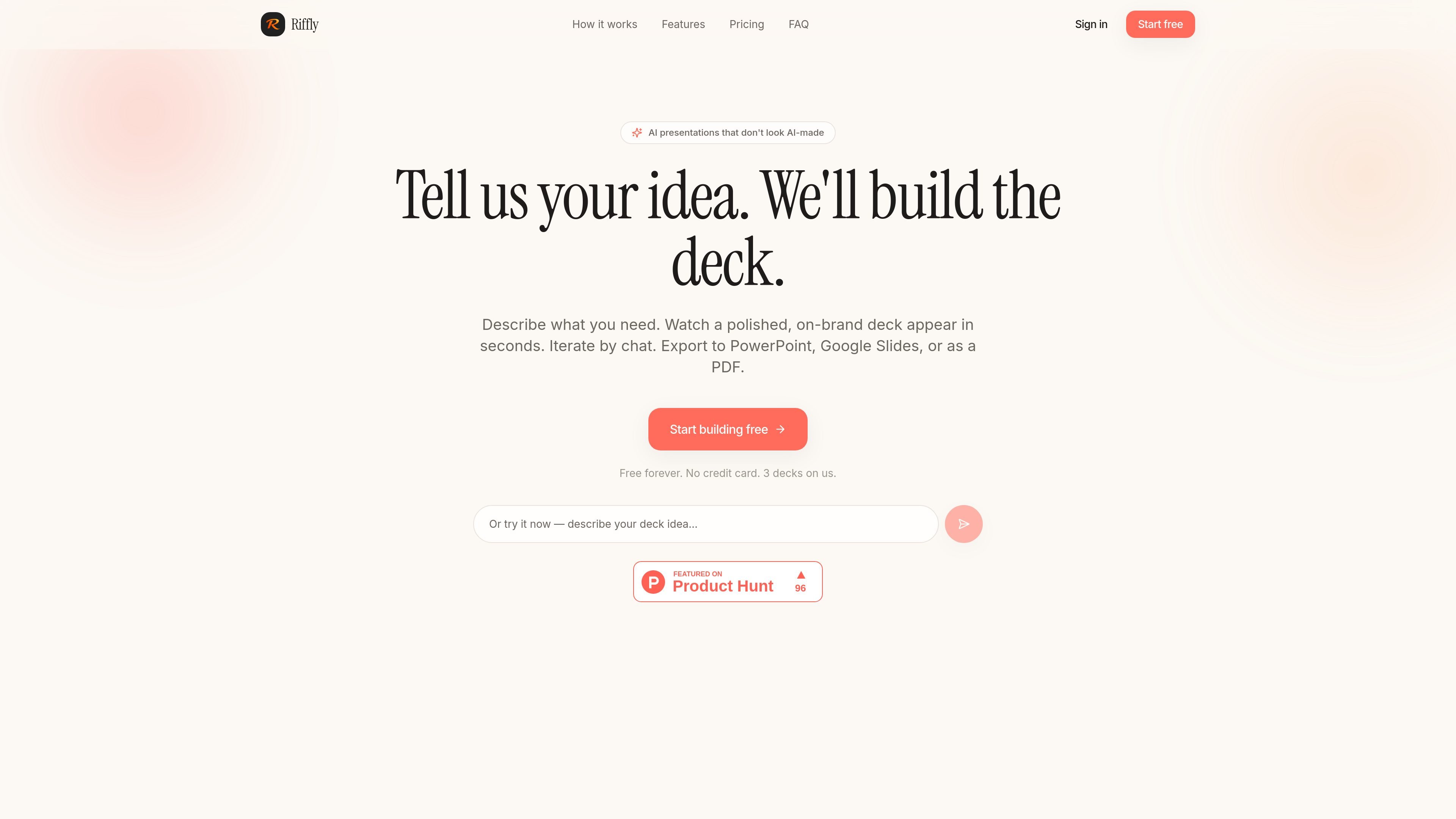
Riffly is an AI presentation builder that turns a short prompt into a presentation deck. The site positions it for people who need a polished deck quickly and do not want to start from a blank slide template.
It generates slide structure, copy, and speaker notes, then lets you refine the result by chat before exporting. The rendered copy says the output can be exported to PowerPoint, Google Slides, or PDF, and that the deck is fully editable once exported.
Describe an idea in text or by voice and Riffly turns it into a presentation draft without using a template workflow.
Riffly generates slide titles, bullets, and speaker notes with Claude, giving each deck a first draft that already includes presentation copy.
The product supports revision through chat, so you can ask for edits such as changing slide count, adjusting tone, or reworking a specific slide.
Exports produce a real `.pptx` file that is fully editable in PowerPoint and Google Slides, so the deck can be handed off or polished manually.
The source text says decks can also be exported as PDF, and the Pro plan includes PDF export along with `.pptx` export.
Decks include talking points for each slide, helping presenters prepare what to say as well as what to show.
Founders can describe a pitch topic and get a first-pass investor deck with standard pitch structure, slide copy, and talking points, then refine it before a meeting.
Consultants can turn a client brief into a presentation draft, adjust the wording by chat, and export a polished deck to hand off quickly.
Teams can use it to draft an internal update or status deck when the priority is speed and a clean structure rather than starting from scratch.
People presenting in PowerPoint or Google Slides can generate the content in Riffly and then continue editing in the tool they already use after export.
Riffly generates presentation decks from a short description or spoken prompt, then lets you refine the result by chat before exporting it.
Yes. The source text says the generated deck is fully editable as a `.pptx` file, and it can be opened in PowerPoint or Google Slides after export.
The site says exports are available to PowerPoint, Google Slides, and PDF, depending on plan, with the free tier limited to `.pptx` export and the Pro plan adding PDF export.
The pricing page says the Free plan includes three decks total, up to eight slides per deck, and watermarked `.pptx` export. The Pro plan is $1 for the first month, then $12 per month afterward, with unlimited decks and slides and no watermark.
The homepage FAQ lists questions about data storage, the AI model, mobile support, and cancellation, but the rendered text does not provide the answers, so those details are not confirmed in the source content.

Slidesgo is a presentation template platform for Google Slides, PowerPoint, and selected Canva workflows. It offers free and Premium templates, plus AI-assisted presentation creation and team-friendly access options.

MagicSlides is an AI presentation generator that turns text, topics, documents, URLs, and videos into slide decks. It creates presentations in Google Slides by default and supports PowerPoint export, with multilingual output and AI-assisted editing.

Eine All-in-One AI-Plattform, die Werkzeuge für Bild, Video, Sprache, Schreiben und Chat kombiniert, um Kreativität und Zusammenarbeit zu fördern.

Wysera is an AI business platform that combines PostWyse for content and OpsWyse for CRM and revenue workflows, powered by the shared Wyse AI. It is built for solo operators, teams, and agencies that want approval-first automation across publishing, lead follow-up, and related operations.

Grok ist ein kostenloser KI-Assistent, der von xAI entwickelt wurde und darauf ausgelegt ist, Wahrheit und Objektivität zu priorisieren, während er fortschrittliche Funktionen wie Echtzeit-Informationszugriff und Bilderzeugung bietet.

Creativly is a web-based AI creative studio for generating visual concepts, mockups, and stylized images from short inputs. It is aimed at designers, creators, and entrepreneurs who want fast visual ideation without writing long prompts.