
Text-to-3D and image-to-3D generation
Generate 3D models from either written prompts or uploaded reference images. The homepage and feature pages describe both text-to-3D and image-to-3D workflows.

V2Fun is a browser-based AI 3D creation platform for generating models, characters, game assets, and animations from text prompts or reference images. It combines generation, rigging, texturing, and animation in one workflow for creators who want to move from concept to usable 3D output without manual modeling.
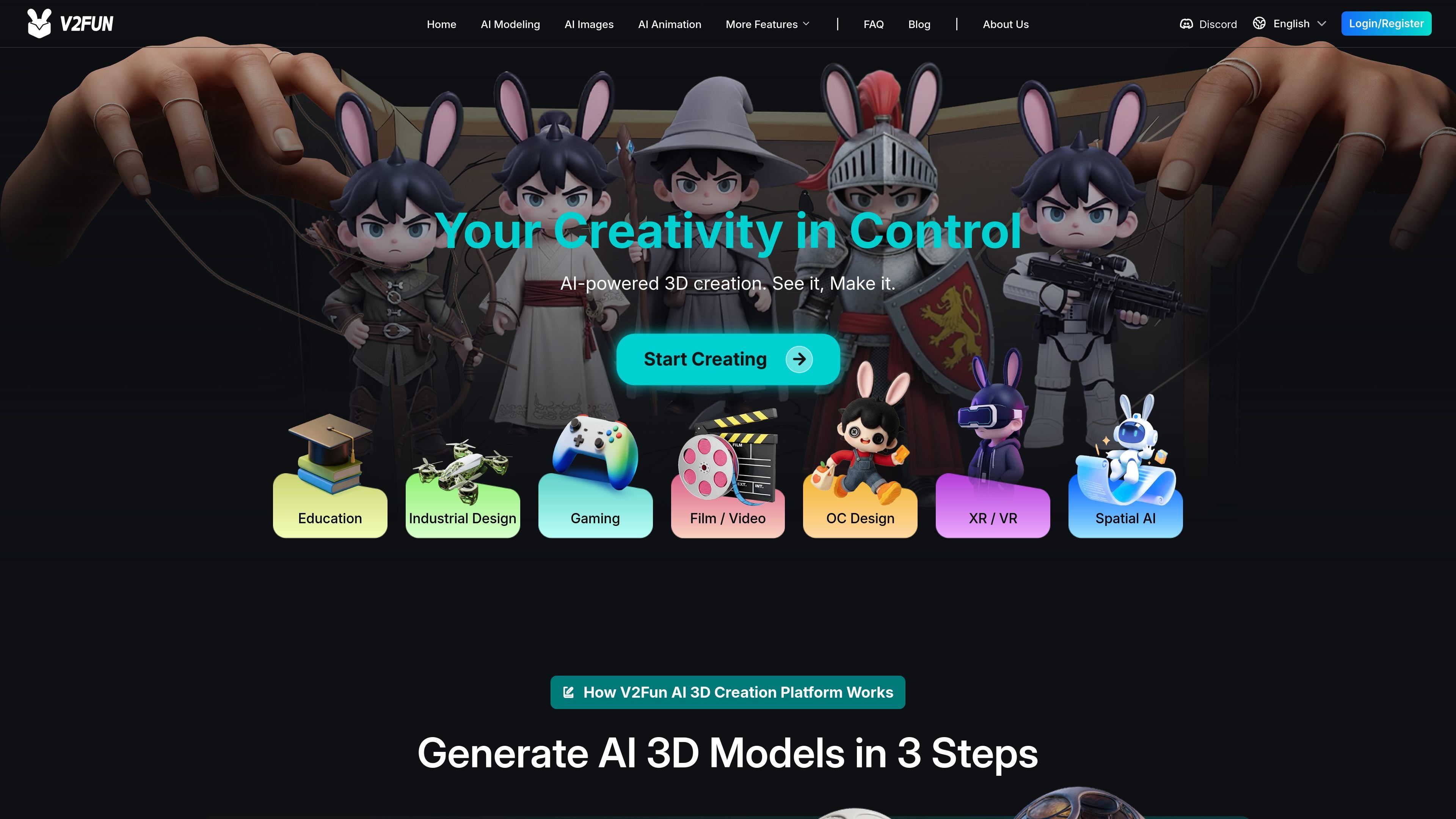
V2Fun is a browser-based AI 3D creation platform for generating 3D models, characters, game assets, and animations from text prompts or reference images. The site positions it as a no-modeling-skill workflow for turning a creative idea into a usable 3D asset.
The product combines several steps in one pipeline: prompt optimization, model generation, automatic rigging, texture generation, and AI 3D animation. The collected pages also mention motion capture from video, support for motion files such as BVH and VMD, and export of textured assets to FBX and GLB.
Generate 3D models from either written prompts or uploaded reference images. The homepage and feature pages describe both text-to-3D and image-to-3D workflows.
Use the built-in prompt optimizer to enrich descriptions with spatial perspective, PBR material cues, and texture parameters before generation. The site presents this as a way to improve conversion accuracy for 3D outputs.
Turn static models into animatable assets with automatic rigging. The site says the system can place skeletons using AI keypoint recognition and supports manual node calibration when needed.
Clean up generated geometry with smart retopology. According to the source, the platform preserves surface detail while producing lighter, editable quad-mesh models suitable for downstream use.
Generate or replace textures and materials without changing the base mesh. The site says the texture workflow can produce PBR material sets with lighting, bump detail, and roughness maps, and it mentions FBX and GLB export.
Create animation from built-in motions, local motion files, or video-based motion capture. The animation page says V2Fun supports a motion library plus BVH, VMD, and video mocap input in a cloud workflow.
Draft character concepts or game assets from a short text description, then refine the input with the prompt optimizer before generating a 3D result.
Upload front, side, and back reference images to produce a structured 3D model when visual references already exist and geometric accuracy matters.
Convert a static T-pose or other riggable model into an animated character by using automatic rigging and then applying motion from the library, files, or video.
Create textured variants of an existing model without changing its geometry, such as alternate character skins or product visualization materials.
Build a complete browser-based 3D production flow for teams or solo creators who want to move from idea to animatable asset without switching tools.
V2Fun is presented as a browser-based AI 3D creation platform. The site says you can start by typing a prompt or uploading a reference image, and the animation feature requires a rigged model as the starting point.
The source describes text-to-3D and image-to-3D workflows, plus AI prompt optimization, automatic rigging, texture generation, and AI 3D animation. It also says animation can use built-in motions, local motion files such as BVH and VMD, or motion extracted from video.
The product pages mention exports to FBX and GLB for textured 3D assets. The animation page also references compatibility with BVH and VMD motion files, but the site excerpt does not provide a full export list for every step.
The site does not show specific pricing numbers in the collected text. It does have a pricing page, so pricing details appear to be published separately there.
The source shows workflows for individual creators and teams, but it does not provide team-seat details, collaboration controls, or account limits in the collected text.

DeepMotion is a web-based AI motion capture and 3D animation platform with Animate 3D for video-to-animation and SayMotion for text-to-animation. It helps creators and teams generate motion in a browser and export results in common production formats.

sizeless is a digital-twin and automated documentation workflow for civil engineering and utility construction. Its SiteScan app turns guided iPhone Pro video captures of trenches and house connections into 3D point clouds, DWG/DXF as-built plans, and GIS-oriented pipe-route models.
Atlasly is an AI site analysis and feasibility tool for architects, real estate developers, and urban planners. It helps users assess planning constraints, walkability, and urban context in a web app or through MCP-connected AI assistants.

anyCreature is a GitHub project that turns a short text order into a game-ready 3D creature. It compiles a single JSON spec into a skinned GLB with animation, vertex colour, ambient occlusion baking, and an offline showroom viewer.

模袋云 ist eine zugängliche Online-Villa-Modellierungssoftware.

Vizcom ist eine KI-Designplattform für Produktdesigner und Teams, die Skizzen in fotorealistische 3D-Renderings verwandelt. Für Iteration, Kontextvisualisierung und Team-Workflows.