
Text-to-motion generation
Describe the motion graphic you want in plain English, and Vela generates an animated result without keyframes or timeline editing.

Vela is an AI motion graphics generator that turns plain-English prompts into animated videos, then lets you refine them by chat. It is aimed at creators, marketers, agencies, and teams that need motion graphics without After Effects.
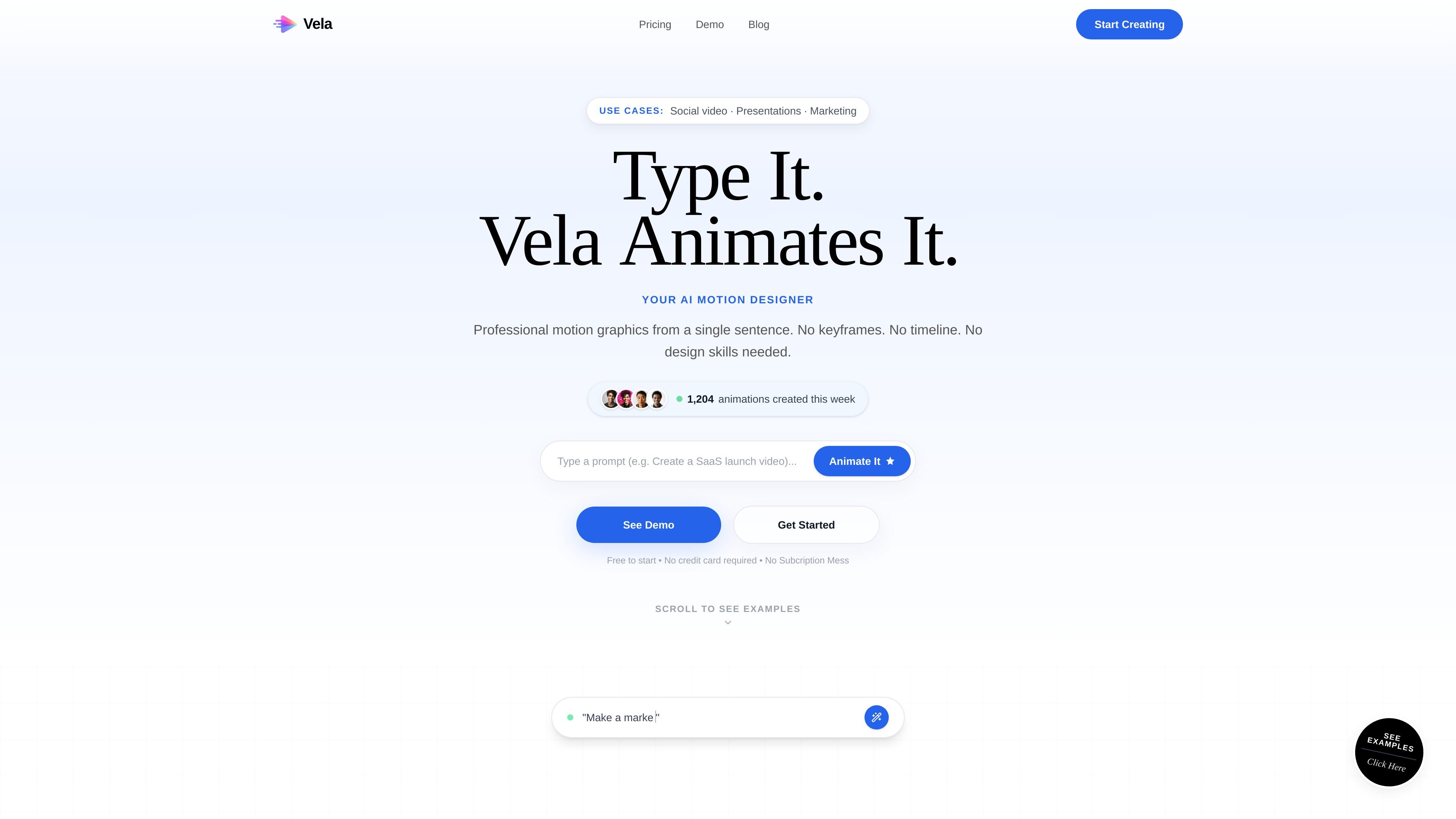
Vela is an AI motion graphics generator that turns a written prompt into an animated video. The product is designed for people who want motion graphics without working in After Effects, building keyframes, or managing a timeline.
The workflow shown on the site is simple: describe what you want, choose a format, let Vela generate the animation, and then refine it by chatting with the system. The site positions it for quick production of social videos, presentations, marketing content, and other short-form motion graphic work.
Describe the motion graphic you want in plain English, and Vela generates an animated result without keyframes or timeline editing.
Refine the video through conversation after it is created, including changes to colors, backgrounds, timing, and specific animated elements.
Choose from landscape, portrait, and square outputs before generation so the result fits YouTube, TikTok, Reels, Instagram, or similar channels.
Upload your own images or assets and have them incorporated into the motion graphic without manual masking or placement.
Export videos in 720p or 1080p, with the pricing page also noting six export formats overall.
Use one-time credit purchases rather than recurring subscriptions, with plans that include commercial rights and remaining credits kept for future use.
Create short promotional videos for launches, campaigns, and paid social without opening a traditional motion design tool.
Turn product stories, feature announcements, or demo moments into animated explainers for SaaS pages and launch posts.
Build presentations, lessons, and training materials that use motion graphics to make concepts easier to follow.
Produce client-facing motion graphics at higher volume by revising projects through chat and reusing uploaded assets where needed.
Create event teasers and announcements with a format that fits portrait or landscape distribution across channels.
No. The source says Vela creates motion graphics from plain-English descriptions, with no keyframes, timelines, or technical knowledge required.
Yes. The FAQ and pricing page say you can chat with Vela to change colors, text, timing, backgrounds, and direction after generation.
Vela supports landscape 16:9, portrait 9:16, and square 1:1 formats. The homepage also says you can choose from multiple formats before generating, and the FAQ notes videos can be up to 30 seconds.
Yes. The pricing page says every plan includes full commercial rights, so videos can be used for clients, ads, and social content.
The source says you can upload images and assets, and Vela incorporates them into the motion graphic naturally without manual placement or masking.

Topple.lol is a public pay-to-rank leaderboard where listings start at $1 and their bid balance decays over time and with clicks. It helps makers and marketers buy short-term visibility for product sites or X profiles while tracking live board stats.

Make Real is a Next.js app that turns hand-drawn wireframes into working HTML prototypes using the tldraw SDK and AI models. It helps users sketch on a canvas, generate code, and review the result in an embedded preview.

VIDEOAI.ME is an AI video generator for making spokesperson-style videos, ads, explainers, and social content from a script. It is aimed at founders, marketers, agencies, and creators who want to produce videos without filming.

PixelDrive is a bulk image generation API for creating many on-brand images from one template through a browser editor, REST API, CSV batch, or MCP. It suits teams that need repeatable image output with cacheable renders and usage-based pricing.

Official HeyGen API documentation for building AI avatar videos, translations, lipsync, and interactive video-agent sessions. It supports direct API use plus MCP and CLI-style workflows for developers and AI agents.

Cherry Blossom is a browser-based PCB editor that turns plain-English prompts into editable schematics, PCB layouts, and fabrication files. It is built for people who want AI-assisted board drafting with verification checks and open exports.