
Live answer engine
Ask a question and veridive searches YouTube and the spoken web live, then synthesizes an answer from matching sources instead of relying on a static index.

veridive is an AI answer engine that searches YouTube and the spoken web live, then returns cited answers pinned to the exact second in source videos. It also includes library analysis, content-generation tools, a Chrome extension, and MCP access for connected AI workflows.
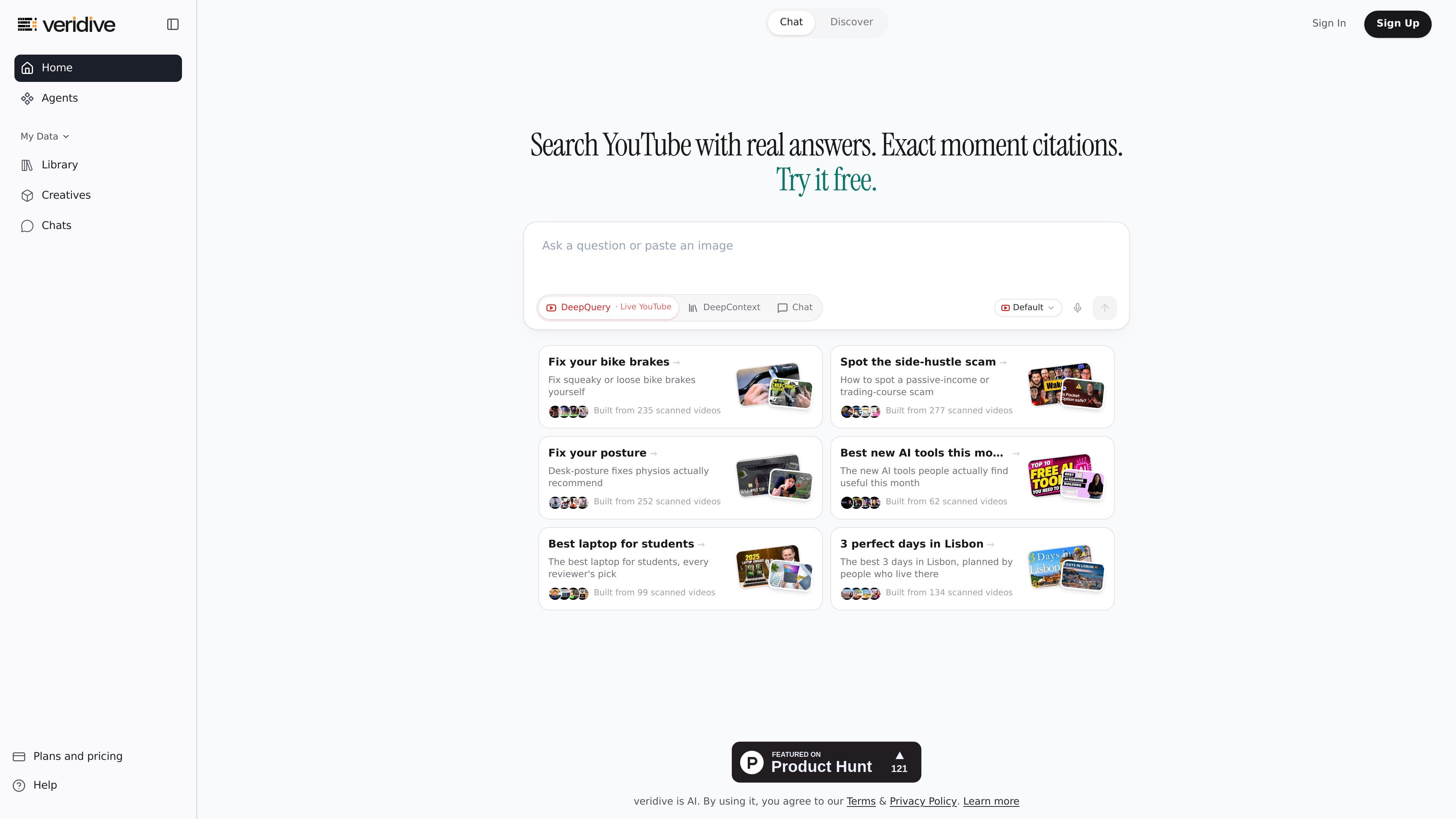
veridive is an AI answer engine for the spoken web. It searches YouTube and related spoken content live, reads transcripts and metadata, ranks sources by authority, and returns a synthesized answer with citations pinned to the exact second in the source video.
The product is built for people who need to extract usable knowledge from recorded speech without scrubbing through long videos. It includes a main live-answer surface, a conversational library surface, generated-content tools, and a Chrome extension, with pricing that starts at a permanent free tier and scales into paid plans for heavier use.
Ask a question and veridive searches YouTube and the spoken web live, then synthesizes an answer from matching sources instead of relying on a static index.
Each answer is tied to the exact second in the source video, making it possible to click through and verify the statement in context.
DeepContext supports conversational analysis over a trusted library of videos, channels, playlists, and uploaded files.
The GenAI tools surface can turn source material into reports, slides, documents, mind maps, flashcards, quizzes, and similar deliverables.
A free Chrome extension provides YouTube summaries and transcripts, with one-click capture into veridive or other AI tools.
The product also exposes an MCP server, allowing veridive to be used as a callable spoken-web layer inside compatible AI tools.
Use DeepQuery when you want a quick answer from current spoken sources, such as expert commentary, interviews, or lectures, with a citation you can open and verify.
Use DeepContext to query a curated set of channels, playlists, videos, or uploaded files when you want answers grounded in a trusted library rather than the open web.
Use the generated tools to convert a video into study notes, flashcards, a quiz, a summary, a slide outline, or a document for reuse elsewhere.
Use the Chrome extension to capture transcripts or summaries while browsing YouTube, then move the material into veridive or other AI tools with one click.
Use the MCP server when you want veridive to act as a callable spoken-web layer inside an existing AI workflow or agent setup.
veridive is designed to answer questions in plain language. The home page includes an input for asking a question or pasting an image, and the help center includes a quick start for getting your first answer.
The source pages describe veridive as an answer engine for the spoken web. It is built around DeepQuery for live YouTube answers, DeepContext for chatting with a trusted library, and tools for turning video content into notes, quizzes, posts, and other outputs.
veridive returns synthesized answers with citations to the exact second in each source video, so you can open the cited moment and verify the claim in context.
The pricing page lists a Free plan as a permanent free tier, plus paid Standard, Premium, and Max plans. The help center also includes sections for account, privacy, billing, apps, and integrations, which suggests it can be used individually or with connected workflows.
The help center is organized around live YouTube search, DeepContext, DeepWatch, credits, the Chrome extension, and MCP. The site does not provide a single universal integration list on the pages provided, so the exact setup depends on the surface you use.

qbrin is an enterprise AI search and governed agent platform that turns company knowledge into cited answers and can abstain when evidence is missing. It is built for teams that need source-backed responses, policy controls, and traceable AI actions.

Goldfish is an AI memory app for macOS that helps you reply, write, summarize, and continue using the context already on your Mac. It stores memory locally and writes in your tone.

Lasso is an ecommerce product data platform for enriching catalog records, processing supplier files, generating product content, and monitoring competitors. It combines a web app with a REST API, SDK, and MCP server for teams and developers.

Hype is a web tool for finding trending YouTube topics by category, time range, and scoring mode. It helps creators spot emerging ideas, inspect source videos, and decide what to cover next.

Struere is an AI-native platform for turning spreadsheet data into structured operational software with dashboards, alerts, and automations. It is aimed at teams that want to replace manual spreadsheet workflows without building custom tools from scratch.

garden-md is an open-source Node.js CLI that turns meeting transcripts into a local company wiki. It links entities across transcripts, keeps the original text intact, and renders the result as a browsable wiki.