
Proactive context learning
Vida learns from the context of your day while you work normally, aiming to reduce repeated setup and manual handoff between tasks.

Vida is a proactive AI agent for desktop knowledge work that uses live context to help draft replies, clean up prompts, generate resumes, organize work, and produce summaries. It is available on macOS now, with Windows listed as coming soon.
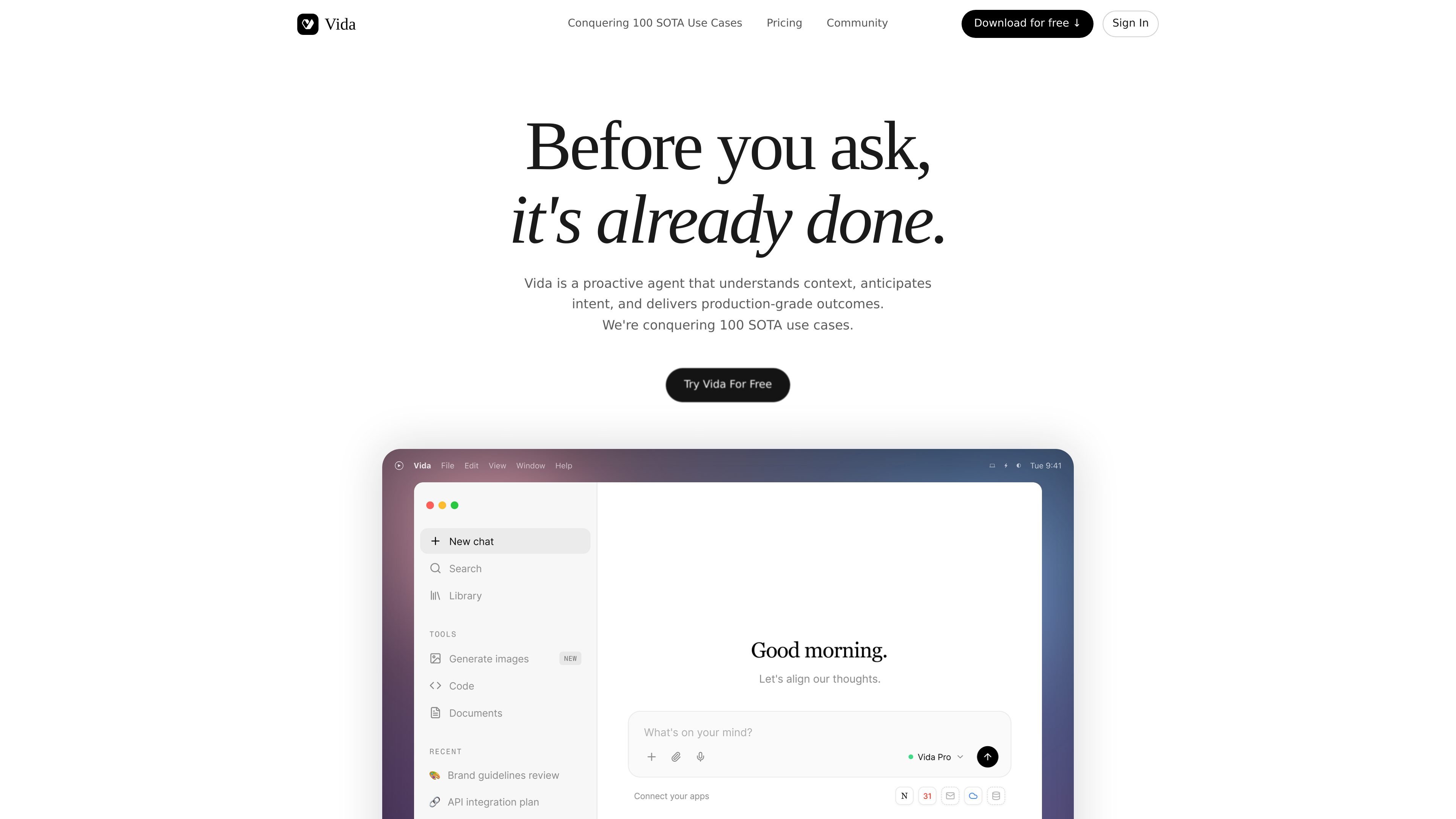
Vida is a proactive AI agent for desktop-heavy knowledge work. The homepage positions it as a tool that understands live context, anticipates intent, and helps produce work products before the user explicitly asks.
The source materials show Vida handling tasks such as reply drafting, prompt cleanup, resume generation, workspace organization, daily summaries, research, slide decks, and spreadsheets. The product is available on macOS today, with Windows listed as coming soon.
Vida learns from the context of your day while you work normally, aiming to reduce repeated setup and manual handoff between tasks.
It can remind you, prepare materials, and complete routine work before you actively request it, based on what it sees in context and your settings.
Vida is designed to improve not just the output it produces, but the judgment behind its recommendations as it learns your preferences and habits.
The product is described as stitching together context from multiple apps so users do not need to switch back and forth to assemble information.
The pricing page lists Ultra mode for complex tasks, including deep research, document, slide, and sheet generation, plus image generation.
Scheduled work is supported through Tracker, which runs up to two scheduled tasks on the Basic plan and unlimited scheduled tasks on Pro.
Use Vida to draft a response that fits the conversation context, such as replying to a client, teammate, or other ongoing thread without starting from scratch.
Turn rough notes or a vague question into a more usable prompt before sending it into another AI workflow, reducing the need to keep refining the wording manually.
Convert raw experience, documents, and surrounding context into a resume tailored to a specific opportunity, rather than rewriting each section by hand.
Organize cluttered files, screenshots, and desktop content into a structured, previewable form so information is easier to review and reuse.
Summarize a day, week, or project by drawing on calendar and notes context, which can help with wrap-ups, weekly updates, and progress tracking.
Vida is designed to work from live context across your apps rather than waiting for a prompt. The homepage describes it as a proactive agent that understands context, anticipates intent, and can suggest, prepare, or act depending on the task and your settings.
The source material points to desktop-heavy knowledge work: research, writing, meetings, operations, founder workflows, and other high-context tasks where information needs to be connected before work can move forward.
No. Vida can suggest, prepare, or act depending on the task and your settings, and the FAQ says it asks for confirmation on critical steps.
Yes. The homepage says you can review, edit, or delete any memory Vida has built at any time from the About Me panel.

Goldfish is an AI memory app for macOS that helps you reply, write, summarize, and continue using the context already on your Mac. It stores memory locally and writes in your tone.

ArtDeck is a visual reference board app for iPhone, iPad, and Mac that lets artists collect mixed reference material on one canvas and study it with ToolBox lenses. It works offline, supports optional iCloud sync, and is sold as a one-time purchase with no account required.

Biji ist eine vielseitige Plattform, die entwickelt wurde, um die Produktivität durch innovative Werkzeuge und Funktionen zu steigern.

Malyatko is a baby tracker for logging feeding, sleep, growth, teething, and milestones in one app. It works on iPhone, Apple Watch, and widgets, with no sign-up, offline use, and family sharing through iCloud.

Redline is a budgeting tool for Claude Code that paces sessions to stay within time, token, cost, or plan-percentage limits. It uses Claude Code’s native hooks and statusline to help sessions finish with a usable result instead of stopping abruptly.

Claude Overlay is a Windows desktop overlay for Claude Code that reads your screen so you can ask questions, inspect content, and request edits without leaving the current app. It runs on your existing Claude subscription through the Claude CLI, so no separate API key is required.