
Dictation mode
VoiceOS supports dictation mode for turning speech into written text, with the homepage emphasizing that it writes what you meant rather than a literal transcript.

VoiceOS is a voice operating system and AI voice assistant for Mac and Windows that turns spoken requests into dictation and app actions. It supports messaging, calendar, email, and other voice-driven workflows, with privacy controls and a free plan.
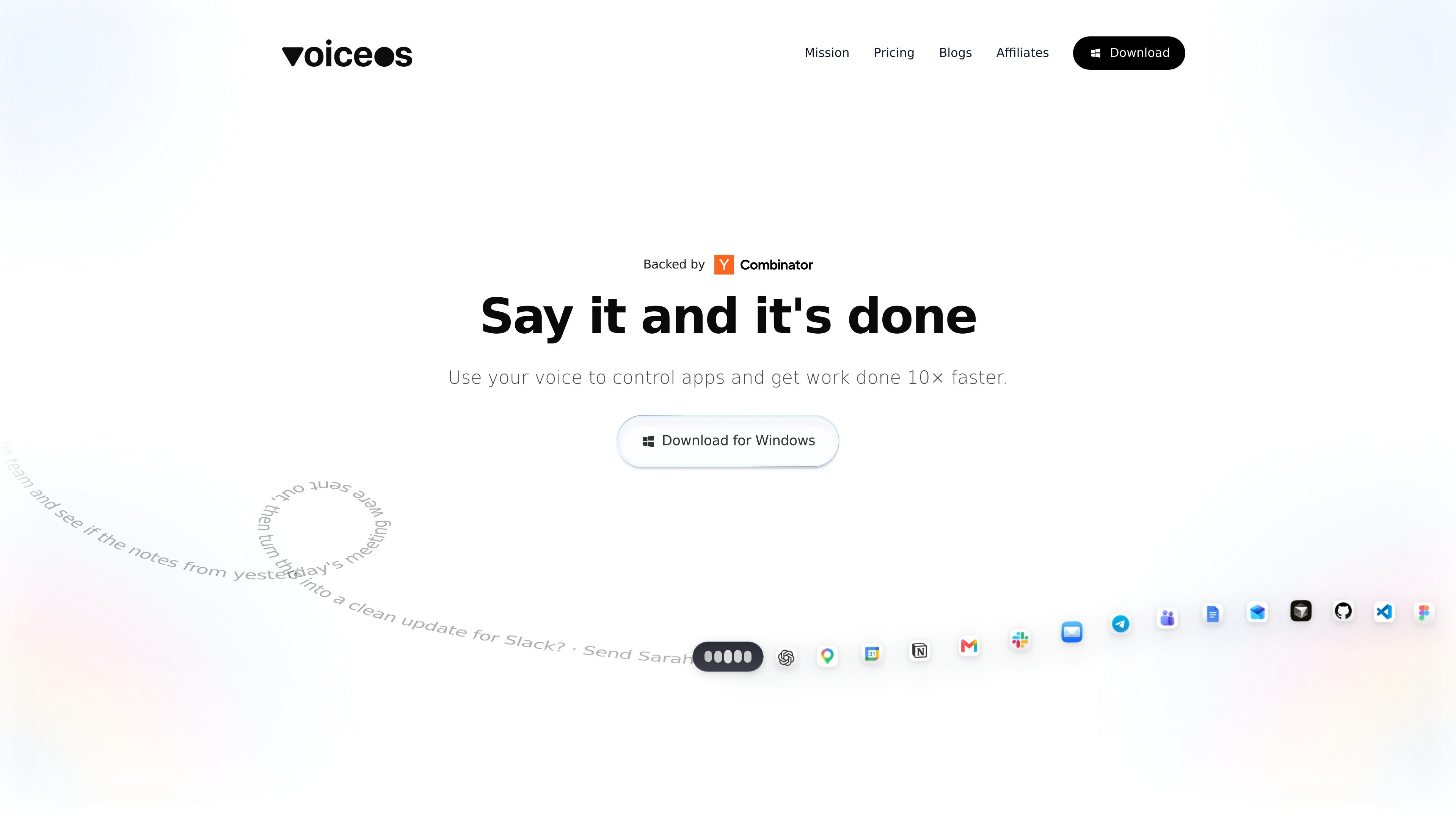
VoiceOS is a voice operating system and AI voice assistant for Mac and Windows. Its core purpose is to turn spoken requests into actions, letting users dictate text, send messages, search the web, and automate app workflows without moving through each step manually.
The homepage frames the product around two modes: dictation mode for writing clean text from speech, and agent mode for carrying out multi-step tasks across integrated apps. Examples on the site include replying to email, scheduling meetings, and turning a spoken update into a formatted Slack message. VoiceOS also emphasizes privacy controls, including on-device transcript storage and options to keep audio off the cloud.
The pricing page shows a Free plan, a Pro plan billed annually, and a custom Enterprise plan for teams and organizations. Enterprise is listed with zero data retention, SOC 2 Type II, ISO 27001, and SSO / SAML, while the Free plan includes limited weekly usage and the Pro plan adds unlimited usage and priority support.
VoiceOS supports dictation mode for turning speech into written text, with the homepage emphasizing that it writes what you meant rather than a literal transcript.
Agent mode is designed for voice-driven app actions, with examples that combine tasks like messaging, emailing, scheduling, and updating content in one spoken request.
The homepage shows VoiceOS working across apps such as Gmail and Calendar, and describes it as usable in every app.
The product offers custom vocabulary, which is useful when users need accurate recognition for names, product terms, or internal language.
VoiceOS includes transcript and audio privacy controls, including saving transcripts on the device and avoiding cloud storage of audio when desired.
The pricing page lists team features, zero data retention, and SSO / SAML for Enterprise customers.
Speak a request that combines several steps, such as drafting a message, checking meeting notes, and turning the result into a polished Slack update.
Create events by voice instead of opening calendars, entering fields, and clicking through dialogs one by one.
Reply to incoming messages or emails using spoken instructions that VoiceOS turns into formatted text and app actions.
Use dictation mode when you want a cleaner written draft from speech, especially for emails, notes, or messages that need formatting.
Keep sensitive audio off the cloud when privacy matters, while still using transcripts locally on the device.
The homepage presents VoiceOS as a voice operating system that lets you use voice to control apps and get work done. It includes dictation mode and agent mode, with examples such as sending messages, drafting emails, creating calendar events, and automating app workflows.
The site says VoiceOS works on Mac and Windows. The homepage includes a download call to action for Windows, and the title and description frame it as an AI voice assistant for Mac and Windows.
VoiceOS offers a Free plan, a Pro plan billed annually, and an Enterprise plan billed annually. The Free plan is shown as $0 forever with 100 usage per week, while Pro is listed at $12 per month billed annually; Enterprise is custom.
The homepage highlights privacy controls that let users save transcripts on the device, avoid saving audio to the cloud, and choose whether dictation data is used to train AI models. It also says audio is not stored on VoiceOS servers unless the user chooses to share it.
The pricing section indicates that Enterprise includes team-oriented features, zero data retention, SOC 2 Type II and ISO 27001, and SSO / SAML. The homepage also presents Enterprise as custom for teams and organizations.

Gemma AI is a phone call reminder app that calls you with scheduled reminders instead of push notifications. It helps people who want a more direct way to stay on schedule, with Google Calendar sync and conversational call interactions.

Claude Overlay is a Windows desktop overlay for Claude Code that reads your screen so you can ask questions, inspect content, and request edits without leaving the current app. It runs on your existing Claude subscription through the Claude CLI, so no separate API key is required.

Spotit ist eine macOS-App, die Ihren Bildschirm liest und per Sprachfragen genau zeigt, wo Sie klicken sollen – mit On-Screen-Anleitung.

Carbon Voice is an asynchronous voice messaging app for teams and individuals, with transcripts, AI catch-up, and cross-device access. It helps people and agents communicate without needing a live call.
MealTime ist Ihr persönlicher, offline-fähiger Rezeptbegleiter, der Ihnen hilft, Mahlzeiten zu speichern, zu organisieren, zu planen und intelligente Einkaufslisten zu erstellen, während Ihre Daten privat bleiben.

Goldfish is an AI memory app for macOS that helps you reply, write, summarize, and continue using the context already on your Mac. It stores memory locally and writes in your tone.