
Voice-first capture
Hold Space and speak to turn a live conversation into a board. The site also mentions an open mic mode for hands-free capture.

Weave is a voice-first productivity tool that turns spoken thoughts into a live visual map. It helps people capture ideas, questions, decisions, and next actions, then replay or export the board later.
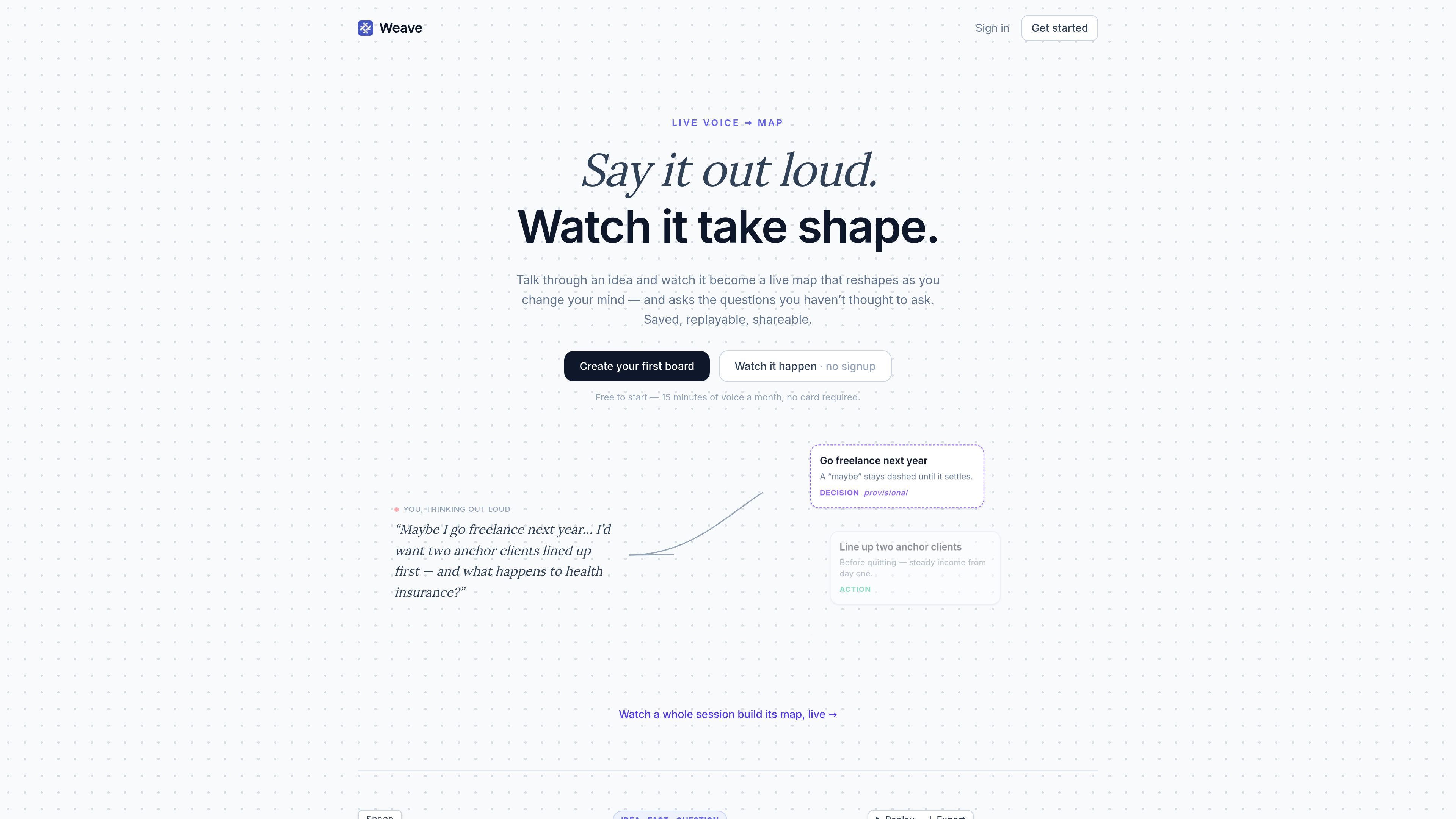
Weave is a voice-first thinking tool that turns spoken ideas into a live visual map. Instead of typing notes, you hold Space, talk through an idea, and watch the board link facts, questions, decisions, and next actions as the session unfolds.
The product is built around capturing messy, in-progress thinking. Half-formed statements stay provisional until they settle, the board can surface follow-up questions, and every session is saved so you can replay, share, or export it later.
Hold Space and speak to turn a live conversation into a board. The site also mentions an open mic mode for hands-free capture.
Half-formed ideas initially appear as dashed guesses, then reshape as you continue speaking until they settle into a clearer form.
Sentences become linked cards, and the page says charts are included, so the output is a visual map rather than a plain transcript.
When you pause, Weave tidies the board and surfaces questions worth asking, including prompts that break a card into options and risks.
Boards are saved automatically, and you can replay how a thought unfolded later to review the session.
You can export boards as Markdown, PNG, or SVG, and share a read-only link from a saved board.
Use Weave when you want to think through an idea out loud and keep the structure that emerges, rather than rewriting everything into notes afterward.
Use the board to work through a decision, since provisional thoughts, questions, and next actions can stay connected as the conversation develops.
Use it when you want a session record you can revisit later, replaying how the thought unfolded instead of starting from a blank page.
Use the export options when you need a shareable artifact for another tool or workflow, such as a Markdown summary or image-based board export.
Weave starts from a simple spoken prompt. Hold Space and talk, or use open mic for hands-free input, and the board updates as you speak. The source also notes that you can sign in to keep your boards.
The source shows a board-based workflow where spoken thoughts become linked cards and the map can be replayed or exported. It does not document integrations with other apps.
The page says every board is saved, and you can replay a session, share a read-only link, or export as Markdown, PNG, or SVG.
The site shows support for Google sign-in, email/password sign-in, and an email one-time code option for account access. It does not provide detail on team workspaces or collaboration controls.
The homepage states that Weave is free to start with 15 minutes of voice per month and no card required. The pricing page itself is currently unavailable, so further plan details are not visible in the source.

recall is an AI flashcard app that turns reading and notes into study cards through Claude, ChatGPT, or another MCP client. It uses one-time lifetime access pricing and spaced repetition review.

Goldfish is an AI memory app for macOS that helps you reply, write, summarize, and continue using the context already on your Mac. It stores memory locally and writes in your tone.

Flunkey is a voice-first productivity layer for Windows that converts speech into text, AI-assisted outputs, and remembered context. It is built for users who want to capture ideas and actions without leaving the app they are working in.

Lasso is an ecommerce product data platform for enriching catalog records, processing supplier files, generating product content, and monitoring competitors. It combines a web app with a REST API, SDK, and MCP server for teams and developers.

ArtDeck is a visual reference board app for iPhone, iPad, and Mac that lets artists collect mixed reference material on one canvas and study it with ToolBox lenses. It works offline, supports optional iCloud sync, and is sold as a one-time purchase with no account required.

Struere is an AI-native platform for turning spreadsheet data into structured operational software with dashboards, alerts, and automations. It is aimed at teams that want to replace manual spreadsheet workflows without building custom tools from scratch.