
Unified context graph
Well combines business apps, documents, and bank connections into one context graph so records stay linked back to their source.

Well connects business tools, bank data, and documents into one structured context graph for teams and AI assistants. It supports capture, OCR extraction, reconciliation, enrichment, and MCP-based querying.
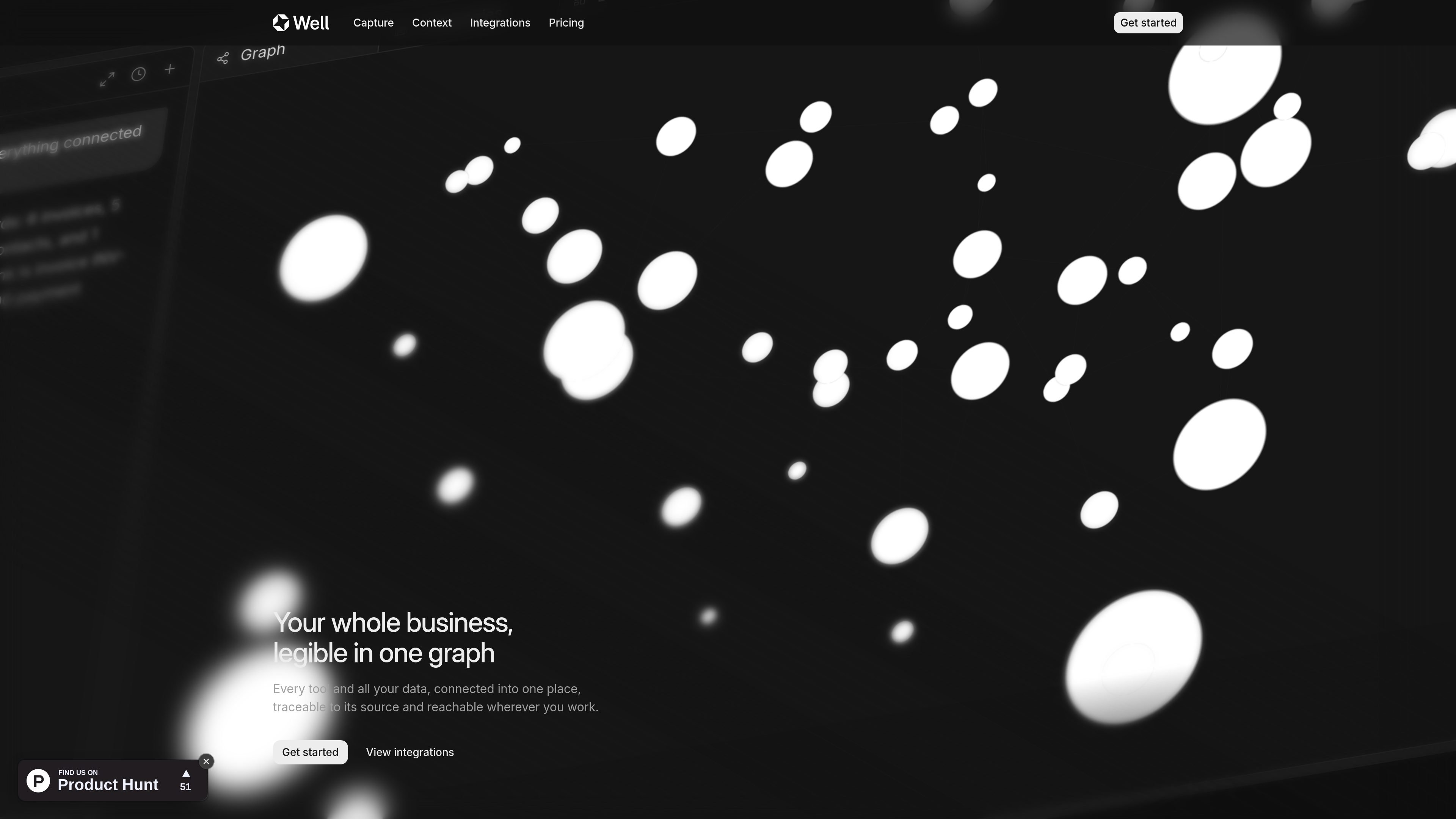
Well is a business data platform that connects tools, documents, and bank accounts into a single context graph. Its pages describe a system where incoming data is read, structured, linked to its source, and made available in the same workspace for people and AI clients.
The product is built around two main jobs: capture and retrieval. It can ingest data from connectors, email, browser clipping, files, and API uploads; then it lets users reconcile, categorize, enrich, and query that data through the app or through MCP-compatible AI tools such as Claude, Cursor, and ChatGPT.
Well combines business apps, documents, and bank connections into one context graph so records stay linked back to their source.
The site says Well can read documents with OCR, extract fields and counterparties, and file them as structured records instead of leaving them as raw uploads.
The pricing page says agents can reconcile and categorize transactions, and enrich companies and people from the connected data.
Well exposes the same workspace data through MCP, so compatible AI clients can ask questions or create records against the live graph.
The integrations page lists 120+ connectors and 11,000+ banks, with examples across accounting, CRM, storage, email, payments, and development tools.
The product pages show connector sync, email forwarding, browser clipping, document upload, and API ingestion as ways to bring data in.
A founder can connect bookkeeping tools and banks, then reconcile transactions and ask questions about cash flow or runway without moving data between systems.
A finance lead can use the Pro plan to support monthly close work, keep records structured, and run recurring analysis across a team workspace.
An operator can drop in invoices, receipts, or statements and have Well extract fields, classify the record, and keep it linked to the source document.
A team can use MCP-compatible assistants such as Claude or Cursor to query the same workspace context that lives inside Well, instead of pasting data into separate chats.
A company can connect apps like CRM, email, storage, payments, and development tools so data from different systems lands in one graph with consistent structure.
Well connects business tools, documents, and bank data into a single workspace so AI assistants and team members can query the same underlying graph. The docs say it supports MCP-compatible clients and lets users ask questions in natural language, create records, and access real-time workspace data.
The pricing page says both Starter and Pro include reconciliation, categorization, OCR document extraction, bulk export, API access, and the Well MCP. The homepage and product pages also show workflows for connecting tools, dropping documents, and using the graph in AI clients.
The pricing page describes Starter as a plan for a founder running their own books and Pro as a plan for a finance lead running the close for a team. It also notes that each seat gets its own monthly budget and seats do not share a pool.
Well can output structured records from documents, records from connectors, and answers through chat or MCP. The product pages show examples such as invoices, companies, transactions, charts, and context-graph queries.
The site says pricing is organized into Starter and Pro, with a 15-day trial on the pricing page. It also states that you can upgrade, downgrade, or cancel anytime.

garden-md is an open-source Node.js CLI that turns meeting transcripts into a local company wiki. It links entities across transcripts, keeps the original text intact, and renders the result as a browsable wiki.

nolainocr is an AI OCR tool that extracts structured data from PDF invoices, receipts, forms, contracts, and bank statements. It helps teams move document data into Excel, Google Sheets, JSON, or CSV without manual entry.

Goldfish is an AI memory app for macOS that helps you reply, write, summarize, and continue using the context already on your Mac. It stores memory locally and writes in your tone.

Lasso is an ecommerce product data platform for enriching catalog records, processing supplier files, generating product content, and monitoring competitors. It combines a web app with a REST API, SDK, and MCP server for teams and developers.

ArtDeck is a visual reference board app for iPhone, iPad, and Mac that lets artists collect mixed reference material on one canvas and study it with ToolBox lenses. It works offline, supports optional iCloud sync, and is sold as a one-time purchase with no account required.

Struere is an AI-native platform for turning spreadsheet data into structured operational software with dashboards, alerts, and automations. It is aimed at teams that want to replace manual spreadsheet workflows without building custom tools from scratch.