
Local-first execution
Willow runs as a native desktop app on your machine, with the agent loop, tools, memory, and knowledge kept local rather than on a remote server.

Willow is a local-first desktop AI agent that runs on your computer, uses your own AI providers, and automates browser and desktop tasks. It is built to keep memory and notes on-device rather than in a hosted cloud workspace.
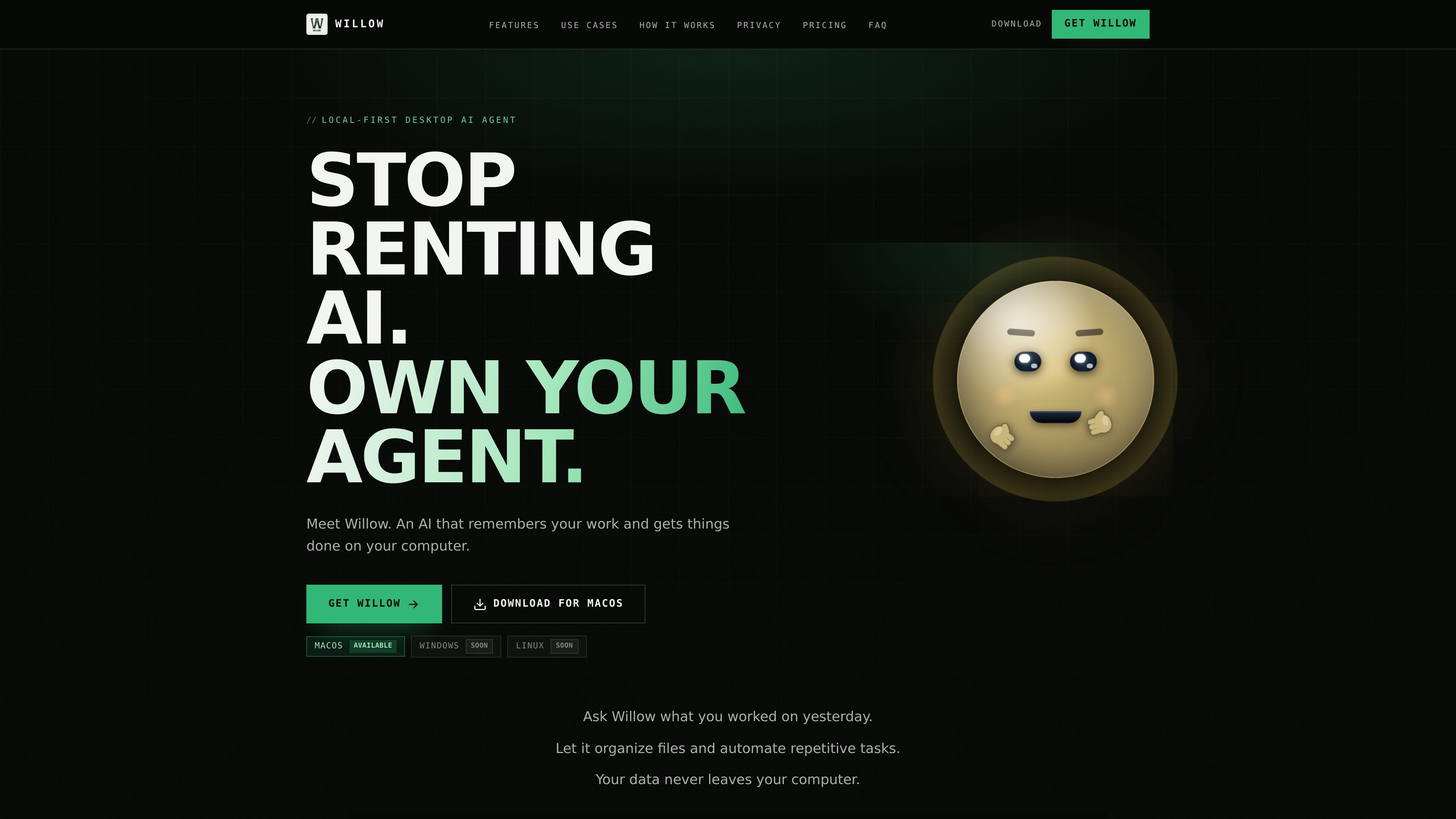
Willow is a local-first desktop AI agent designed to run on your own computer instead of a hosted cloud workspace. The site positions it as a personal agent that remembers your work, uses your own AI providers, and acts directly on browser and desktop tasks.
According to the site, Willow can automate repetitive work, keep conversations and notes on-device, and use local memory to support follow-up tasks over time. The product emphasizes privacy by architecture, with the agent loop, memory, and knowledge stored locally and the option to use your own API keys or a local Ollama model.
Willow runs as a native desktop app on your machine, with the agent loop, tools, memory, and knowledge kept local rather than on a remote server.
It can drive browser and desktop workflows by clicking, typing, scrolling, filling forms, and finishing multi-step tasks end to end.
You can connect your own API key or use a local Ollama model, and the source says models can be switched per task.
Willow keeps memory in a local SQLite database and plain Markdown files, and it includes an Obsidian-compatible Markdown vault.
Proactive discovery can watch mail, calendar, and vault content, while scheduled workflows run on your clock.
The source says Willow can listen to meetings and use screen context, voice, and transcription to understand what you are doing.
Capture calls, save summaries, and draft follow-ups while keeping client data on your machine.
Use browser automation, file access, and local sandboxed code to handle repetitive engineering tasks on your computer.
Read source material, create structured notes, and keep a Markdown-based vault of research.
Watch inbox, calendar, and notes to surface threads, draft replies, and keep work moving with approval steps.
Use Willow for recaps, file organization, form filling, and other recurring computer chores that benefit from persistent memory.
Willow is installed as a native desktop app on macOS. The source says Windows and Linux are coming soon.
Yes. Willow is designed to run locally, and the source says you can connect your own API key or point it at a local Ollama model to run completely offline.
Willow can automate browser and desktop actions, including clicking, typing, scrolling, filling forms, running sandboxed code, and completing multi-step tasks end to end.
The source describes a local SQLite database, plain Markdown files, and an Obsidian-compatible vault for memory and notes.
The pricing page was not available in the collected sources, so the site text only confirms that Willow is a local-first desktop AI agent with no subscription mentioned on the home page.

Macuse is a macOS app that lets AI assistants control native Mac apps through MCP and use Computer Use for any app. It works with clients like Claude Desktop, Cursor, and Raycast, and keeps automation on-device.
MealTime ist Ihr persönlicher, offline-fähiger Rezeptbegleiter, der Ihnen hilft, Mahlzeiten zu speichern, zu organisieren, zu planen und intelligente Einkaufslisten zu erstellen, während Ihre Daten privat bleiben.

Goldfish is an AI memory app for macOS that helps you reply, write, summarize, and continue using the context already on your Mac. It stores memory locally and writes in your tone.

Lasso is an ecommerce product data platform for enriching catalog records, processing supplier files, generating product content, and monitoring competitors. It combines a web app with a REST API, SDK, and MCP server for teams and developers.

Biji ist eine vielseitige Plattform, die entwickelt wurde, um die Produktivität durch innovative Werkzeuge und Funktionen zu steigern.

Gemma AI is a phone call reminder app that calls you with scheduled reminders instead of push notifications. It helps people who want a more direct way to stay on schedule, with Google Calendar sync and conversational call interactions.