
Natural-language agent setup
Create an agent by describing what you want to track, such as a specific aircraft, a fleet, or a geographic region.

Wingbits AI lets users create AI agents that monitor aircraft, fleets, or regions and send automated alerts, reports, or analysis. It supports delivery to Slack, Teams, and inbox/email workflows, with a live map for exploring airspace context.
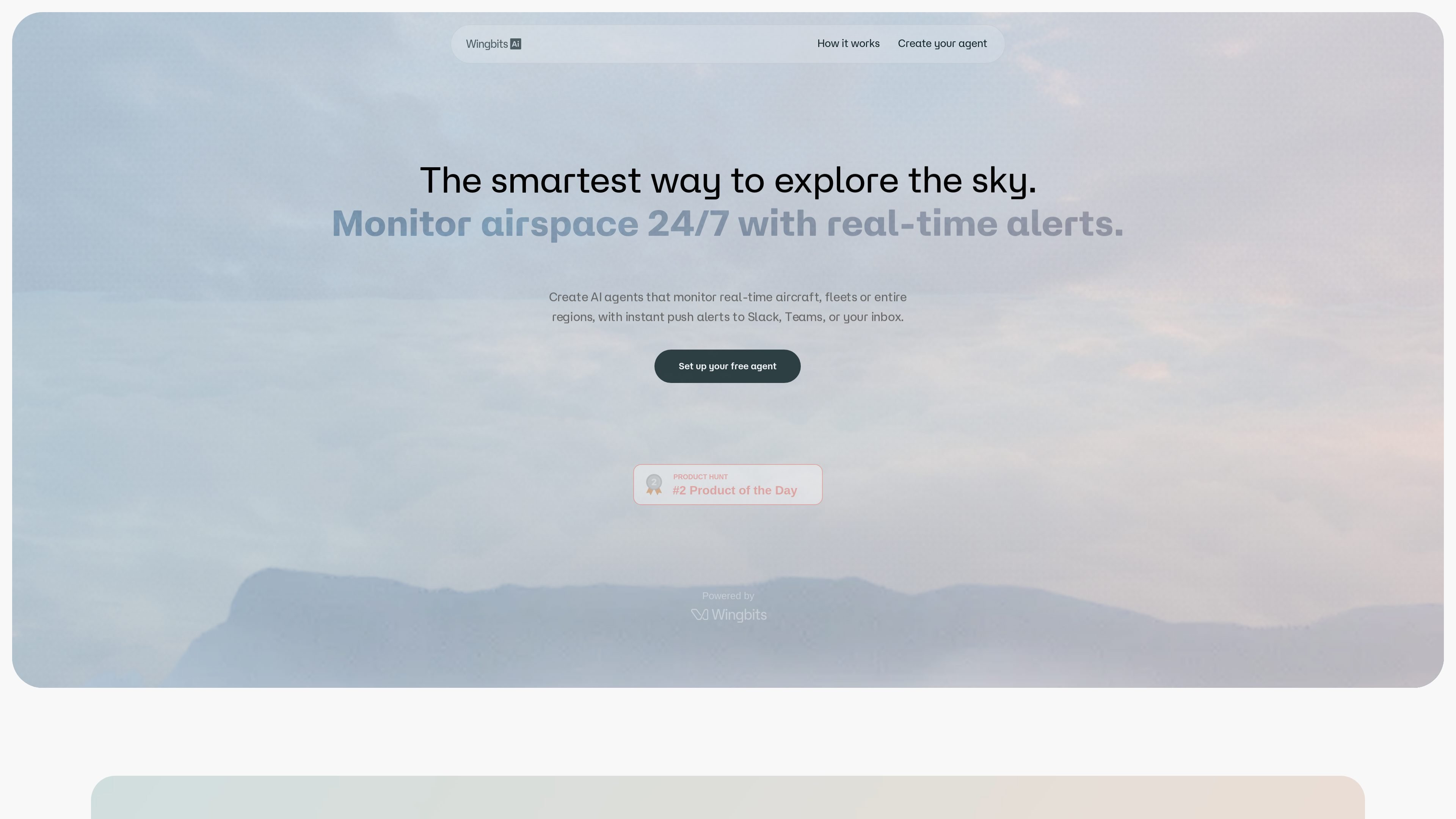
Wingbits AI is a web product for monitoring aircraft activity and turning that monitoring into automated alerts, reports, and analysis. The homepage positions it as a way to “explore the sky” using personal AI agents that watch aircraft, fleets, or whole regions around the clock.
Users describe what they want to track, and the agent handles the background monitoring. The site highlights live-map exploration, real-time questions, and examples such as GPS jamming alerts, airport operations reports, VIP aircraft monitoring, and investigation workflows.
Create an agent by describing what you want to track, such as a specific aircraft, a fleet, or a geographic region.
Agents run in the background so you do not have to keep querying or watching the map manually.
Deliver alerts, reports, or analysis to Slack, Teams, or email inboxes.
Use live-map filters for aircraft type, altitude, operator history, seats, engines, GPS jamming, and TCAS alerts, plus historical playback.
Run recurring checks on a schedule, with the homepage noting automated checks from every 5 minutes on Starter and every 1 minute on Pro.
Choose between pre-built agents and custom agents, with an enterprise option for whitelabeling and organization-wide alerts.
Set an agent to watch for a named aircraft, a VIP list, or fleet activity and get notified when something becomes active.
Monitor a city, airport, or larger region for events such as GPS jamming, airspace activity spikes, or unusual movement patterns.
Generate recurring operational updates like daily delay and diversion reports for an airport team.
Use the live map and historical playback to support investigations into helicopter activity, operator history, or other airspace questions.
Route alerts into Slack, Teams, or email so teams can act on them inside their existing communication tools.
Wingbits AI lets you describe what you want to monitor, then creates an agent that runs in the background and delivers alerts or reports when conditions are met. The homepage examples include GPS jamming events, airport delays and diversions, VIP aircraft activity, and helicopter activity spikes.
The homepage says alerts, custom reports, and analysis can be pushed to Slack, Teams, or your inbox. The pricing section also mentions Slack and email delivery on the Starter plan.
The homepage describes monitoring real-time aircraft, fleets, or entire regions, with live-map filters for aircraft type, altitude, operator history, seats, engines, and historical playback.
The homepage shows multiple agent templates and a pricing section with a free Explorer tier, a Starter plan, a Pro plan with a 14-day free trial, and an Enterprise / Media option with custom pricing.
The site presents Wingbits AI as a way to automate manual querying, searching, and monitoring for airspace activity. It does not provide a public pricing page with more detail than the homepage section, so exact limits and plan rules should be confirmed on the site.

ClayHog ist eine KI-Sichtbarkeitsplattform für die Suche, die zeigt, wie Marken in ChatGPT, Gemini, Perplexity, Claude und Google AI Overviews erscheinen.

PromptScout tracks how ChatGPT, Gemini, Google AI Overviews, and Perplexity mention your brand or competitors, then pairs those results with source analysis and website audits. It helps teams decide what to fix in content, positioning, or site readiness next.

Lasso is an ecommerce product data platform for enriching catalog records, processing supplier files, generating product content, and monitoring competitors. It combines a web app with a REST API, SDK, and MCP server for teams and developers.

SaveMRR is a Stripe retention tool for SaaS teams that scans billing data for churn and MRR leaks, then automates recovery through dunning, cancel-save offers, win-back emails, and onboarding nudges. It is built for founders and bootstrapped teams using Stripe.

Hype is a web tool for finding trending YouTube topics by category, time range, and scoring mode. It helps creators spot emerging ideas, inspect source videos, and decide what to cover next.

Sleek Analytics is a privacy-friendly web analytics tool with real-time visitor tracking, Core Web Vitals, and revenue attribution. It helps site owners understand traffic and conversions without cookie banners or a heavy setup.