
Native Rust editor
Wu is written in Rust and uses native rendering rather than Electron or webviews, with the project describing it as quick to open and responsive on large views.

Wu is a native Rust code editor based on Zed’s editor core, GPU rendering, and language tooling, with a VS Code-oriented interface. It is intended for developers who want local editing, repository navigation, and terminal workflows without built-in AI, collaboration, accounts, or telemetry.
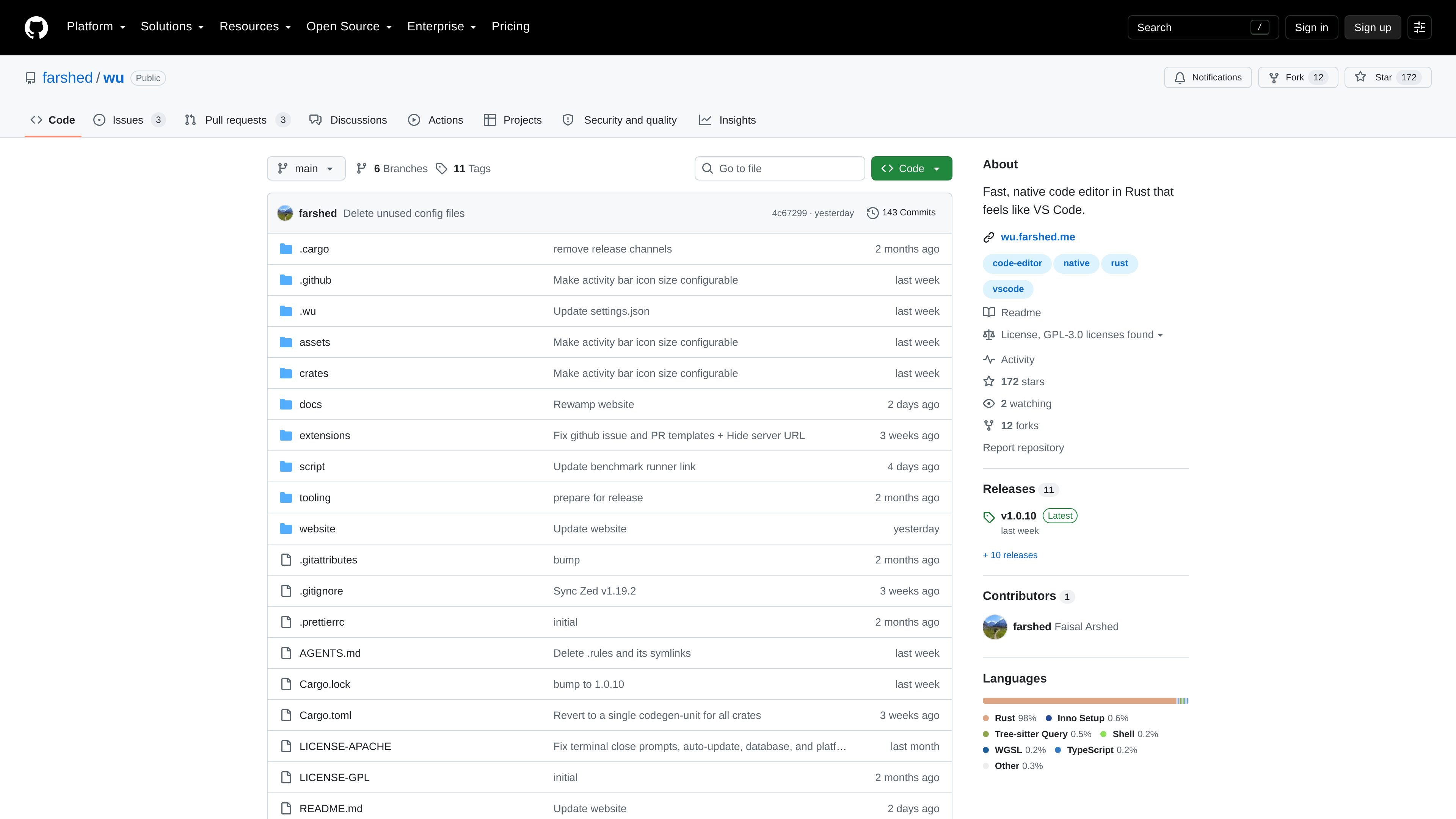
Wu is a native code editor written in Rust for developers who want the speed and system-level behavior of a desktop application with an interface familiar to VS Code users. It is a fork of Zed, retaining Zed’s editor core, GPU rendering, and language tooling while removing built-in collaboration and AI features.
The project focuses on a responsive local editing workflow: Wu supports large views, repository search, source-file editing, navigation, and integrated-terminal activity. It is distributed for Apple Silicon macOS, Linux on x86-64 and AArch64, and Windows on x86-64, with installation instructions provided in the repository.
Wu is written in Rust and uses native rendering rather than Electron or webviews, with the project describing it as quick to open and responsive on large views.
The interface and defaults are tuned to feel familiar to VS Code users, reducing the need to relearn common editor behavior.
Wu inherits Zed’s editor core, GPU rendering, and language tooling, providing the foundation for editing and code-navigation workflows.
The editor includes an integrated terminal for command-line workflows inside the project workspace.
The project reports lower settled process memory than Zed and VS Code in its documented Linux ARM64 benchmark, across the tested idle and workspace stages.
Wu does not require an account, includes no built-in AI or collaboration features, and states that it does not send usage data anywhere.
Developers moving from VS Code can use Wu’s familiar interface and defaults while working in a native Rust-based application.
People working in large repositories can use the editor for source-file editing, repository search, navigation, and large-view workflows without adding an account-based service to the setup.
Developers who prefer a separate coding agent or harness can use Wu as the editor because AI is not built in and the project explicitly supports bringing an existing tool.
Users who need command-line operations alongside editing can work from Wu’s integrated terminal within the project workspace.
Teams or individuals evaluating editor resource use can consult Wu’s published comparison benchmark, while treating it as a Linux ARM64 software-rendering test rather than a universal result.
Wu provides downloads for macOS on Apple Silicon, Linux on x86-64 and AArch64, and Windows on x86-64. Linux users install a platform tarball into ~/.local and add ~/.local/bin to PATH; macOS and Windows use downloadable installers.
No. The project states that Wu has no built-in AI features and is intended for users who want to bring an agent or harness they already use.
Wu is licensed under GPL-3.0-or-later, with Apache-2.0 components where marked. The repository identifies Wu as a derivative work of Zed and provides separate GPL and Apache license files.
No account is required, and the project states that Wu does not send usage data anywhere. Its installers are currently unsigned, so macOS may block the first launch and Windows SmartScreen may display a warning.
Wu is designed for people who want a native editor with a VS Code-like interface and for workflows that use Zed-derived language tooling and an integrated terminal. The documented scope does not include built-in collaboration or AI features.