
Prompt-based CAD generation
Describe a part's function, dimensions, interfaces, and constraints in natural language to create a structured CAD starting point.

zCAD AI turns text-based engineering briefs and optional reference images into inspectable B-rep CAD parts and assemblies. It is intended for engineers and designers who need a starting model they can revise, export, or continue in zCAD Online.
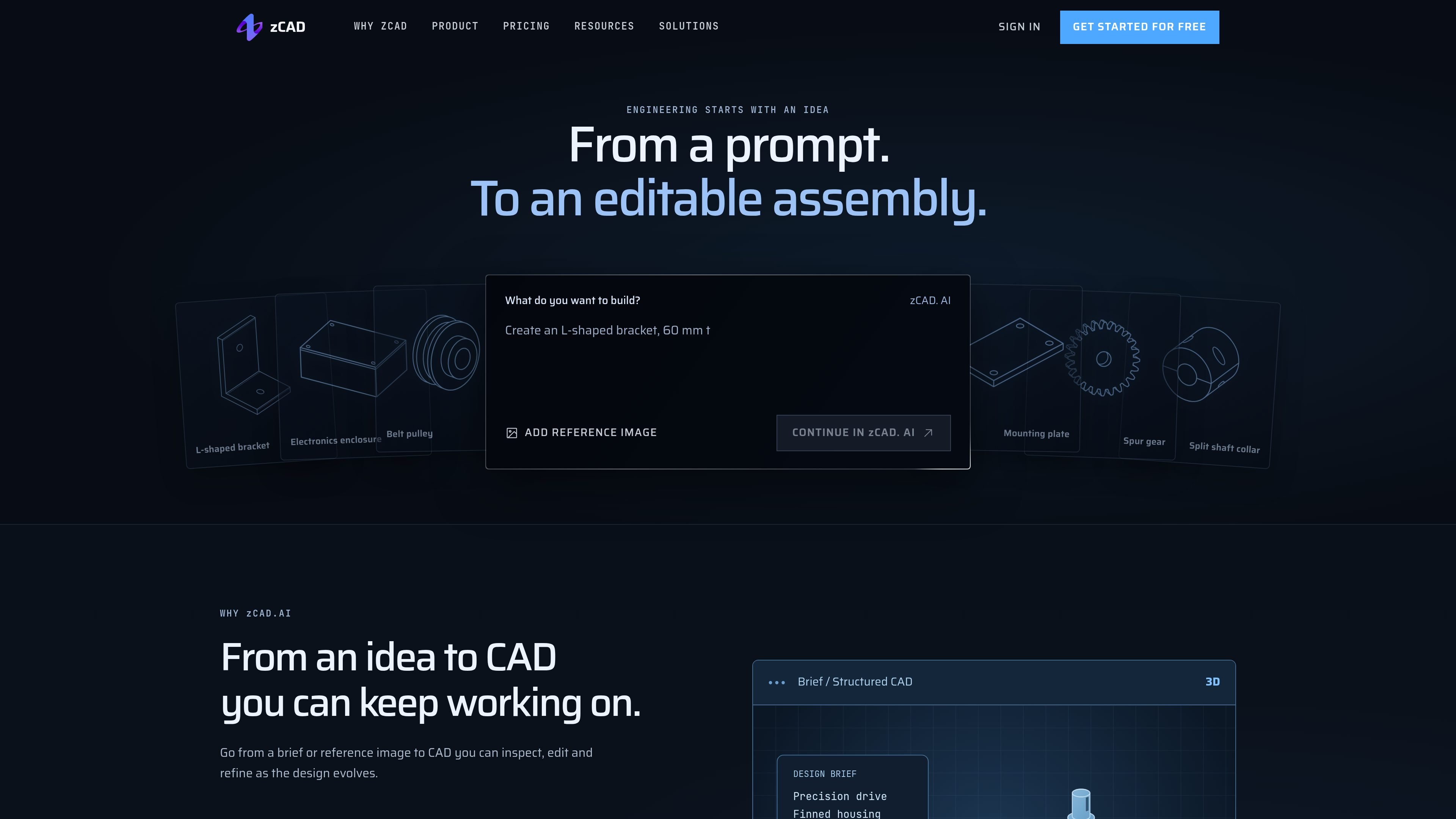
zCAD AI is an AI-assisted CAD generator for turning engineering briefs into structured B-rep parts and assemblies. Users describe the intended function, dimensions, interfaces, and constraints in a prompt, with optional reference-image input, then receive a model they can inspect and revise.
The product is designed as a starting point for engineering development rather than a manufacturing sign-off tool. Generated geometry can be reviewed for dimensions, fits, clearances, and assembly relationships, revised through additional instructions, exported to formats such as STEP, or opened as a native model in zCAD Online for continued modeling, drawings, and collaboration.
Describe a part's function, dimensions, interfaces, and constraints in natural language to create a structured CAD starting point.
Add a reference image alongside the written brief when visual information is useful for defining the starting geometry.
Generate B-rep geometry for individual parts and assemblies, including assembly mates and relationships that can be reviewed before further use.
Inspect generated dimensions, mating faces, clearances, features, and relationships before making changes or moving the design forward.
Iterate by describing changes to the generated model, then continue the native model in zCAD Online for parametric refinement, drawings, and collaboration.
Export generated results in available formats, including STEP; exported STEP files carry solid geometry but typically not the original feature history or assembly constraints.
Provide dimensions, hole locations, thicknesses, and other constraints to create a first-pass component that can be inspected and refined before detailed parametric work.
Describe multiple components, interfaces, and mating requirements to generate a preliminary assembly structure and review how the parts fit together.
Use a reference image with a written brief to turn an existing visual concept into editable starting geometry for further engineering development.
Generate a preliminary mechanism or product structure, inspect relationships and clearances, then continue the native model in zCAD Online for drawings and project review.
Export an AI-generated solid, such as a STEP file, when the next stage of work will take place in another compatible CAD tool rather than zCAD Online.
zCAD AI generates B-rep CAD geometry from text prompts and reference images. It supports parts, assemblies, and assembly mates; users can inspect generated features, dimensions, and relationships before continuing the design.
Yes. AI plans support the available export formats, including STEP. STEP generally transfers solid geometry but does not preserve the original feature history or assembly constraints. The native model can instead be continued in zCAD Online.
No. The output is engineering geometry rather than manufacturing approval. Dimensions, fits, tolerances, materials, loads, and process requirements should be checked before fabrication, with complex assemblies verified in stages.
The workflow is to describe the part or assembly, optionally add a reference image, generate a starting model, inspect dimensions and relationships, revise the prompt or geometry, and then continue the native model in zCAD Online for further modeling, drawings, and collaboration.
One account connects zCAD AI and zCAD Online through shared model data and credits. Paid subscriptions make models private across both products; commercial-use and export rights depend on the product and plan under which the model version was last saved.