SaveMRR icon

SaveMRR

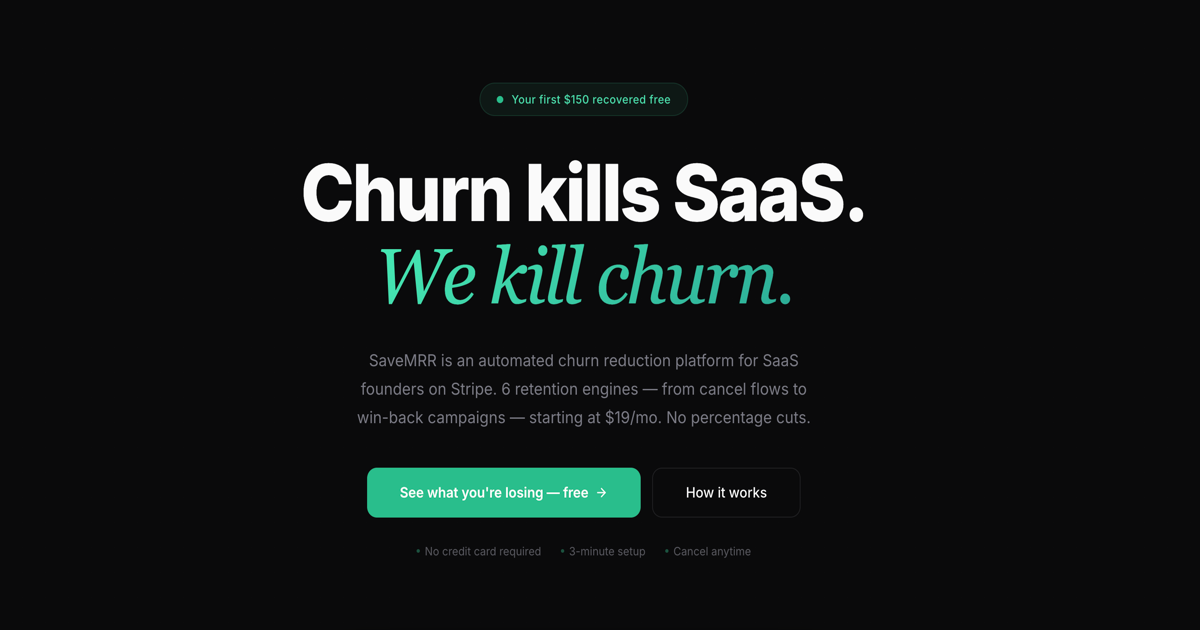
SaveMRR is a Stripe retention tool for SaaS teams that scans billing data for churn and MRR leaks, then automates recovery through dunning, cancel-save offers, win-back emails, and onboarding nudges. It is built for founders and bootstrapped teams using Stripe.

SaveMRR

Overview

SaveMRR is a Stripe retention product for SaaS teams that want to reduce churn and recover revenue that would otherwise be lost to failed payments, cancellations, and inactive customers. The product connects to Stripe with a restricted API key, scans billing data, and then applies automated recovery workflows through email, SMS, cancel-flow prompts, and win-back campaigns.

Its core workflow starts with a free Revenue Scan that reviews recent Stripe data and highlights where MRR is leaking. From there, users can turn on individual retention engines such as payment recovery, cancel-save offers, churn prediction, onboarding nudges, and win-back sequences, all managed from one dashboard and designed to work with minimal code.

Features

Revenue Scan

Connect a restricted Stripe API key, scan recent billing activity, and see failed payments, cancellations, downgrades, and lost MRR with dollar amounts. The scan is free and designed to show where revenue is leaking before you configure recovery workflows.

Cancel Shield

Intercept cancel clicks with a small JavaScript snippet or webhook-based flow, then present an exit survey and a reason-matched offer such as a discount, pause, or extra trial days.

Revenue Rescue

Send plain-text recovery emails from your own domain, retry failed payments on a schedule, and add SMS follow-ups when Twilio is connected. The flow waits for Stripe Smart Retries before sending so it does not duplicate Stripe’s attempts.

Silent Churn Radar

Track risk signals such as scheduled cancels, disputes, no-logins, ghost users, expiring cards, and downgrades, then trigger one-click update or undo links before the customer leaves.

Win-Back Autopilot

Run a 60-day win-back sequence with four emails and escalating offers, and stop automatically when the customer resubscribes through Stripe Checkout.

Engagement Engine

Use a five-trigger onboarding and engagement flow for new signups, including nudges on days 1, 2, 3, and 7 and re-engagement after inactivity.

Use Cases

  • Identify where revenue is leaking

    A SaaS founder uses the free scan to see which customers, charges, and segments are responsible for MRR loss before deciding which retention workflows to enable.

  • Recover failed payments

    A team turns on payment recovery to send plain-text dunning emails, retry failed charges, and optionally add SMS reminders when cards expire or get declined.

  • Reduce cancellations at the point of exit

    A product team adds Cancel Shield to intercept cancellation clicks, learn why a customer wants to leave, and offer a relevant save option instead of a generic coupon.

  • Re-engage at-risk and churned customers

    A founder enables churn prediction and win-back automation to follow up with at-risk or churned customers using scheduled email sequences and one-click resubscribe flows.

  • Improve activation after signup

    A SaaS company uses the onboarding and engagement engine to nudge new signups toward activation when they stop logging in or do not finish setup.

Pros and Cons

Pros

  • Uses a restricted Stripe API key instead of full account access.
  • Combines multiple retention workflows in one dashboard rather than a single-purpose dunning tool.
  • Sends plain-text emails from the customer’s domain and supports SMTP configuration.
  • Includes a free Revenue Scan that shows recent billing leaks before purchase.
  • Provides reason-matched cancel offers, win-back sequences, and engagement nudges rather than only retrying failed cards.

Cons

  • The pricing page is not available in the provided sources, so public plan details are incomplete.
  • Cancel Shield requires adding a JavaScript snippet, so not every workflow is zero-code.

FAQ

How does setup work?

Yes. The docs say SaveMRR connects to Stripe with a restricted API key, and the setup flow starts with creating an account, pasting the key, and configuring the engines you want.

Does SaveMRR require code changes?

Most engines need zero code. The docs say Cancel Shield requires adding a small JavaScript snippet to your app, while other recovery engines are configured from the dashboard.

What does the Revenue Scan show?

SaveMRR scans recent Stripe billing data, including the last 90 days for Revenue Scan, and shows failed charges, cancellations, downgrades, and related recovery opportunities.

How are messages sent?

The site says recovery emails are plain text, sent from your domain through your SMTP settings, with optional SMS recovery through Twilio and Slack or Discord notifications for card updates.

Are all pricing and integrations documented publicly?

The site describes several limit cases and triggers, but it does not present a full public pricing page or a complete technical integration list on the pages provided.

Quick Facts

Category
Stripe retention / SaaS churn reduction
Platform
Stripe-connected web app
Primary users
Bootstrapped SaaS teams and founders using Stripe
Setup
Restricted Stripe API key; most engines need zero code
Notable workflow
Free Revenue Scan, then automated recovery engines
Site
savemrr.co