
AI-Powered Formulas
Create Excel formulas from plain English, then use the generated result immediately instead of building formulas by hand.

SheetGod is an AI spreadsheet assistant that turns plain English into Excel formulas, code, regex, and other automation outputs. It helps Excel and Google Sheets users reduce manual work and build repeatable spreadsheet workflows.
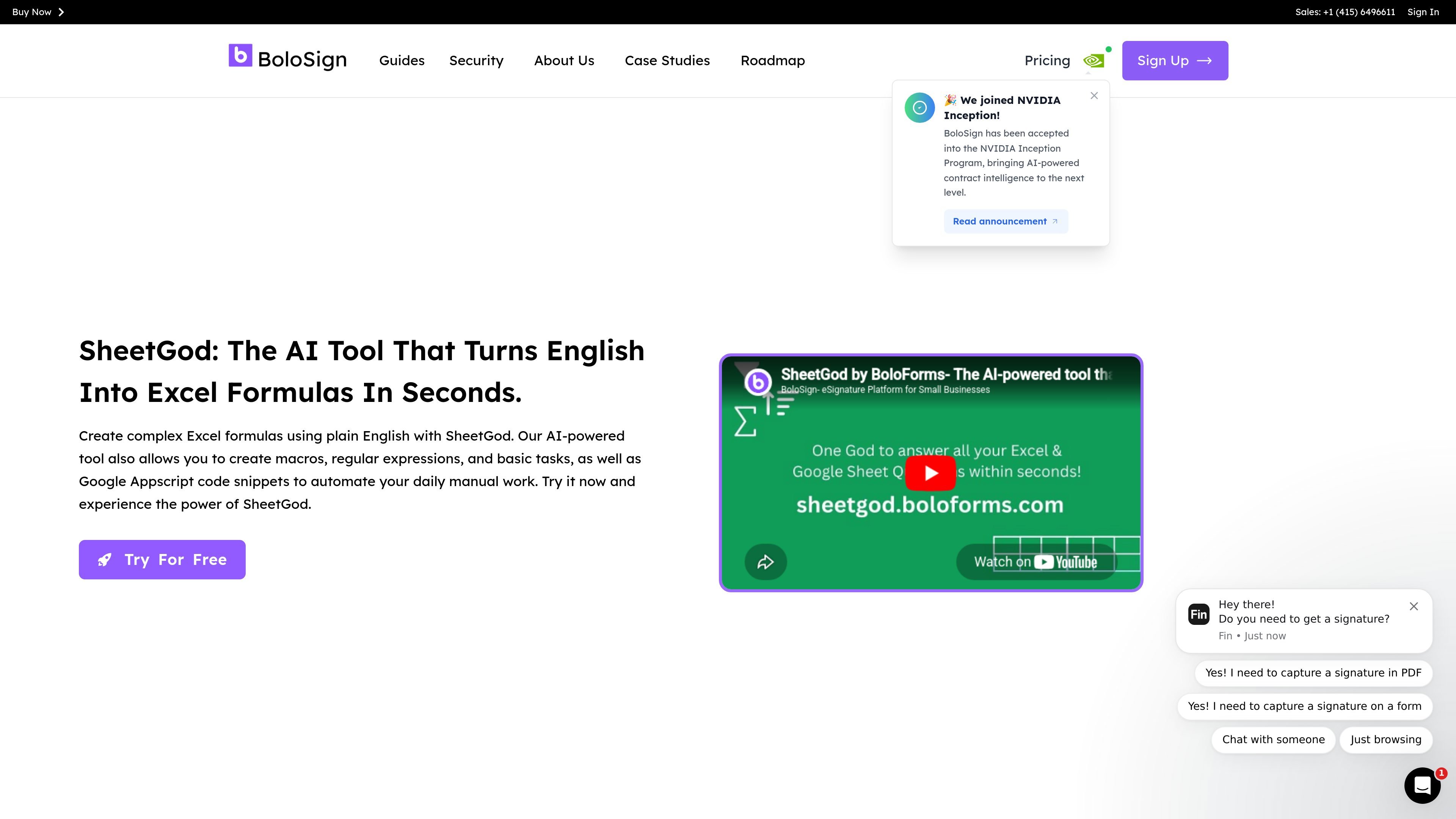
SheetGod is an AI tool that turns plain English into Excel formulas, Appscript code, VBA code, regular expressions, and other spreadsheet-related outputs. The product is positioned for people who want to describe a task in simple language and receive something they can use immediately in Excel or Google Sheets.
Beyond formula generation, SheetGod includes tutorials for basic spreadsheet tasks, tools for sending marketing emails and generating bulk PDFs, and support for creating Google Workspace Add-Ons and Microsoft Excel Add-Ins. The overall purpose is to reduce manual spreadsheet work and help users automate common data and document workflows.
Create Excel formulas from plain English, then use the generated result immediately instead of building formulas by hand.
Generate Appscript and VBA code to automate spreadsheet tasks and reduce repetitive manual work.
Use regular expressions to extract specific data and apply text transformations inside spreadsheet workflows.
Follow step-by-step tutorials for basic Excel and Google Sheets tasks when you need guided help.
Create marketing emails and bulk PDFs from spreadsheet data for communication and reporting workflows.
Build Google Workspace Add-Ons and Microsoft Excel Add-Ins to extend spreadsheet functionality.
Write an Excel formula by describing the calculation in plain English, then paste the result into your spreadsheet.
Create Appscript or VBA snippets to automate repetitive spreadsheet tasks without writing code from scratch.
Use regex support to pull specific values from messy data and reshape text fields for reporting.
Generate marketing emails or bulk PDFs from spreadsheet data for outreach, notices, or document production.
BoloSign is set up to add legally binding eSignatures to Google Forms and related document workflows. The source highlights Google Forms support, reusable templates, bulk sending, and team collaboration, but it does not describe a detailed setup flow beyond creating signature forms.
The source supports signatures for forms and documents, plus outputs such as signed PDFs and audit trails. It also mentions Google Drive and Google Sheets integration, where signed PDFs can be saved to Drive and events can be synced to Sheets.
The pricing page says BoloSign offers unlimited signatures, templates, forms, contracts, and team members for a fixed price, with no additional charges for extra signatures or users. It does not provide a detailed plan breakdown in the supplied text.
The features page says BoloSign supports workspaces and team collaboration, including unlimited team members and shared permissions. The source also describes collaborative review, comment, and sign workflows for teams.
The source states that BoloSign supports legally binding signatures and references the ESIGN Act, eIDAS, and UETA on the Google Forms page. It also includes features such as audit trails and identity verification, but the exact compliance setup depends on the workflow and is not fully detailed in the provided text.

Bijiは、革新的なツールと機能を通じて生産性を向上させるために設計された多目的プラットフォームです。

Ghostは、チャット、コード生成、コマンドラインでのタスク実行に対応したターミナル向けAIアシスタントです。無料モデルを同梱し、Linux、macOS、Windowsで使えます。オープンソースです。

Carbon Voice is an asynchronous voice messaging app for teams and individuals, with transcripts, AI catch-up, and cross-device access. It helps people and agents communicate without needing a live call.

Devin is an AI coding agent and software engineer that helps developers and engineering teams plan and execute complex software tasks. It is available through desktop, cloud, JetBrains, and CLI surfaces, with plans for individuals, teams, and enterprises.

imgcook is a design-to-code tool that converts design drafts into front-end code. It supports plugin-based and developer workflows for Sketch, Photoshop, VS Code, and CLI usage.
MealTimeは、レシピの保存、整理、献立計画、スマートな買い物リストの作成を支援するために設計された、パーソナルでオフラインファーストのレシピコンパニオンです。すべての操作においてプライバシーを重視しています。