
Template import and editing
Start from Aceternity UI Pro templates instead of a blank canvas, then reshape layout, copy, and structure through chat-based editing.

Acebuilder is an AI landing page builder built on Aceternity UI that lets users import templates, edit blocks and sections with AI, and download the React and Tailwind source code. It is aimed at people who want a structured landing-page workflow without being locked into the platform.
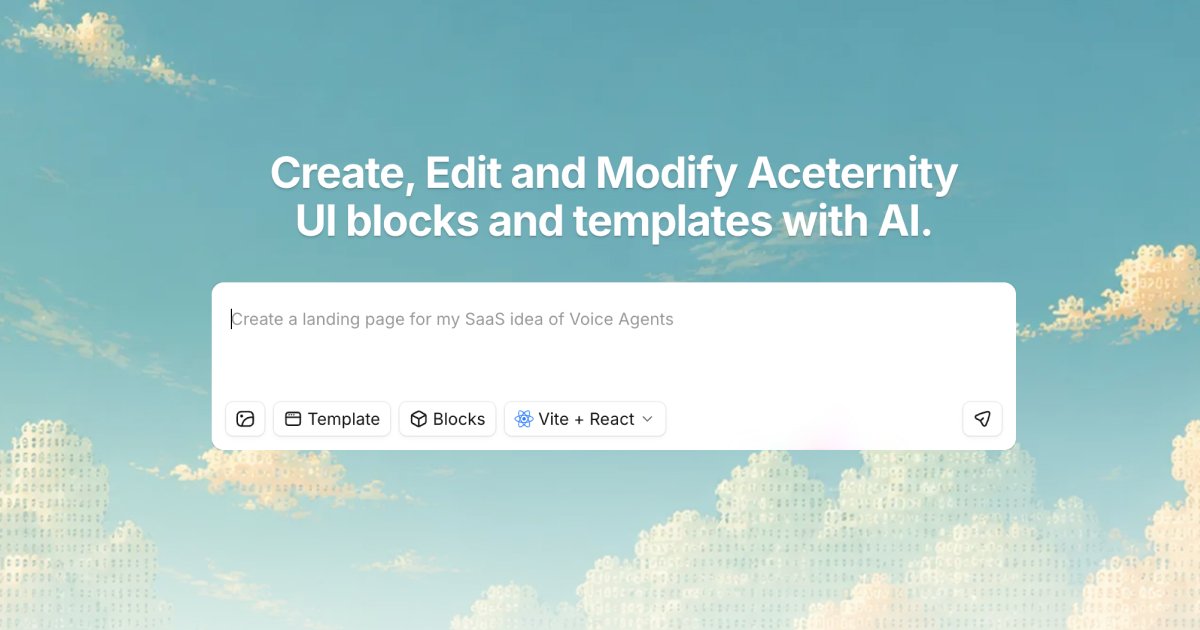
Acebuilder is an AI landing page builder built on Aceternity UI. It is designed for people who want to turn a page idea into a working site by describing what they want, then editing templates, blocks, and sections with AI instead of starting from scratch.
The product emphasizes full-source ownership and a workflow built around reusable Aceternity UI Pro templates and blocks. Users can import templates, modify layouts and copy in chat, generate pages with React and Tailwind components, and download the source code when they are done.
Start from Aceternity UI Pro templates instead of a blank canvas, then reshape layout, copy, and structure through chat-based editing.
Add sections, cards, and other blocks to a project and adjust them in place without leaving the editor.
Use skills on a selected section to push the result beyond generic output and refine layout and copy decisions.
Generate a full landing page with production-grade React and Tailwind components, then keep the source code.
Create images during the build process, apply them as backgrounds, and continue editing without relying on stock photos.
Open real demo projects to see chat and live preview side by side, showing how edits and outcomes are presented in the product.
Import an Aceternity UI Pro template, adjust the layout and copy in chat, and turn it into a customized marketing site without rebuilding the page structure manually.
Assemble sections such as heroes, features, testimonials, CTAs, and pricing blocks into a coherent page, then refine individual parts in place.
Open a demo project to inspect the conversation and live preview together, which is useful for understanding how a finished page was assembled.
Use the builder to generate a page, then download the source and continue development in a React and Tailwind codebase outside the app.
Use the organization plan for multi-user work when you need member invites, custom roles, invoicing, or custom support arrangements.
Acebuilder is built around credits that are consumed when the AI does work, including model responses and tasks such as reading and editing files, search, imports, image generation, and screenshots. Heavier models and longer build sessions use more credits.
Yes. The site says you can download the full source code, and the pricing page adds that you can download your code anytime with no lock-in if you cancel.
The pricing page says paid plans unlock access to Aceternity UI Pro templates and components. The homepage and templates page also show that templates can be imported and edited inside the builder.
The pricing page includes a contact sales option for organizations that need custom solutions, dedicated support, or volume pricing. It also mentions team-oriented features such as inviting members, custom user roles, and custom invoicing on the organization plan.
The source text does not confirm a separate trial or a fully free permanent tier. It does show a free-to-start position on the pricing page, but the exact free-plan terms are not detailed in the provided text.

Make Real is a Next.js app that turns hand-drawn wireframes into working HTML prototypes using the tldraw SDK and AI models. It helps users sketch on a canvas, generate code, and review the result in an embedded preview.

GenMB is an AI web app builder that creates full-stack web apps with frontend, backend, database, authentication, and automations included. It is aimed at individuals and teams that want to build and publish working apps from a plain-language prompt.

Prompty Town is a web product that turns a link into a building in a small internet city. It appears to let users buy a tile, add a prompt, and publish the result alongside other buildings.

beehiiv is a newsletter platform for creators, publishers, and brands that want to build, grow, and monetize email newsletters and websites from one place. It offers a free Launch plan, plus paid tiers for more advanced growth, monetization, and support features.

Speculos is a deployment tool for Claude Code that publishes what you built to a shareable URL. It supports private, org-wide, or public apps and adds team controls for company domains, data connections, and customer-cloud deployments.

Awish is an AI-powered no-code automation platform that turns natural-language requests into automated workflows across connected apps. It serves individuals and teams that want to automate repetitive tasks, chat-based assistants, and workflow updates without manual configuration.