
Keyless startup with optional API key
Connect agents to the Firecrawl MCP endpoint and start using it immediately without an API key. The docs say adding a key unlocks more usage.

Firecrawl Agent MCP is a hosted MCP server that connects coding agents and compatible clients to Firecrawl. It starts without an API key, and keyless access exposes Search, Scrape, and Parse.
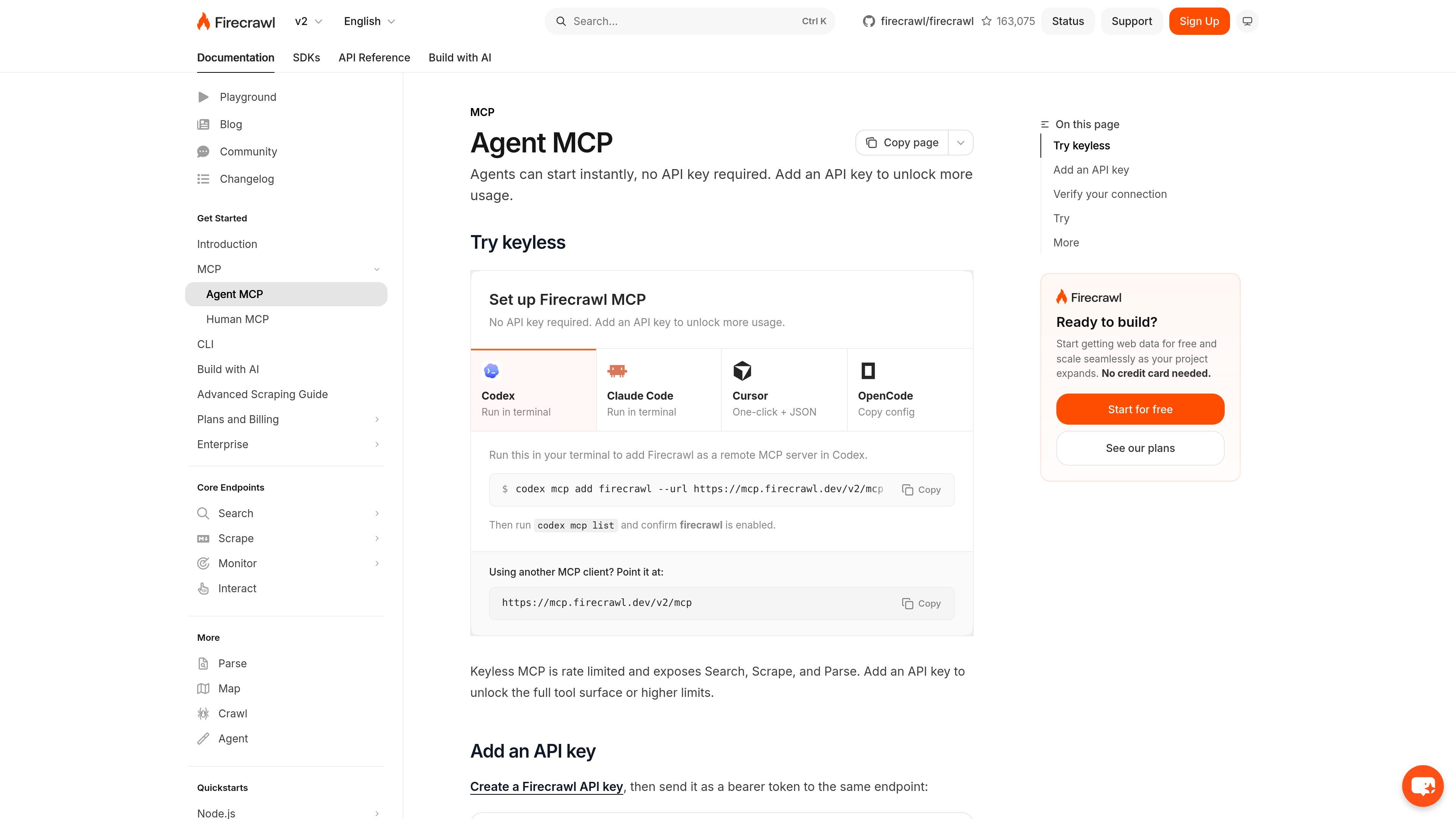
Agent MCP is Firecrawl’s hosted MCP server for connecting coding agents and MCP-compatible clients to Firecrawl. The page is aimed at setup and connection rather than a broad product pitch, but it makes clear that agents can start instantly without an API key and that an API key can be added later to unlock more usage.
The setup examples on the page cover Codex, Claude Code, Cursor, and OpenCode, plus a generic endpoint for other clients. The documentation also notes that a keyless connection exposes Search, Scrape, and Parse, while authenticated access can expose additional tools.
Connect agents to the Firecrawl MCP endpoint and start using it immediately without an API key. The docs say adding a key unlocks more usage.
Use the hosted endpoint with common MCP clients including Codex, Claude Code, Cursor, and OpenCode. The page also shows a generic endpoint URL for other clients.
For keyless access, the server exposes Search, Scrape, and Parse. This gives agents a smaller but usable tool surface before authentication.
The docs provide different setup paths by client, including terminal commands, a Cursor deep link, and copyable JSON configuration examples.
After setup, the docs instruct users to confirm that firecrawl is connected in the client’s MCP status or tool list. This provides a simple verification step.
Set up Firecrawl in an AI coding environment so the agent can call web retrieval tools while you work in the editor or terminal.
Use Cursor, Claude Code, Codex, or OpenCode to add a remote MCP server through the setup path shown for that client.
Start with keyless access for light evaluation, then add an API key when you need higher usage or more tools.
Point a different MCP client at the documented endpoint URL if it is not one of the featured clients.
Yes. The docs say agents can start instantly with no API key required. Adding an API key unlocks more usage and a broader tool surface.
The page shows setup options for Codex, Claude Code, Cursor, OpenCode, and any other MCP client that can point to the Firecrawl endpoint URL.
Keyless connections expose Firecrawl search, scrape, and parse tools. The docs note that an API-key connection can expose additional tools, but the exact full set is not listed on this page.
The page says to connect your client to the Firecrawl MCP endpoint, then verify that firecrawl is connected in the MCP status or tool list. For Cursor, the docs provide one-click install and JSON configuration options.

ByteAsk is a terminal-first AI coding agent for C and C++ that edits repositories and verifies changes with the real compiler, debugger, sanitizers, and tests before showing a diff. It offers a free tier plus paid plans, with editor connectors and zero-retention handling described in the source.

CreateOS Sandbox is an isolated compute environment for running code and agent workloads inside Firecracker micro-VMs. It is designed for workflows that need machine-level isolation, private networking between sandboxes, and programmatic control through SDK, CLI, or MCP.

GitBot is a local browser-based workspace for creating reusable coding bots powered by Claude Code, Codex, or OpenCode. It helps developers run those agents across repository folders with persistent threads and configurable permissions.

hob is an independent workspace for coding agents that keeps agent sessions, terminals, history, and follow-up work organized around the tools and providers you already use. It is aimed at developers who want local control over routing, history, and workspace structure rather than a bundled model stack.

Manta AI is an autonomous web app testing tool for teams that want to map application behavior, catch regressions, and generate tests without writing scripts or maintaining selectors. It works from a URL and supports plain-English test flows, run results with screenshots, and scheduled or deployment-triggered checks.

SonOf connects to your repo and PM tool, audits the codebase and surrounding product context, and turns approved work into shipped tickets with senior engineering review. It is aimed at founders and engineering leaders who need backlog help without hiring a full team immediately.