
Keyword research from a website
Airtop can take a company URL, research the market, and build a keyword list for the campaign.

Airtop is a browser automation platform that helps users build, audit, optimize, and report on Google Ads campaigns from a chat interface. It supports campaign drafting, waste checks, and scheduled reporting to Slack, email, and Google Sheets.
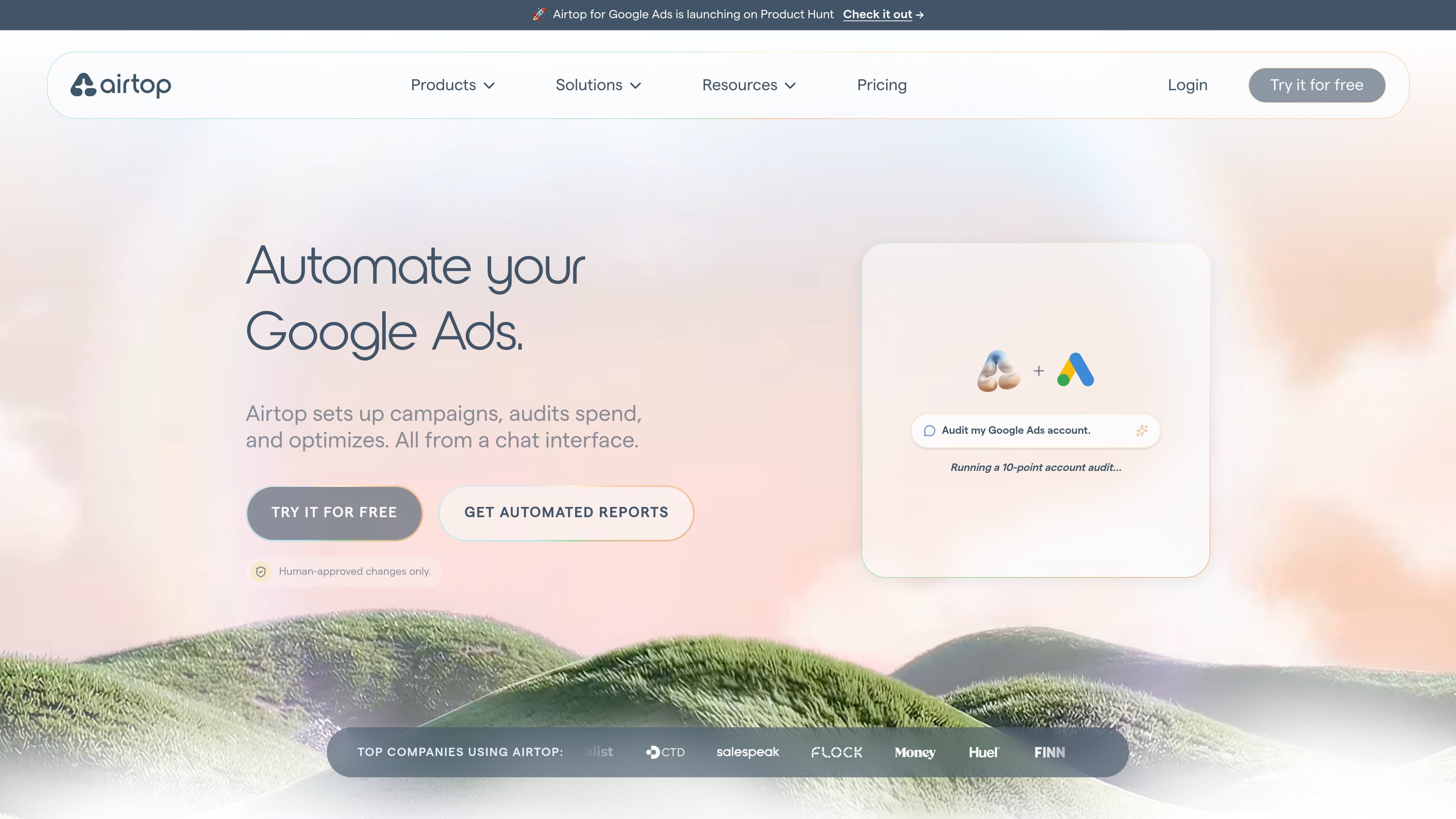
Airtop is a browser-based automation platform that can run Google Ads work from a chat interface. On the Google Ads page, it is positioned as a tool that builds, monitors, and optimizes campaigns without requiring the user to handle every step manually.
For Google Ads specifically, Airtop covers keyword research, campaign creation, waste audits, and performance reporting. The site also shows a reporting template that pulls campaign data, summarizes trends across common reporting windows, and sends the results to Slack, email, and Google Sheets.
The workflow is designed for users who want to describe the goal in plain language and have Airtop carry out the operational work in Google Ads and adjacent reporting channels. The public materials emphasize draft generation, audits, and evidence-based optimizations rather than one-off ad copy generation alone.
Pricing information on the site indicates Airtop offers paid plans and a free entry tier, with higher plans adding more credits, sessions, and deployed agents. The Google Ads materials do not provide a separate product price or a dedicated Google Ads-only plan.
Airtop can take a company URL, research the market, and build a keyword list for the campaign.
It writes ads and sets up optimized campaigns, including themed ad groups and tight keyword sets.
The product audits search terms, geo targeting, and conversion tracking to identify budget waste and setup issues.
Airtop can implement evidence-based optimizations directly inside Google Ads instead of only flagging recommendations.
The template produces scheduled performance summaries with Week-over-Week, Month-to-Date, and Quarter-to-Date views.
Reports can be distributed to Slack, email, and Google Sheets for team visibility and historical tracking.
Use Airtop to turn a company website into a first-pass Google Ads structure, including keyword research, themed ad groups, and responsive search ads that are ready for review.
Use the auditing flow to look for waste in search terms, geo targeting, conversion tracking, bids, and budgets, then apply or review fixes based on the findings.
Use the reporting template to collect Spend, Conversions, Clicks, CPA, and related trend data on a schedule and send the summary to Slack, email, and Sheets.
Use the optimization workflow to prioritize terms tied to closed deals and avoid segments that do not convert when CRM context is available.
Use the scheduled audits and report alerts to monitor short-term campaigns and surface issues as soon as they appear.
Airtop describes this page as a way to build, monitor, and optimize Google Ads campaigns from a conversation. The workflow covers keyword research, campaign creation, waste audits, and performance reporting.
The page says Airtop can take a company URL, research the market, build a keyword list, write ads, and set up optimized campaigns. It also mentions audits and optimization steps that can be implemented directly within Google Ads.
The reporting template automatically pulls metrics from Google Ads, generates a performance report, and sends it to Slack and email while appending history to Google Sheets.
The source text says changes are human-approved, so Airtop can draft and automate work but still supports sign-off before changes are published.
The public sources do not provide a full supported integrations list for this Google Ads workflow. They do show Slack, email, and Google Sheets in the reporting template, plus Google Ads as the core data source.

Radar is a self-hostable media intelligence and social listening app for monitoring public sources, analyzing mentions, and generating briefs or content outputs with optional Claude AI. It is aimed at individuals and small teams that want an enterprise-style workflow without a cloud account.

PromptScout tracks how ChatGPT, Gemini, Google AI Overviews, and Perplexity mention your brand or competitors, then pairs those results with source analysis and website audits. It helps teams decide what to fix in content, positioning, or site readiness next.

SaveMRR is a Stripe retention tool for SaaS teams that scans billing data for churn and MRR leaks, then automates recovery through dunning, cancel-save offers, win-back emails, and onboarding nudges. It is built for founders and bootstrapped teams using Stripe.

Hype is a web tool for finding trending YouTube topics by category, time range, and scoring mode. It helps creators spot emerging ideas, inspect source videos, and decide what to cover next.

Sleek Analytics is a privacy-friendly web analytics tool with real-time visitor tracking, Core Web Vitals, and revenue attribution. It helps site owners understand traffic and conversions without cookie banners or a heavy setup.

Struere is an AI-native platform for turning spreadsheet data into structured operational software with dashboards, alerts, and automations. It is aimed at teams that want to replace manual spreadsheet workflows without building custom tools from scratch.