
Platform updates
The Android 17 page calls out new features and APIs for developers, along with a release focus on privacy, security, media, camera, and performance.

Android Developers is the official Google resource for building Android apps and preparing them for Android 17. It provides release guidance, testing steps, and documentation for Android devices and form factors.
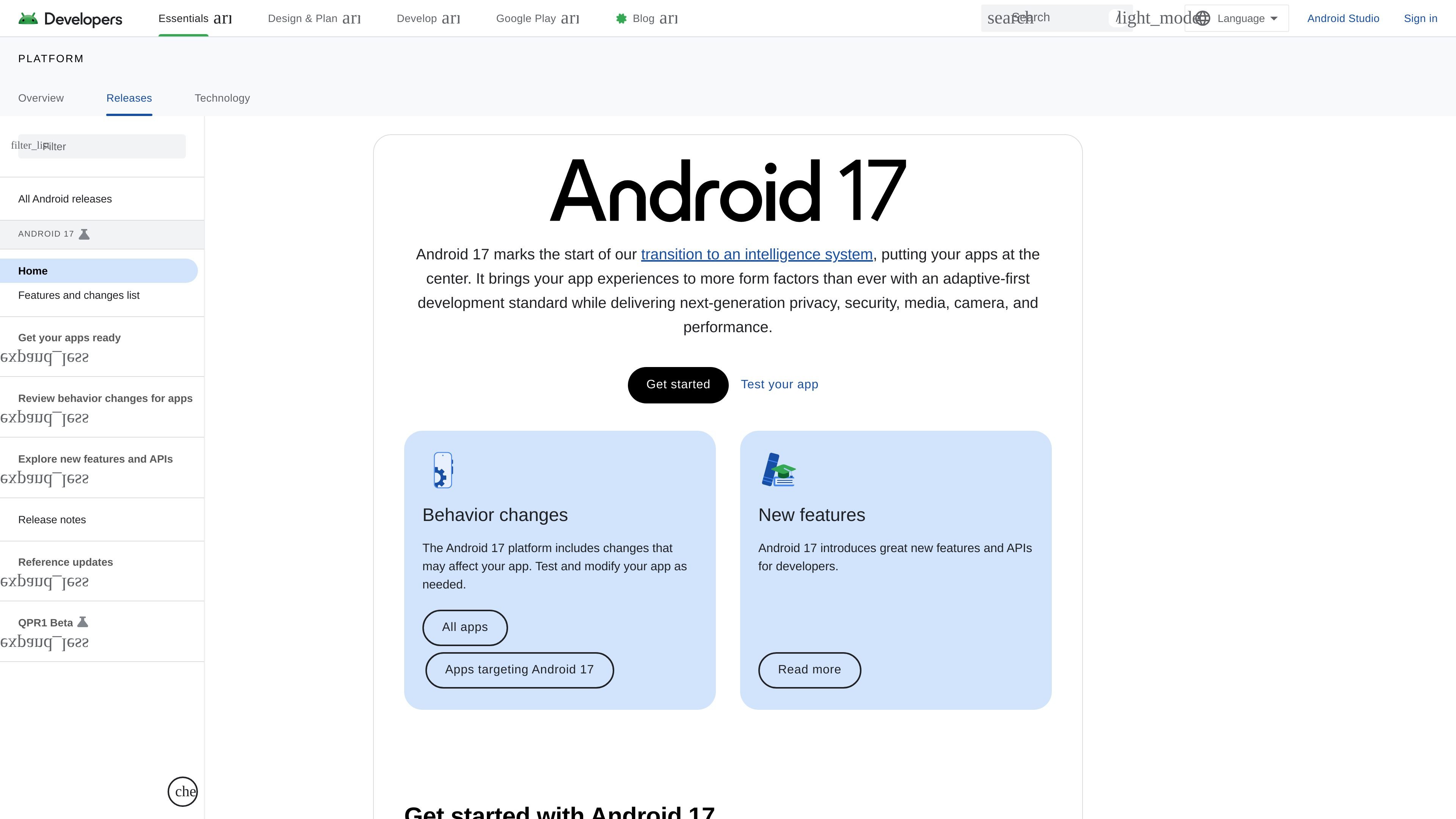
Android Developers is the official Google site for building Android apps. The Android 17 release page summarizes the platform’s current direction and the work developers need to do to prepare apps for the release.
The page says Android 17 starts a transition to an intelligence system, puts apps at the center, and pushes an adaptive-first standard across more form factors. It also highlights new behavior changes, new features and APIs, and the need to test and update apps before targeting the release.
The Android 17 page calls out new features and APIs for developers, along with a release focus on privacy, security, media, camera, and performance.
Android 17 introduces an adaptive-first development standard intended to bring app experiences to more form factors.
The release page separates behavior changes for all apps from behavior changes for apps targeting Android 17, helping developers plan compatibility work.
The developer site provides Android Studio, SDK setup, samples, and API reference to support implementation and testing.
The broader Android developer site covers phones, watches, tablets, laptops, foldables, TVs, cars, and XR.
The Develop section includes guidance for AI integration, adaptive apps, large screens, Wear OS, Android TV, ChromeOS, Android for Cars, Health Connect, and Android XR.
Use the Android 17 release page to understand what changed in the platform and which behavior changes may affect your app.
Follow the setup and testing guidance to prepare a device or emulator, install Android Studio, and validate app behavior before release targeting.
Use the Develop section to find guidance for phones, tablets, foldables, watches, TVs, cars, ChromeOS, and XR when adapting an app to new form factors.
Use the site’s AI, media, camera, and Health Connect resources when a feature depends on platform capabilities or ecosystem APIs.
Android 17 is the platform release page for Android developers. It highlights new features, behavior changes, and the steps needed to prepare apps for the release.
The page points developers to set up a runtime environment, install Android Studio and the Android 17 SDK, review behavior changes, test their app, and update targeting when appropriate.
The source page says Android 17 includes behavior changes for all apps and additional behavior changes for apps targeting Android 17, so app testing and modification may be required.
Android Developers provides guidance for phones, watches, tablets, laptops, foldables, TVs, cars, and XR, along with tools such as Android Studio, samples, API reference, and developer guides.

ByteAsk is a terminal-first AI coding agent for C and C++ that edits repositories and verifies changes with the real compiler, debugger, sanitizers, and tests before showing a diff. It offers a free tier plus paid plans, with editor connectors and zero-retention handling described in the source.

CreateOS Sandbox is an isolated compute environment for running code and agent workloads inside Firecracker micro-VMs. It is designed for workflows that need machine-level isolation, private networking between sandboxes, and programmatic control through SDK, CLI, or MCP.

hob is an independent workspace for coding agents that keeps agent sessions, terminals, history, and follow-up work organized around the tools and providers you already use. It is aimed at developers who want local control over routing, history, and workspace structure rather than a bundled model stack.

Ably Chat is a chat API platform for building custom realtime chat applications. It supports room-based messaging, typing indicators, presence, reactions, and message updates, with usage-based pricing options for different deployment stages.

Manta AI is an autonomous web app testing tool for teams that want to map application behavior, catch regressions, and generate tests without writing scripts or maintaining selectors. It works from a URL and supports plain-English test flows, run results with screenshots, and scheduled or deployment-triggered checks.

SonOf connects to your repo and PM tool, audits the codebase and surrounding product context, and turns approved work into shipped tickets with senior engineering review. It is aimed at founders and engineering leaders who need backlog help without hiring a full team immediately.