
Creative and productivity apps in one subscription
The subscription bundles Final Cut Pro, Logic Pro, and Pixelmator Pro, along with premium productivity content for Keynote, Pages, Numbers, and Freeform.

Apple Creator Studio is a subscription bundle that includes Final Cut Pro, Logic Pro, Pixelmator Pro, and premium productivity content in Keynote, Pages, Numbers, and Freeform. It is aimed at users who want creative and productivity tools in one Apple subscription, with Family Sharing support for up to five other people.
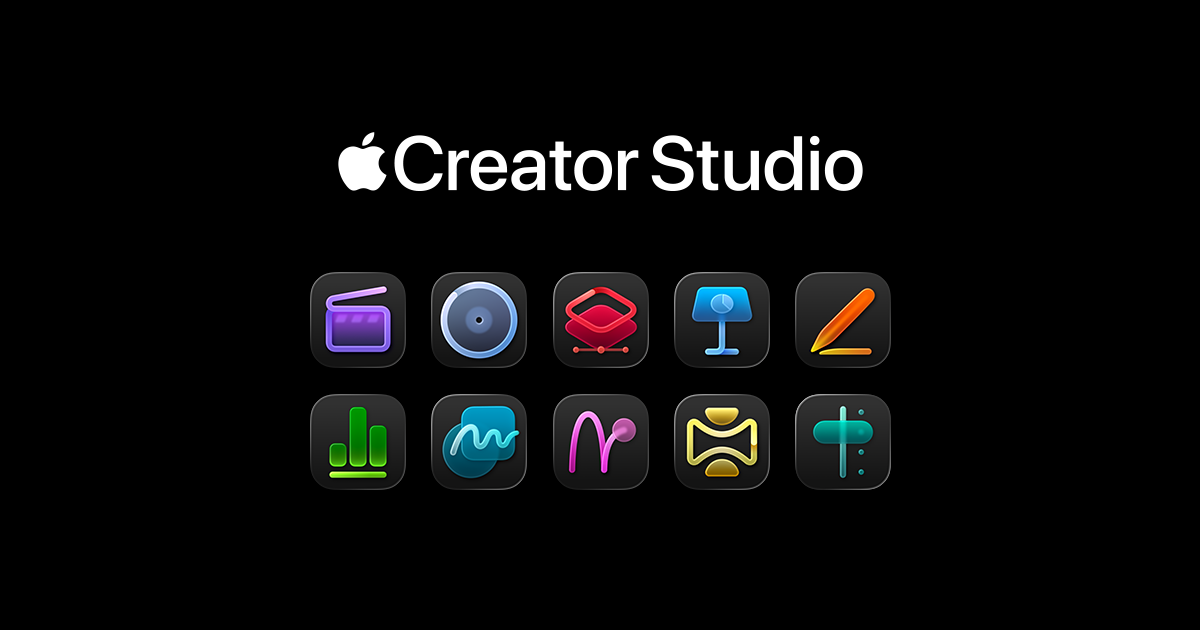
Apple Creator Studio is a subscription bundle for people who work across video, music, image, and productivity apps on Apple platforms. The homepage presents it as a way to get Final Cut Pro, Logic Pro, Pixelmator Pro, and premium content in Keynote, Pages, Numbers, and Freeform in one package.
The bundle is positioned around intelligent tools that build on Apple Intelligence, with Final Cut Pro for video editing, Logic Pro for music production, and Pixelmator Pro for image work. Apple also says Family Sharing lets up to five other people use the subscription, and the page offers a trial invitation, but it does not show confirmed pricing on the source provided.
The subscription bundles Final Cut Pro, Logic Pro, and Pixelmator Pro, along with premium productivity content for Keynote, Pages, Numbers, and Freeform.
Apple says the bundle adds intelligent tools that build on Apple Intelligence across the included apps.
Final Cut Pro supports video creation and editing for creating polished video projects on Mac and iPad.
Logic Pro is included for producing music, giving the subscription a dedicated audio creation workflow.
Pixelmator Pro is included for image work, letting users reimagine images within Apple’s creative app lineup.
Family Sharing support lets up to five other people enjoy the subscription too.
Use the bundle when you move between editing video, composing music, and retouching images and want those tools under one subscription.
Use Final Cut Pro and the bundled intelligent tools to assemble and refine video projects on Mac or iPad.
Use Logic Pro for music production when you need a dedicated workflow for composing and producing audio.
Use Pixelmator Pro for image-based work such as reimagining and editing visuals as part of a broader creative workflow.
Use the included productivity content in Keynote, Pages, Numbers, and Freeform when your creative work also depends on presentations, documents, spreadsheets, or brainstorming boards.
Apple Creator Studio is a subscription that combines Final Cut Pro, Logic Pro, Pixelmator Pro, and premium productivity content in Keynote, Pages, Numbers, and Freeform.
The source text does not show pricing or a published subscription term, so the product page should be treated as a subscription offering without confirmed price details.
The page says Family Sharing lets up to five other people enjoy the subscription too.
Apple describes the bundle as including intelligent tools in Final Cut Pro, Logic Pro, and Pixelmator Pro, plus premium productivity content that builds on Apple Intelligence.
No setup steps are described on the page beyond trying it free, so the source does not confirm installation or account requirements beyond Apple’s subscription model.

Goldfish is an AI memory app for macOS that helps you reply, write, summarize, and continue using the context already on your Mac. It stores memory locally and writes in your tone.

ArtDeck is a visual reference board app for iPhone, iPad, and Mac that lets artists collect mixed reference material on one canvas and study it with ToolBox lenses. It works offline, supports optional iCloud sync, and is sold as a one-time purchase with no account required.

Biji는 혁신적인 도구와 기능을 통해 생산성을 향상시키기 위해 설계된 다목적 플랫폼입니다.

Malyatko is a baby tracker for logging feeding, sleep, growth, teething, and milestones in one app. It works on iPhone, Apple Watch, and widgets, with no sign-up, offline use, and family sharing through iCloud.

CAMB.AI Streams dubs live audio in multiple languages in real time for broadcasts on platforms like YouTube, Twitch, and X. It plugs into existing live workflows using common streaming protocols and avoids a post-production step.

Redline is a budgeting tool for Claude Code that paces sessions to stay within time, token, cost, or plan-percentage limits. It uses Claude Code’s native hooks and statusline to help sessions finish with a usable result instead of stopping abruptly.