
Guided installer
Atomic Bot guides users through installation, connection, and launch steps so OpenClaw can be set up without working through a terminal flow.

Atomic Bot is a guided installer and runtime for OpenClaw that helps users launch and manage the agent without a manual terminal setup. It supports local and cloud workflows and is aimed at users who want a simpler way to run personal AI agents.
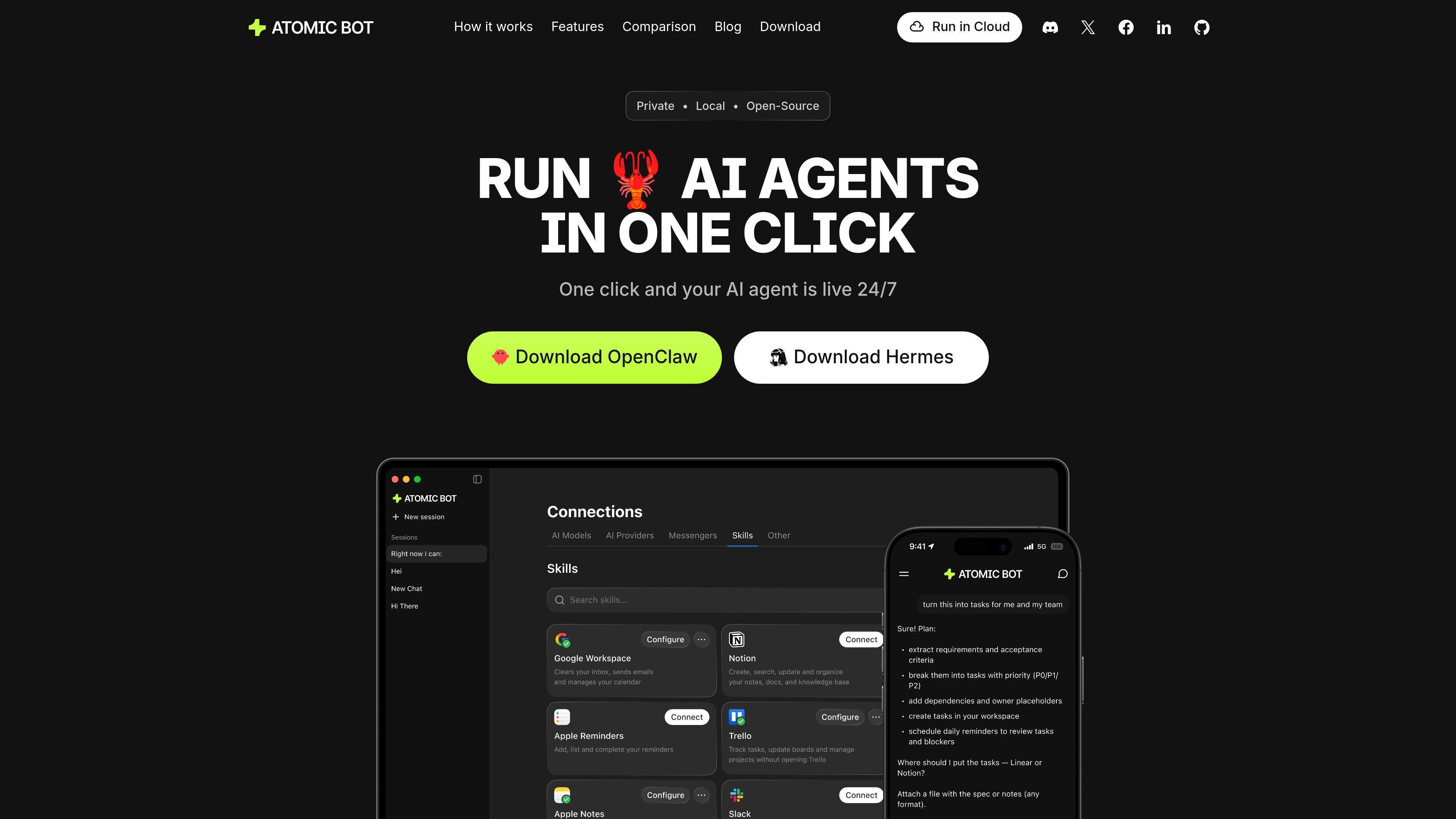
Atomic Bot is a desktop and cloud app for running OpenClaw with a guided setup flow. The homepage positions it as the fastest way to get OpenClaw installed, configured, and launched, with a focus on users who do not want to manage a manual terminal setup.
The product is built around one-click onboarding, pre-installed skills, and a user-friendly interface. It also supports both local and cloud setups, so users can keep data on their device or run in a dedicated cloud environment depending on their workflow.
Atomic Bot guides users through installation, connection, and launch steps so OpenClaw can be set up without working through a terminal flow.
The site says it can run multiple open-source agents, including OpenClaw and Hermes, through the same one-click experience.
Atomic Bot supports local mode and cloud mode, letting users choose between keeping data on their device or using a dedicated cloud environment.
The product describes persistent memory that remembers preferences, ongoing tasks, and important details on the user’s Mac.
Atomic Bot can click through websites, fill forms, submit tasks, and collect information directly from chat.
The site says it can work with AI engines such as Claude and GPT, and the privacy policy notes support for OpenRouter models, your own API keys, and self-hosted or local models.
A non-technical user wants OpenClaw running quickly without assembling dependencies or using terminal commands.
A user wants to keep assistant data on their own device while still using the product’s guided setup and browser automation features.
A team member needs an assistant that can handle inbox work, calendar tasks, and routine follow-ups from chat.
Someone wants to connect external accounts and let the agent work across services such as Gmail, Discord, Slack, GitHub, Notion, or Trello.
A user needs a browser-capable agent to complete web tasks such as clicking through forms, submitting pages, or gathering information.
Atomic Bot is presented as a way to install and run OpenClaw through a guided, one-click setup instead of terminal-based manual installation.
The homepage says Atomic Bot offers guided setup, pre-installed skills, and a user-friendly interface, while the privacy policy says it can work in local mode or cloud mode.
The site describes local mode as keeping data on your device and cloud mode as storing data in your dedicated cloud environment for sync across devices.
The homepage and privacy policy indicate support for connecting services such as Gmail, Google Workspace, Telegram, Discord, Slack, GitHub, X, Notion, Trello, and Obsidian.
The pricing page returns a 404, so the site does not currently provide a public pricing page in the collected sources.

Hermai Brand API turns a customer’s work email or company domain into brand data your B2B SaaS can use for white-label onboarding, profile prefill, and themed customer-facing surfaces. It returns company identity details, a logo, and safe application colors through a single API call.

Lifelong is a family health app for iPhone that helps people organize records, medications, symptoms, wearable data, and appointment notes in one private place. It includes shared family access controls, Apple Health and wearable support, and an AI health companion called Alo.

Prized is an AI internal tool builder for operations, support, and finance teams that need to ship secure workflows on company data. It combines pre-connected data sources, scoped access, and audit logging with a guided build-and-publish flow.

MeetStream is a meeting bot API for Zoom, Google Meet, Microsoft Teams, and Webex. It helps developers record, stream, and analyze meetings programmatically, with usage-based pricing and a $5 free credit to start.

Calendly now includes Notetaker and Callie, two AI products that help schedule meetings over email, capture notes, and generate recaps and follow-up materials. They are aimed at people and teams that want meeting admin handled in one workflow.

Checksum is an AI testing platform that generates, runs, and heals Playwright tests for end-to-end, CI, and API coverage. It helps teams keep test suites current as applications change, with repository-owned code and native CI/CD integrations.