
Centralized asset inventory
Create and maintain an inventory with pictures, location details, documentation, and other asset information, whether you are starting from scratch or importing existing spreadsheet data.

Bulbthings is an asset management platform for tracking equipment, inventory, maintenance, and bookings in one system. It offers a free forever option for small teams and charges based on features, asset type, and asset volume with unlimited users.
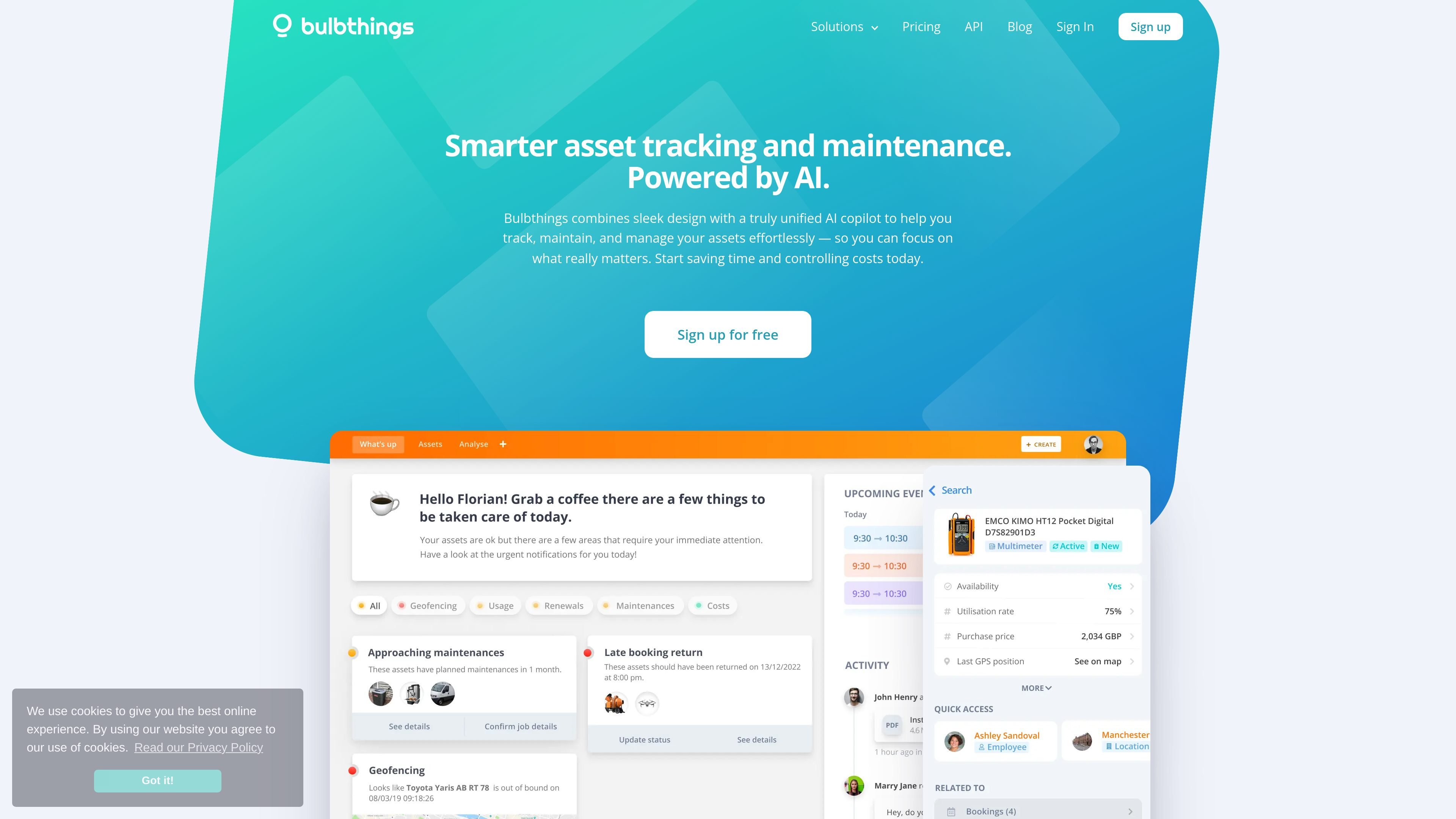
Bulbthings is an asset management platform focused on tracking equipment, inventory, maintenance, bookings, and related operational data in one system. The homepage presents it as a free asset management option for small teams, while the pricing page describes a broader, configurable platform for asset-heavy operations.
The site emphasizes practical workflows rather than isolated modules: teams can build inventories, scan QR codes in the field, manage assignments and checkouts, route maintenance requests, automate recurring inspections, and share updates through the mobile app. Pricing is based on asset type and volume, with unlimited users, and the product also includes a free forever option for small teams.
Create and maintain an inventory with pictures, location details, documentation, and other asset information, whether you are starting from scratch or importing existing spreadsheet data.
Label assets with QR codes and use the mobile app scanner to identify equipment and look up asset information in the field.
Handle equipment bookings, assignments, daily checkouts, long-term allocations, and self-booking or manager-led workflows.
Centralize repair requests, assign responsibilities, follow status through to resolution, and automate recurring maintenance or inspection schedules.
Let staff update inventory, scan QR codes, manage check-ins and check-outs, share images, and collaborate through real-time conversations and mentions.
Use the AI copilot to ask questions in natural language, add assets from photos, create bookings, log maintenance requests, and generate reports.
Build a live register of equipment and materials with photos, locations, documents, and status details, then keep it updated as items move or change.
Label tools or equipment with QR codes so technicians can scan items on site, open records instantly, and update information without returning to a desk.
Assign equipment to people, projects, or locations, and manage daily checkouts, long-term allocations, or mixed booking models from one system.
Log repair requests, assign tasks, and monitor recurring inspection or maintenance schedules to keep work organized and visible across teams.
Import historical asset data from spreadsheets and use the AI copilot to add assets, create bookings, capture requests, or produce reports faster.
Bulbthings is designed as a collaborative asset management platform. The source materials show it being used to track inventory, manage bookings and assignments, organize maintenance work, and centralize technical documentation.
Yes. The pricing page states that Bulbthings has a free forever option for small teams, and the homepage says no card or commitment is required to sign up for free.
The pricing page states that pricing is based on features, asset type, and asset volume rather than number of users, and that unlimited users can be added at no extra cost.
The source says existing spreadsheets can be imported through an automated import module, and existing QR codes can be used with the mobile app scanner.
The homepage says the AI copilot can be used in natural language to add assets, make bookings, log maintenance requests, and pull reports, and that it works at the asset or workspace level.

Biji는 혁신적인 도구와 기능을 통해 생산성을 향상시키기 위해 설계된 다목적 플랫폼입니다.

Awish is an AI-powered no-code automation platform that turns natural-language requests into automated workflows across connected apps. It serves individuals and teams that want to automate repetitive tasks, chat-based assistants, and workflow updates without manual configuration.

Goldfish is an AI memory app for macOS that helps you reply, write, summarize, and continue using the context already on your Mac. It stores memory locally and writes in your tone.

ArtDeck is a visual reference board app for iPhone, iPad, and Mac that lets artists collect mixed reference material on one canvas and study it with ToolBox lenses. It works offline, supports optional iCloud sync, and is sold as a one-time purchase with no account required.

Codex Plugins bundle reusable skills, app integrations, and MCP servers into workflows you can install in the Codex app or use from Codex CLI. They help extend Codex with connected-service tasks, reusable instructions, and shared team workflows.

Struere is an AI-native platform for turning spreadsheet data into structured operational software with dashboards, alerts, and automations. It is aimed at teams that want to replace manual spreadsheet workflows without building custom tools from scratch.