
Automatic bookmark sync
Connect your X account once and Bulkmark automatically pulls in new bookmarks instead of leaving them in a manual export workflow.

Bulkmark is an X/Twitter bookmark manager that auto-tags saved posts with AI, syncs them from your X account, and turns them into searchable lists and email digests. It is built for people who want a lighter way to revisit bookmarked tweets.
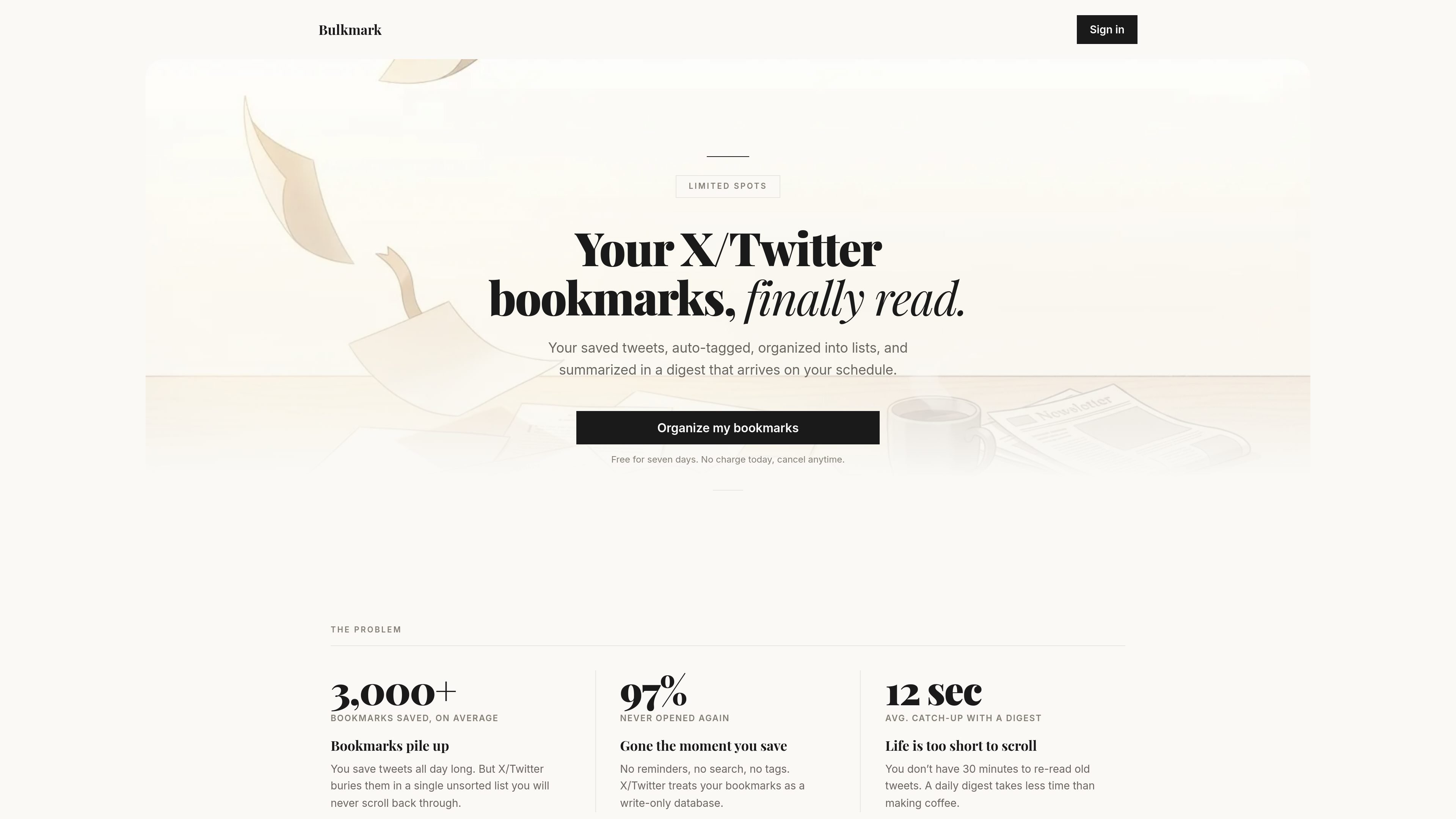
Bulkmark is an X/Twitter bookmark manager that syncs your saved posts, adds AI-generated topic tags and summaries, and turns them into a searchable library, shareable lists, and email digests. It is designed for people whose bookmarks have become hard to revisit and who want a lighter way to keep up with what they saved.
The product connects to X through OAuth and works on a read-only basis. According to the site and terms, it can auto-tag bookmarks, generate short Claude-powered summaries, send digests on a schedule you choose, and let you search, filter, chat with, and organize bookmarked posts into lists.
Connect your X account once and Bulkmark automatically pulls in new bookmarks instead of leaving them in a manual export workflow.
Bulkmark uses AI to assign topic tags such as AI, design, dev, and business so saved posts are grouped into a usable library.
Search across bookmark text, then narrow results by tag, date, or engagement to find a specific post without scrolling through the full archive.
Drag bookmarks into themed collections and share them with a single link, with no account required for viewers.
Bulkmark can distill bookmarks into a clean email briefing delivered on a daily or weekly schedule.
Ask questions about your saved tweets and get answers with links back to the source posts.
For people who save tweets all day and rarely return to them, Bulkmark turns the backlog into a tagged archive that is easier to search later.
For users who want a quick catch-up flow, the email digest summarizes bookmarks into a briefing that can be read in minutes instead of opening the app repeatedly.
For people collecting references around a topic, Bulkmark lets them group bookmarks into themed lists and share those lists with a link.
For anyone trying to find a specific thread or quote, Bulkmark's search, tag filters, and date sorting are built to narrow a large bookmark set quickly.
For users who prefer asking a question over scanning a folder, the chat interface can answer from saved tweets and point back to the original posts.
Bulkmark connects to your X account via OAuth. The login page says it is read-only and that it does not post or message on your behalf.
The terms say Bulkmark is billed annually and includes a 7-day free trial. A credit card is required at checkout, and you are not charged until the trial ends.
Bulkmark syncs bookmarks from X, generates AI-written summaries, tags bookmarks by topic, offers public and private lists, and includes a chat interface for querying your saved tweets.
Yes. The terms say your bookmarks, chat history, tags, and lists remain your property, and that you can cancel or delete your account from the billing portal or account settings.
The service is built around X bookmarks. The terms say you must have an active X account, and third-party services include X for authentication and bookmark syncing, Anthropic for AI summaries, Polar.sh for payments, Resend for email, Convex for backend storage, and Cloudflare for hosting.

Topple.lol is a public pay-to-rank leaderboard where listings start at $1 and their bid balance decays over time and with clicks. It helps makers and marketers buy short-term visibility for product sites or X profiles while tracking live board stats.

Goldfish is an AI memory app for macOS that helps you reply, write, summarize, and continue using the context already on your Mac. It stores memory locally and writes in your tone.

Lasso is an ecommerce product data platform for enriching catalog records, processing supplier files, generating product content, and monitoring competitors. It combines a web app with a REST API, SDK, and MCP server for teams and developers.

ArtDeck is a visual reference board app for iPhone, iPad, and Mac that lets artists collect mixed reference material on one canvas and study it with ToolBox lenses. It works offline, supports optional iCloud sync, and is sold as a one-time purchase with no account required.

Struere is an AI-native platform for turning spreadsheet data into structured operational software with dashboards, alerts, and automations. It is aimed at teams that want to replace manual spreadsheet workflows without building custom tools from scratch.

garden-md is an open-source Node.js CLI that turns meeting transcripts into a local company wiki. It links entities across transcripts, keeps the original text intact, and renders the result as a browsable wiki.